Every screen explained like a product manual.
Start from a feature page, catalog, editor, dashboard, calendar/deadline state, or signing room and see what the user can do next.

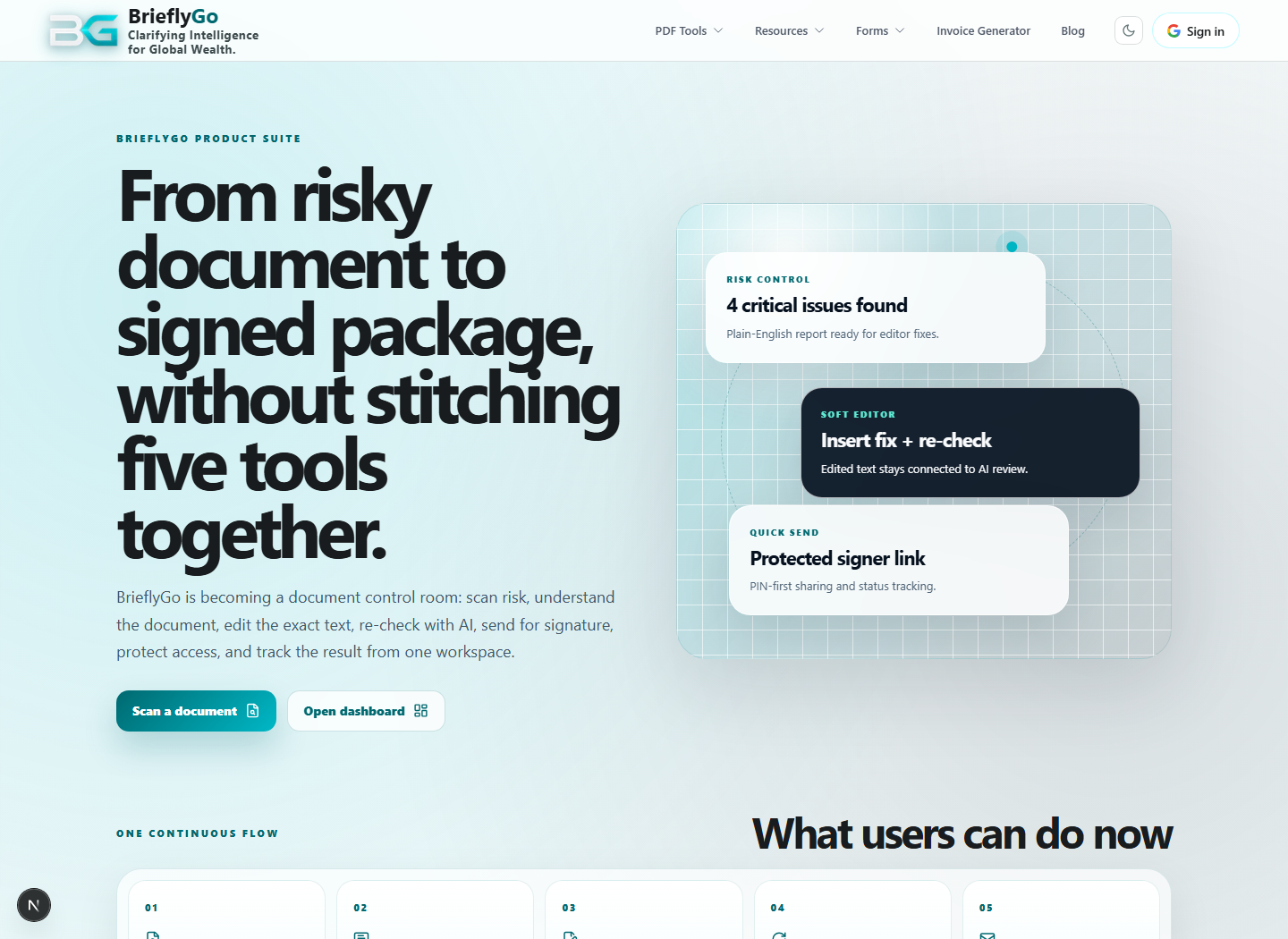
Features
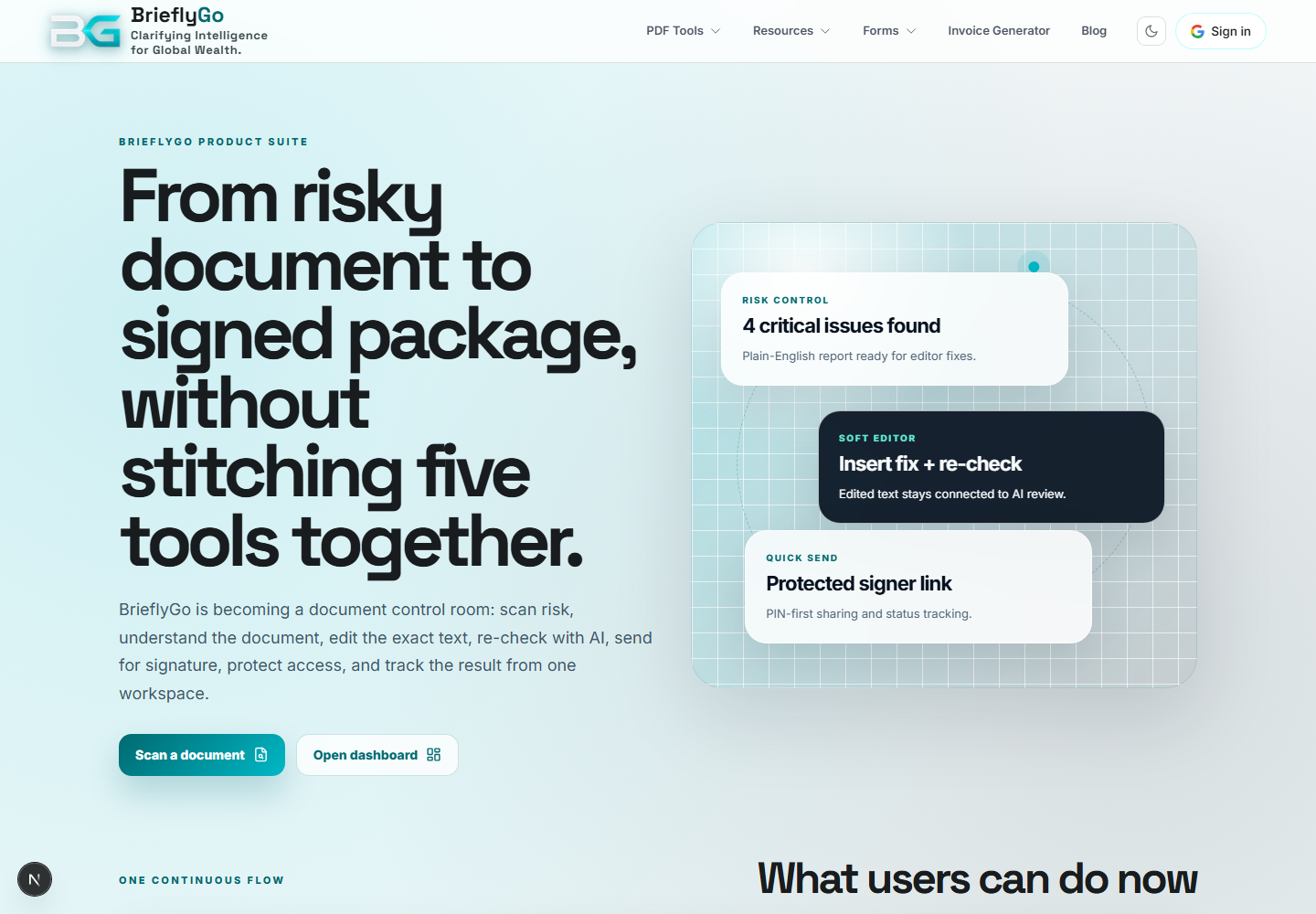
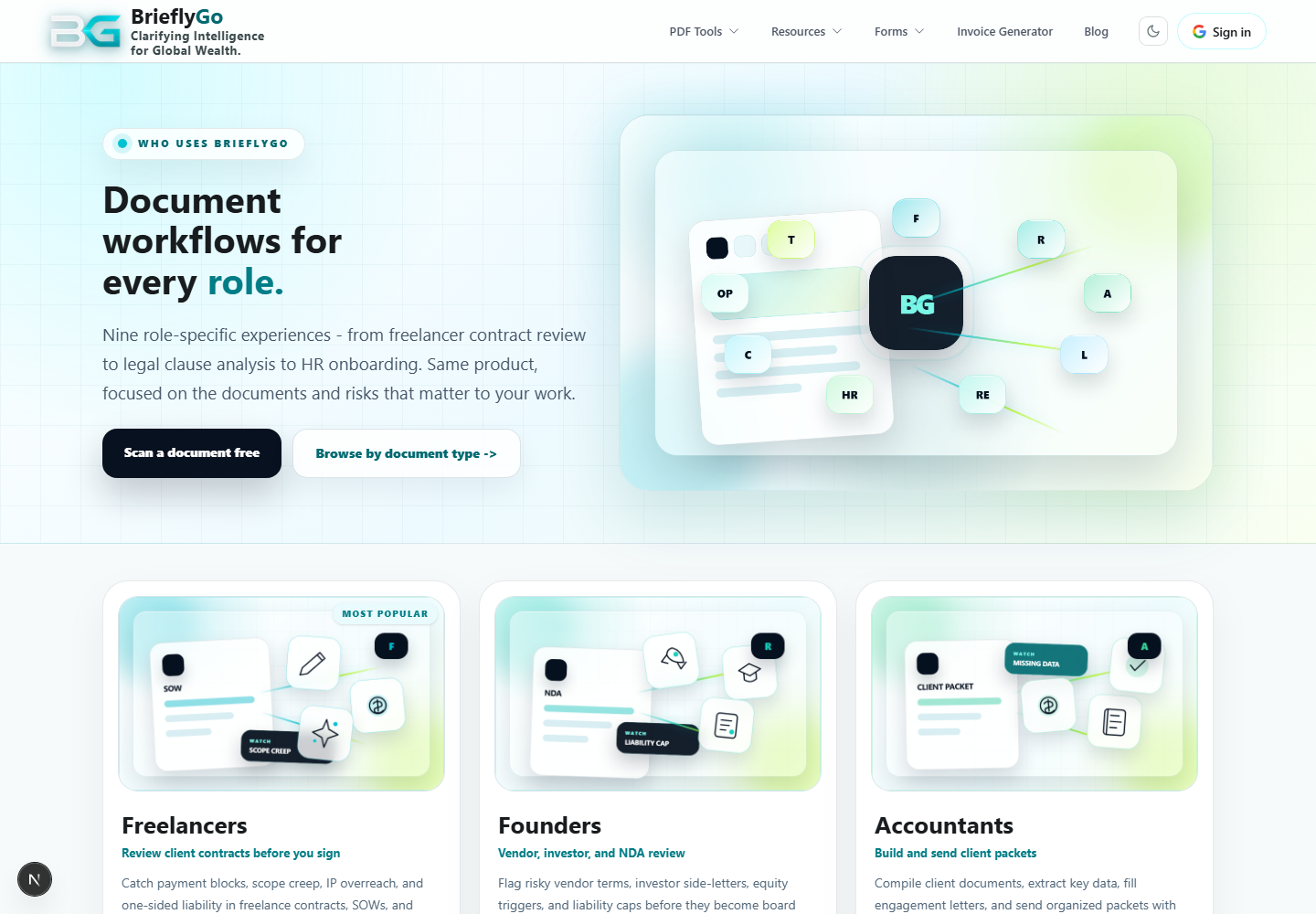
Explains the product promise before the user uploads or signs anything.

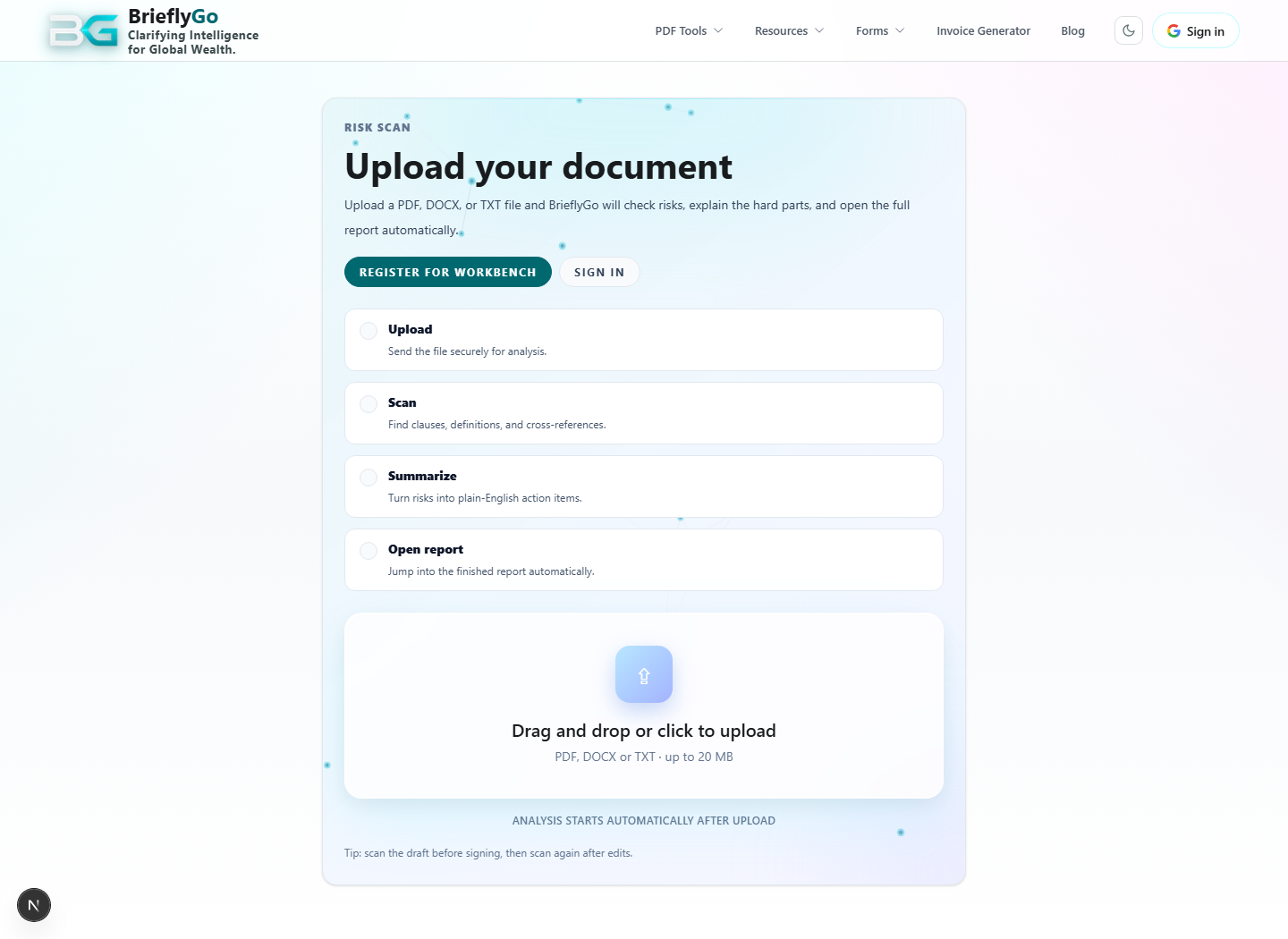
Scan / Upload
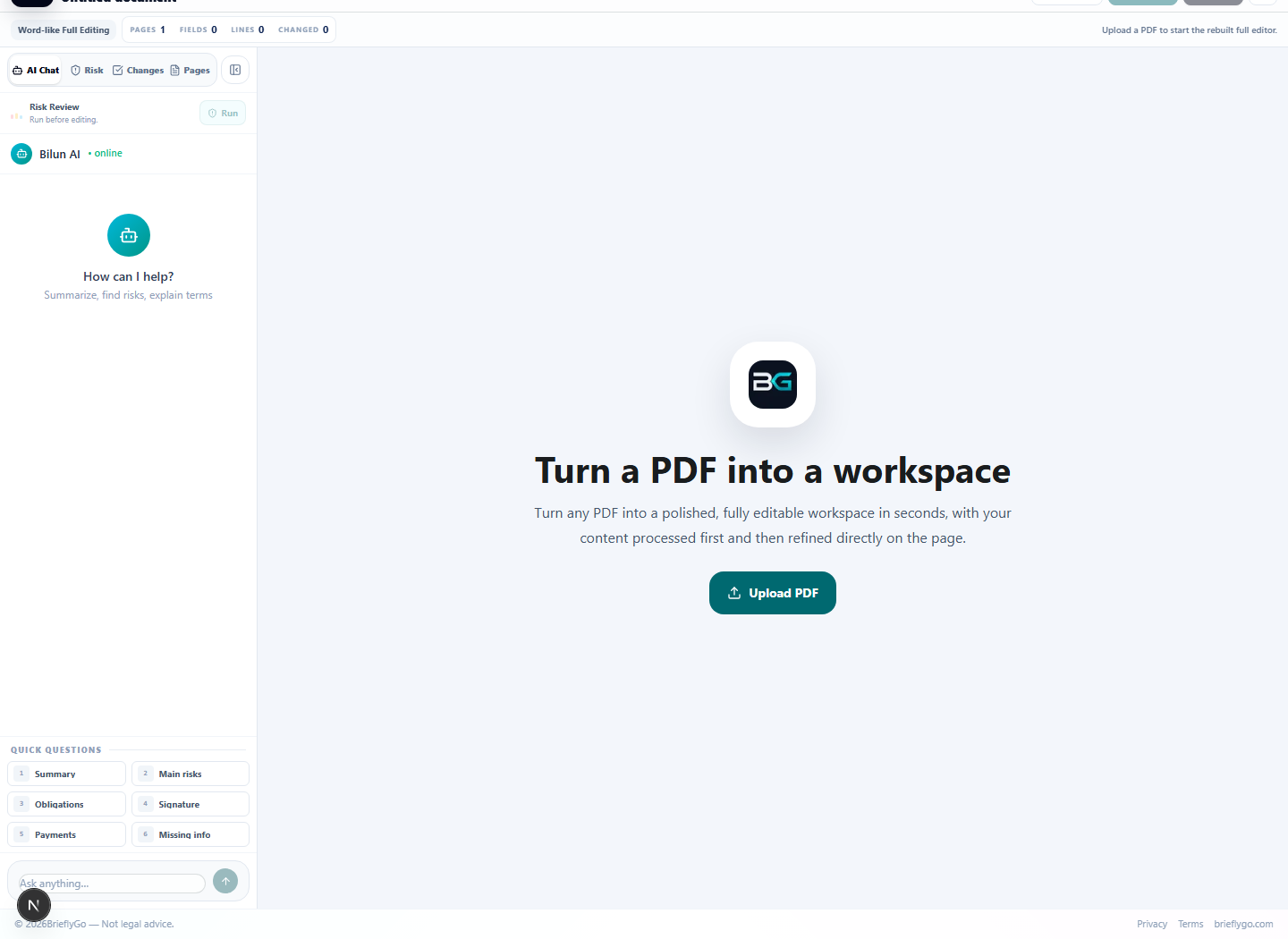
Starts the risk report flow from a user document.

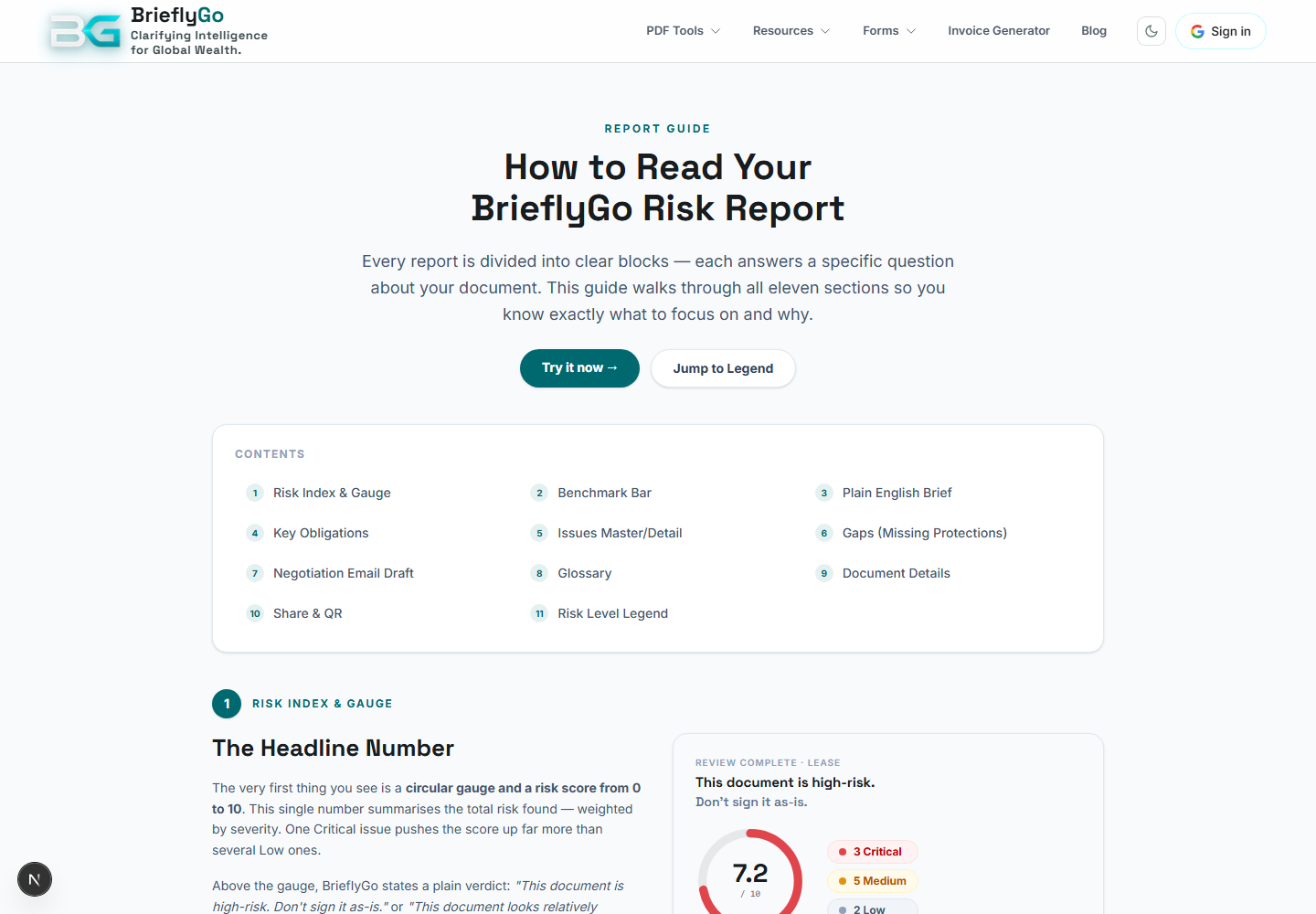
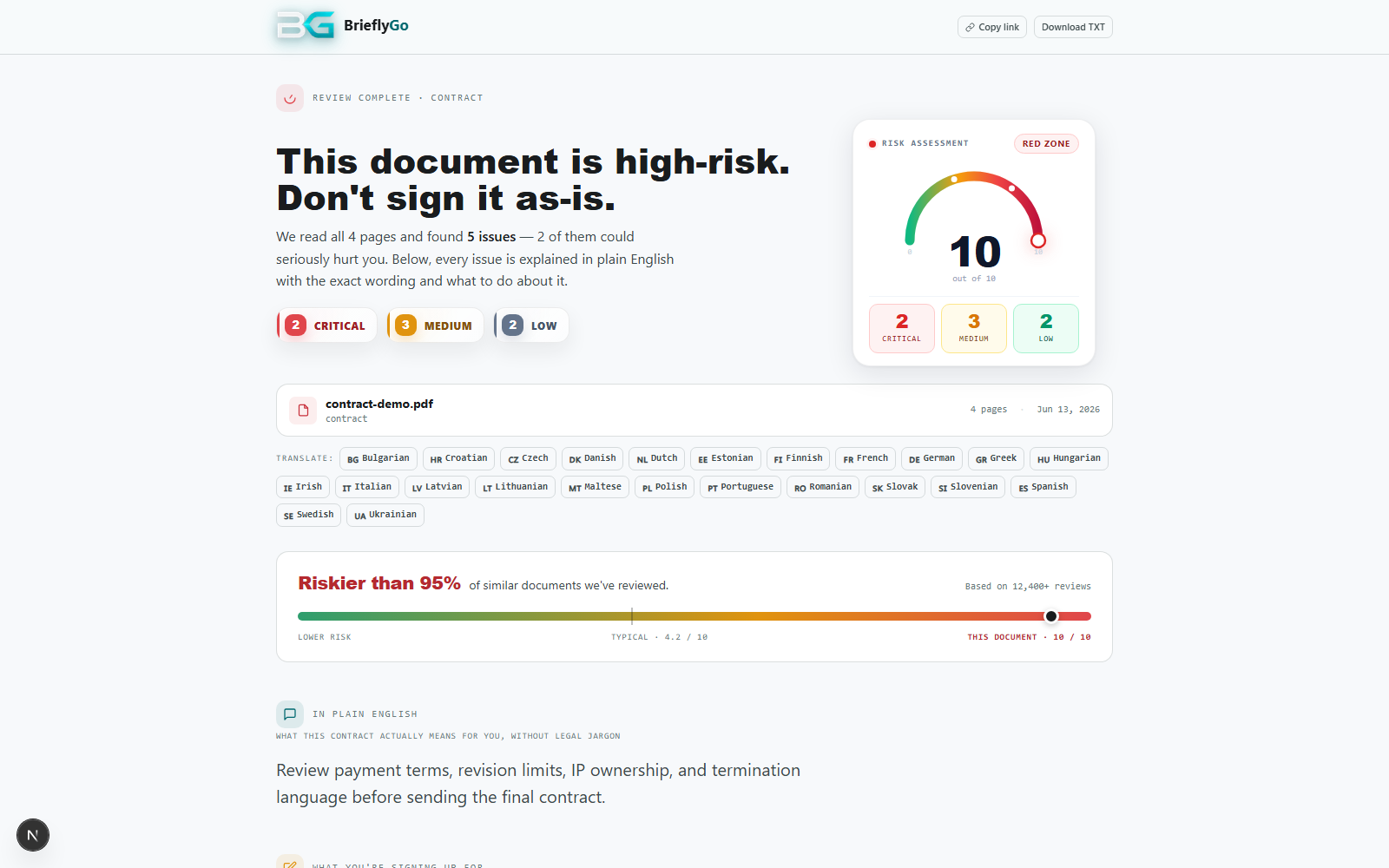
Risk Report
Turns legal text into plain-English meaning, risk issues, and specific changes.

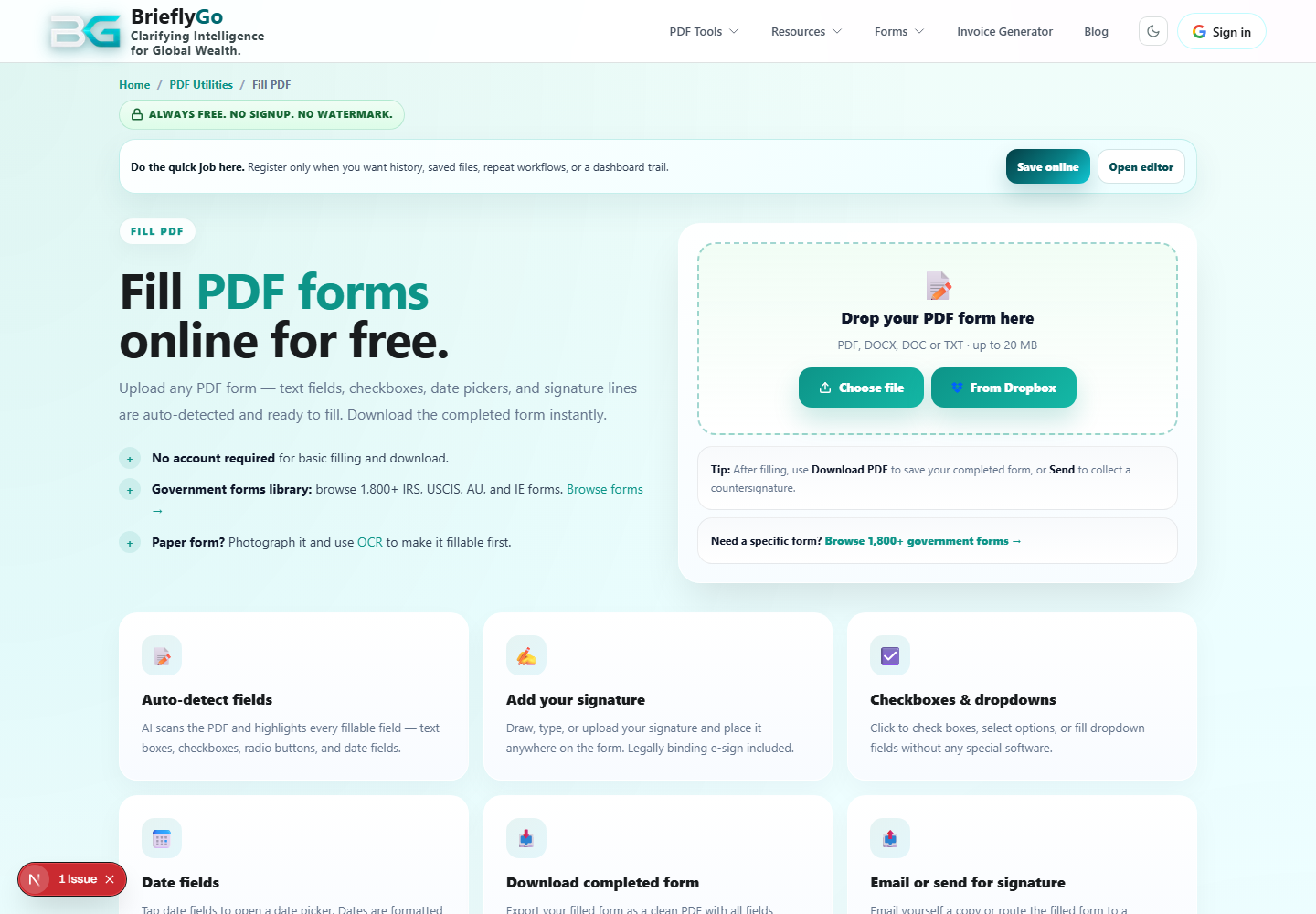
Soft Editor
Lets users edit, annotate, sign, add fields, re-check risk, save, export, or send.

Quick Send Studio
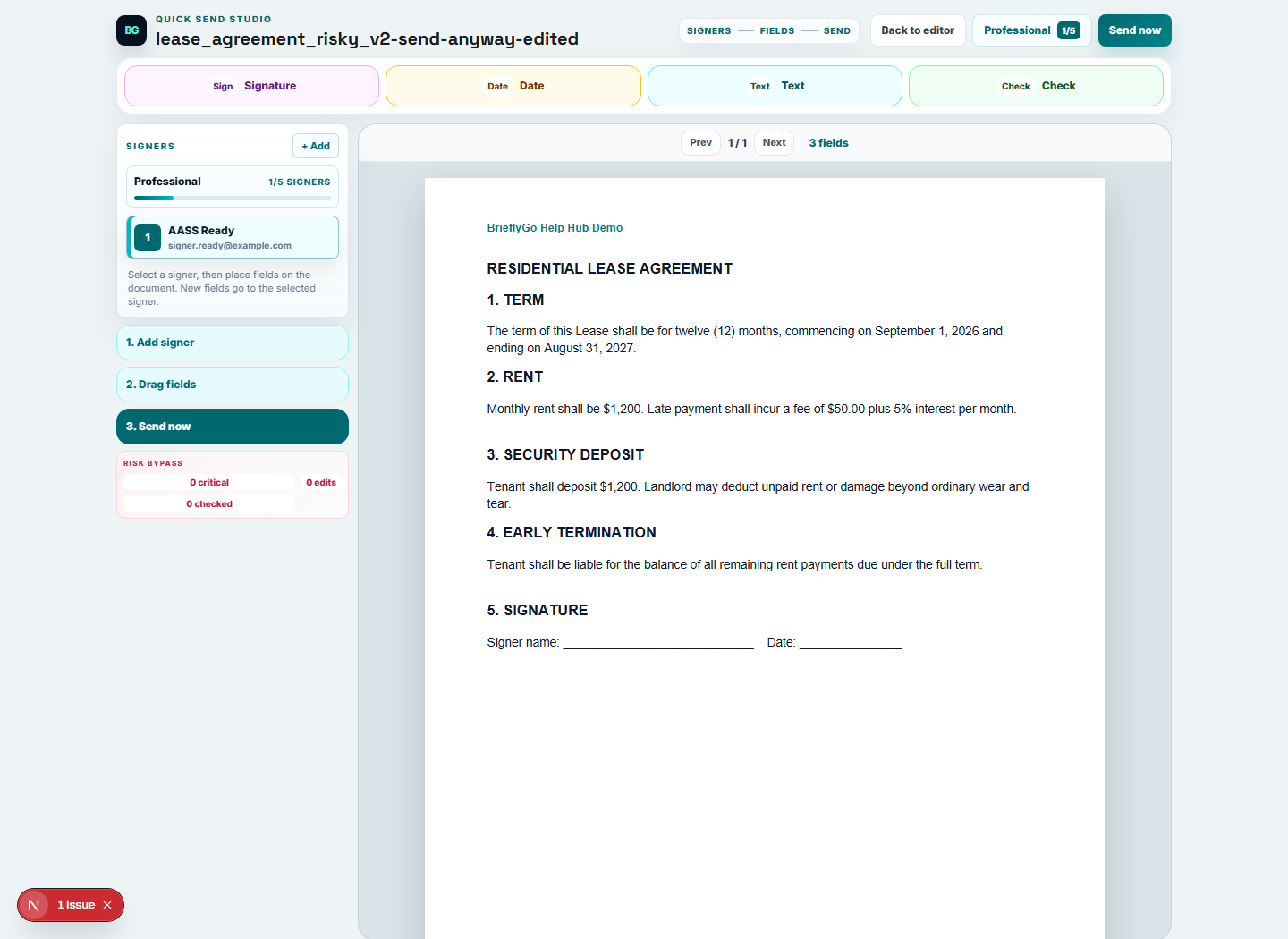
Focuses the sender on recipients, fields, protected access, and Send now.

Dashboard
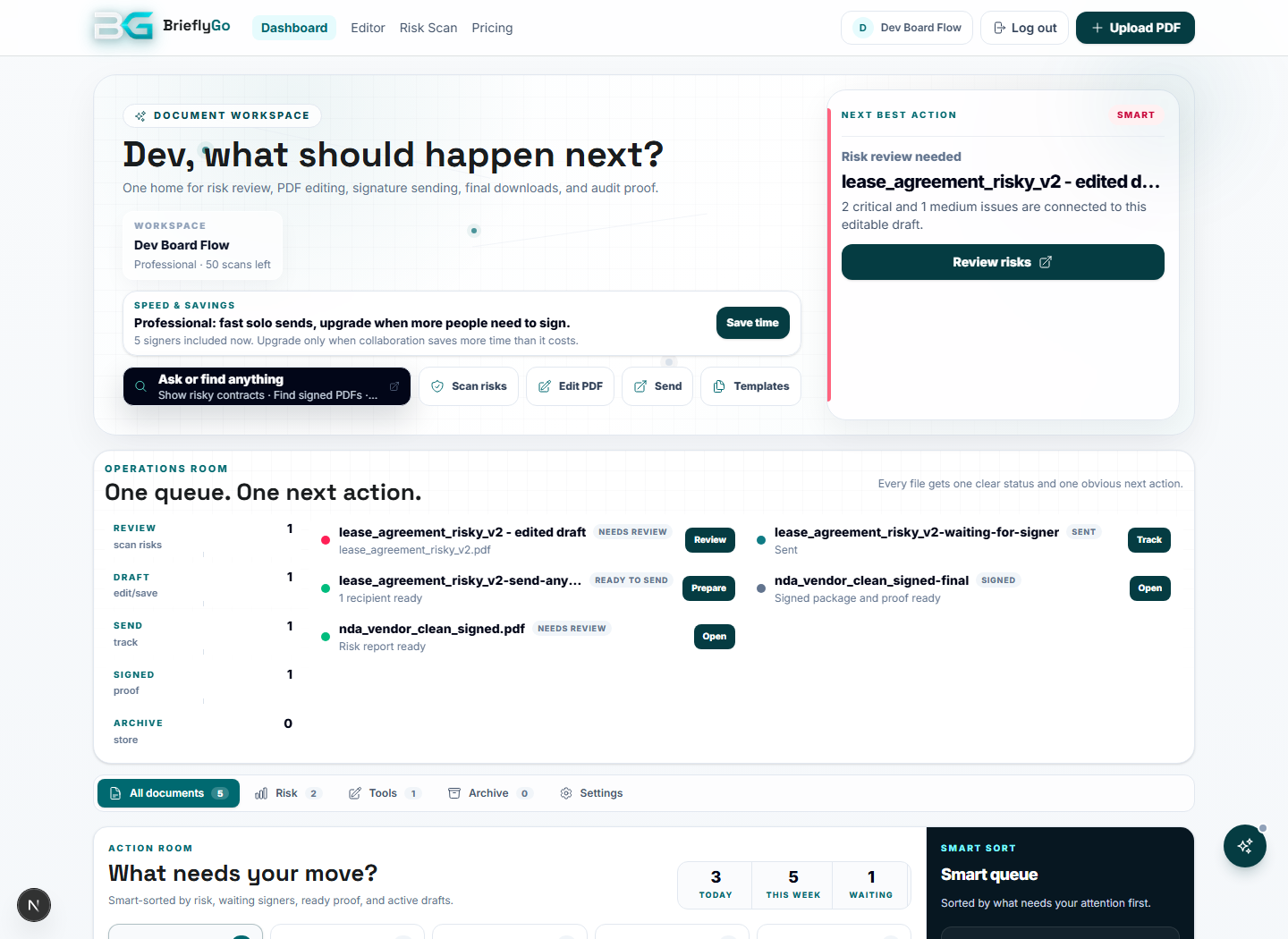
Acts as the operations room for saved documents, active sends, signed proof, templates, notifications, archive, and usage.

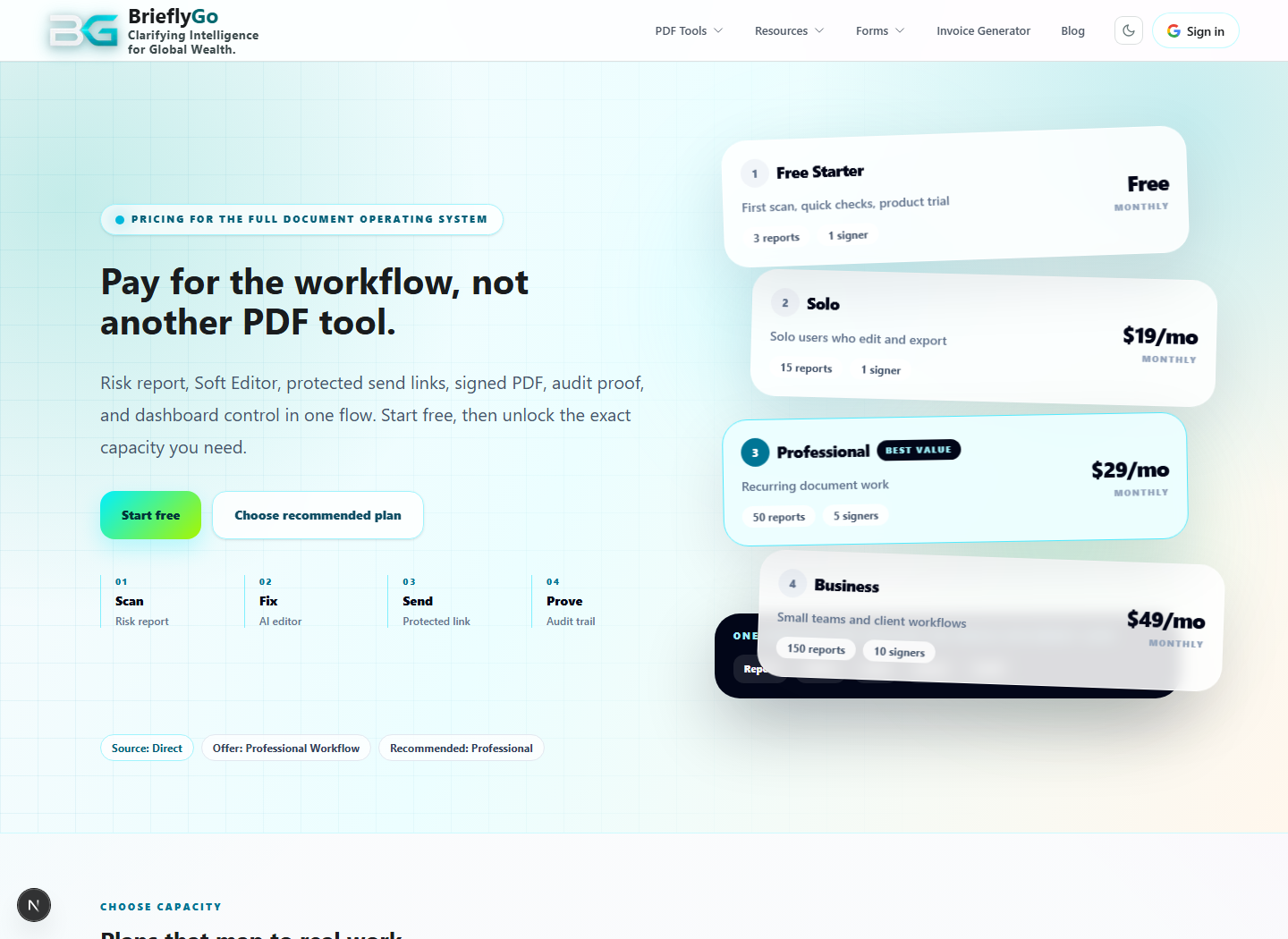
Pricing
Explains limits and upgrade paths for reports, signers, templates, Proof Vault, and AI usage.

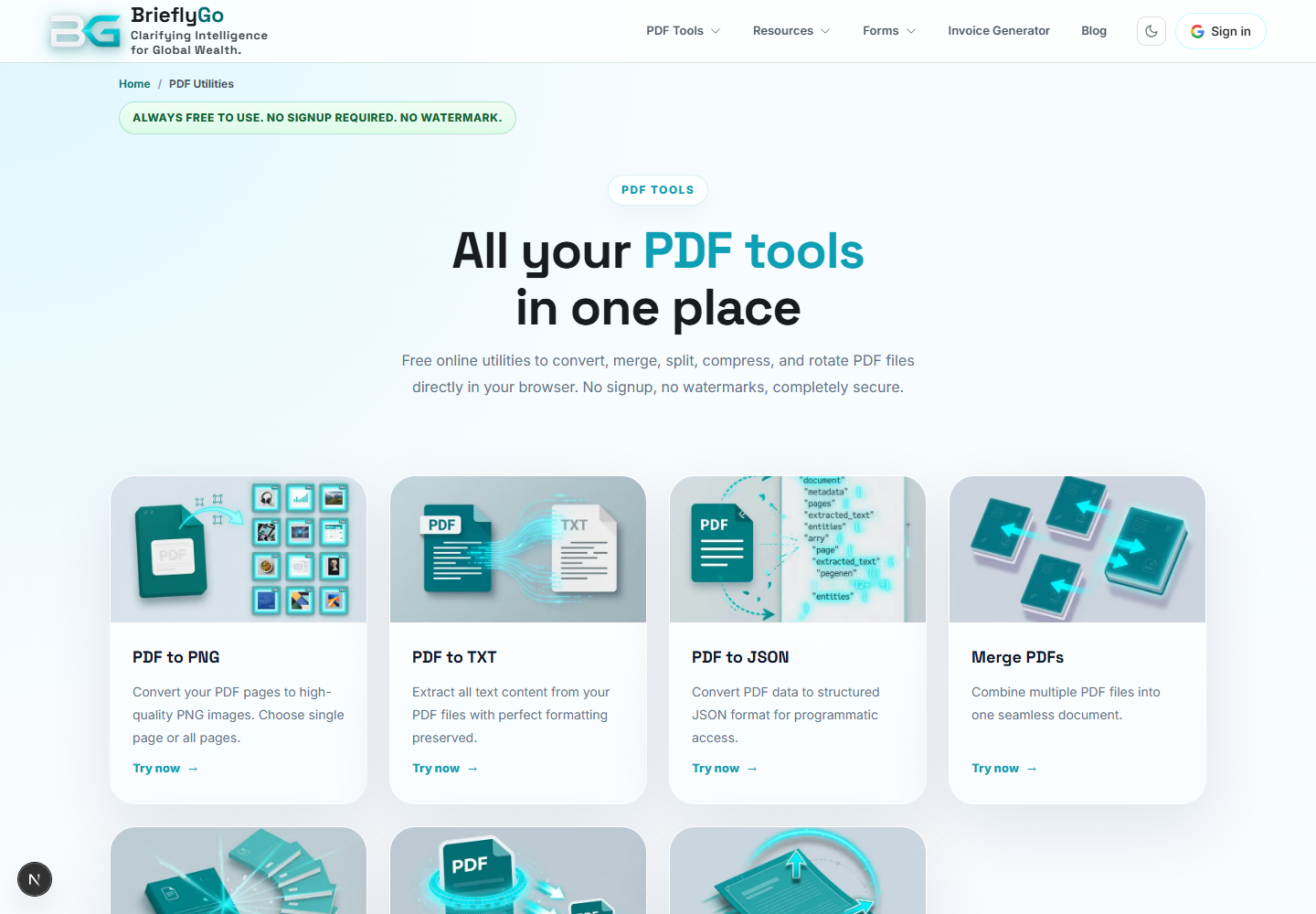
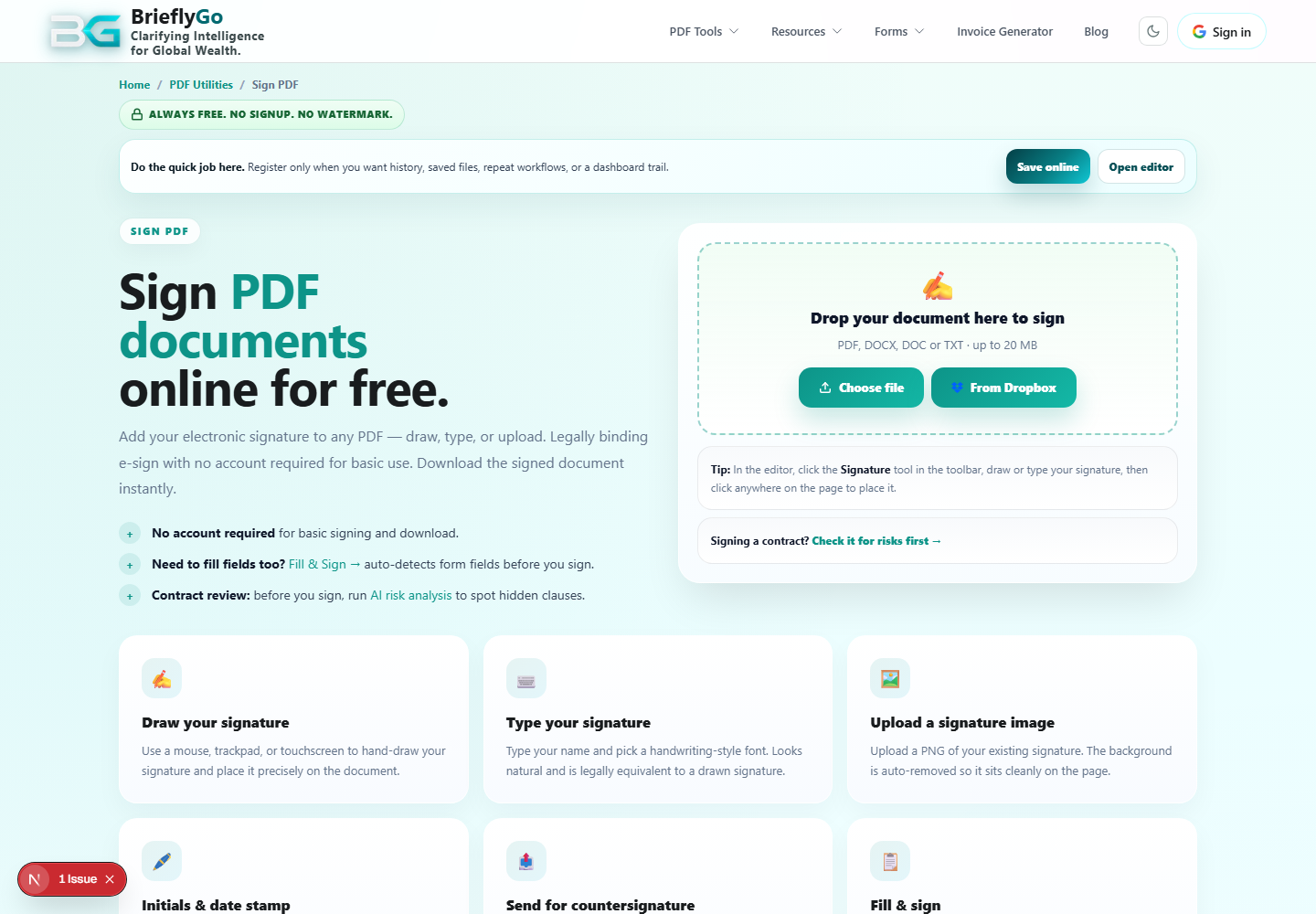
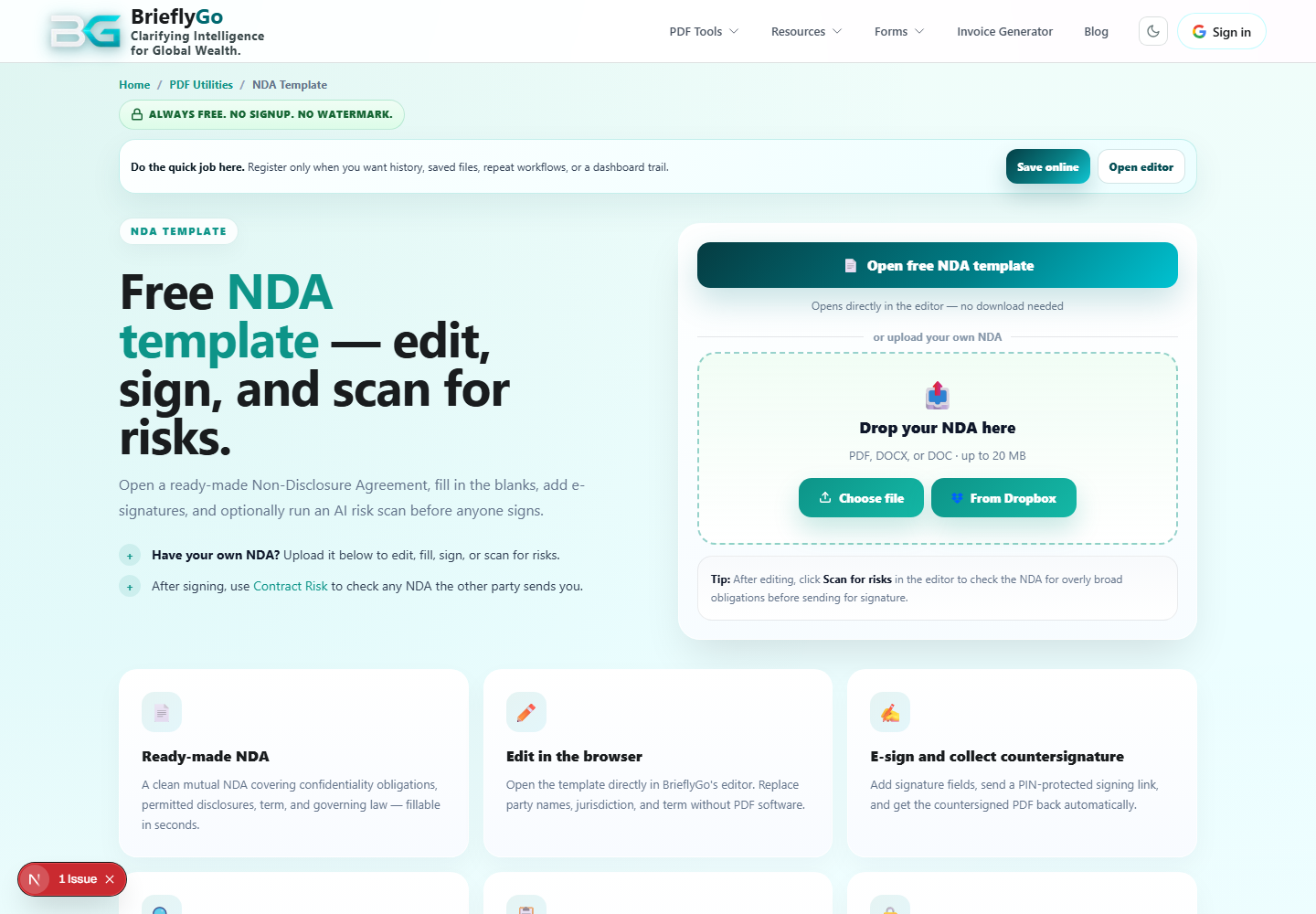
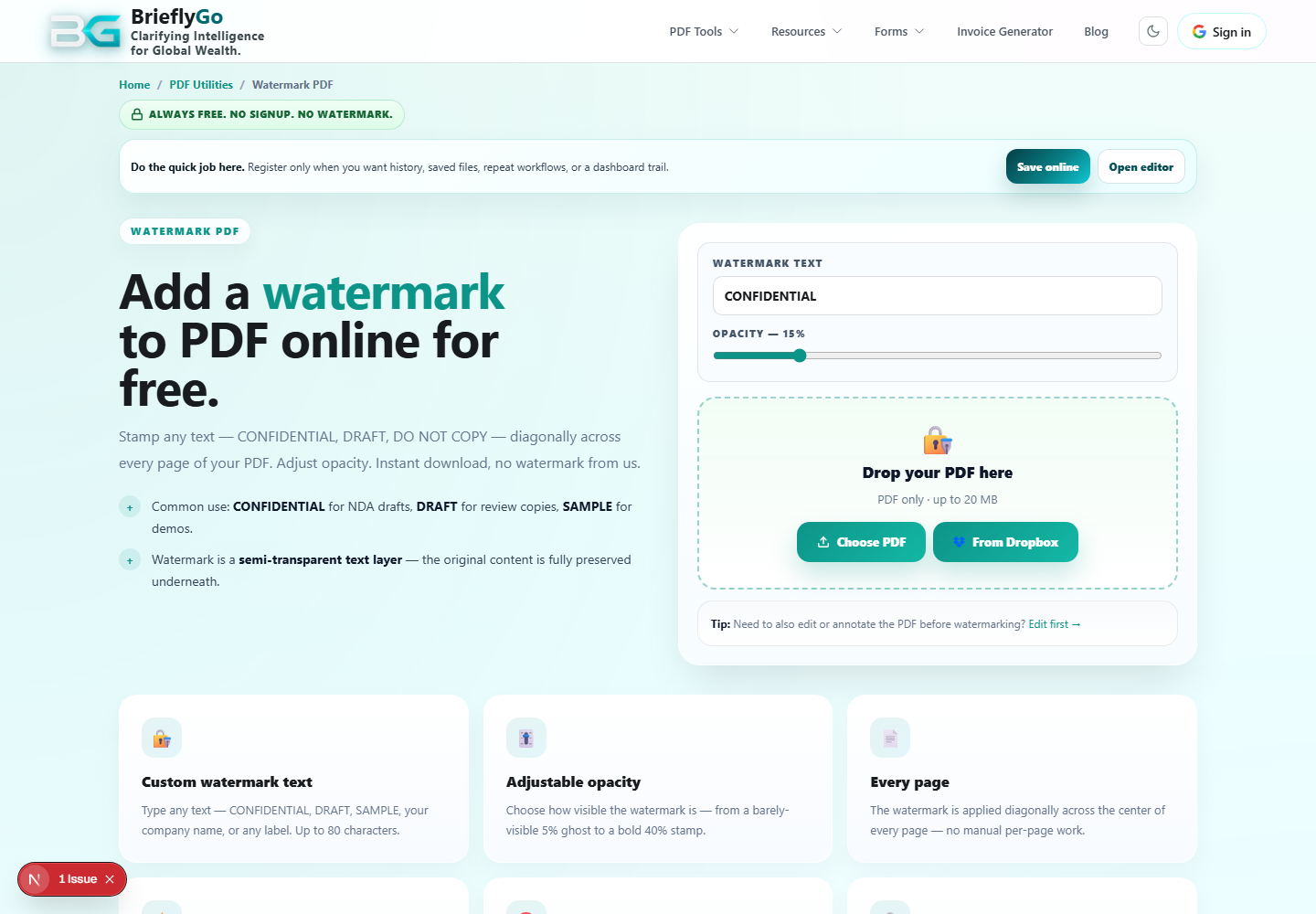
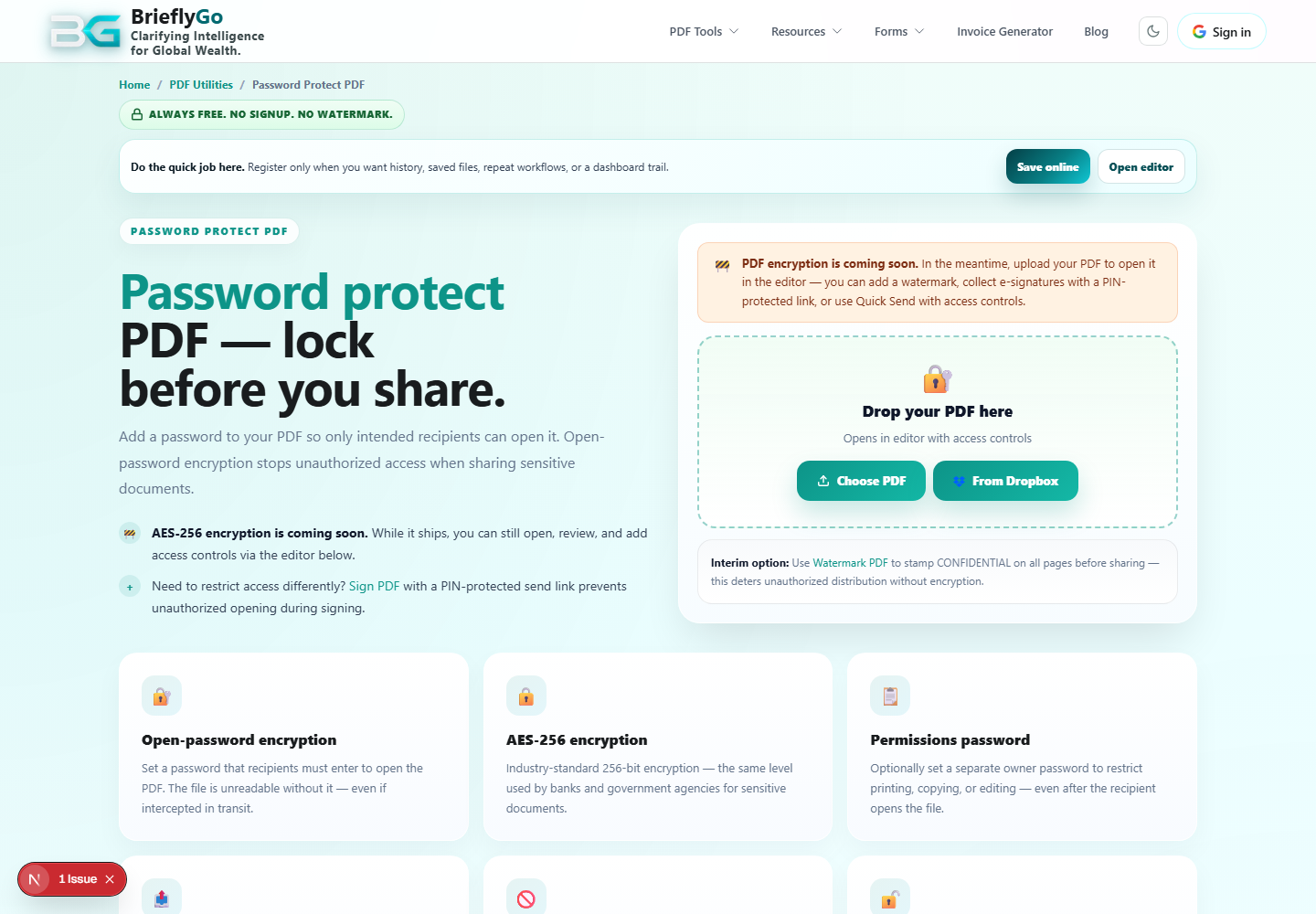
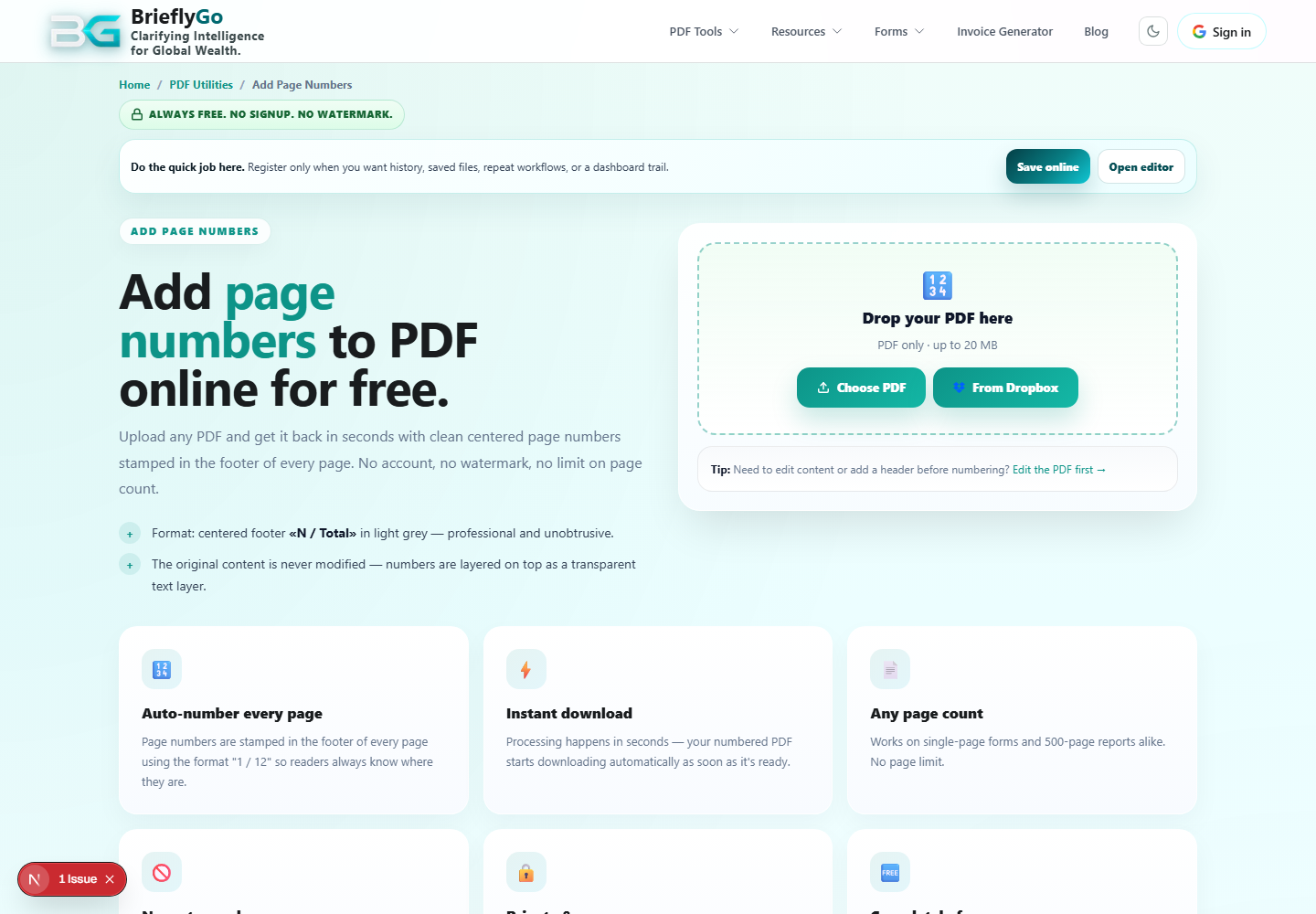
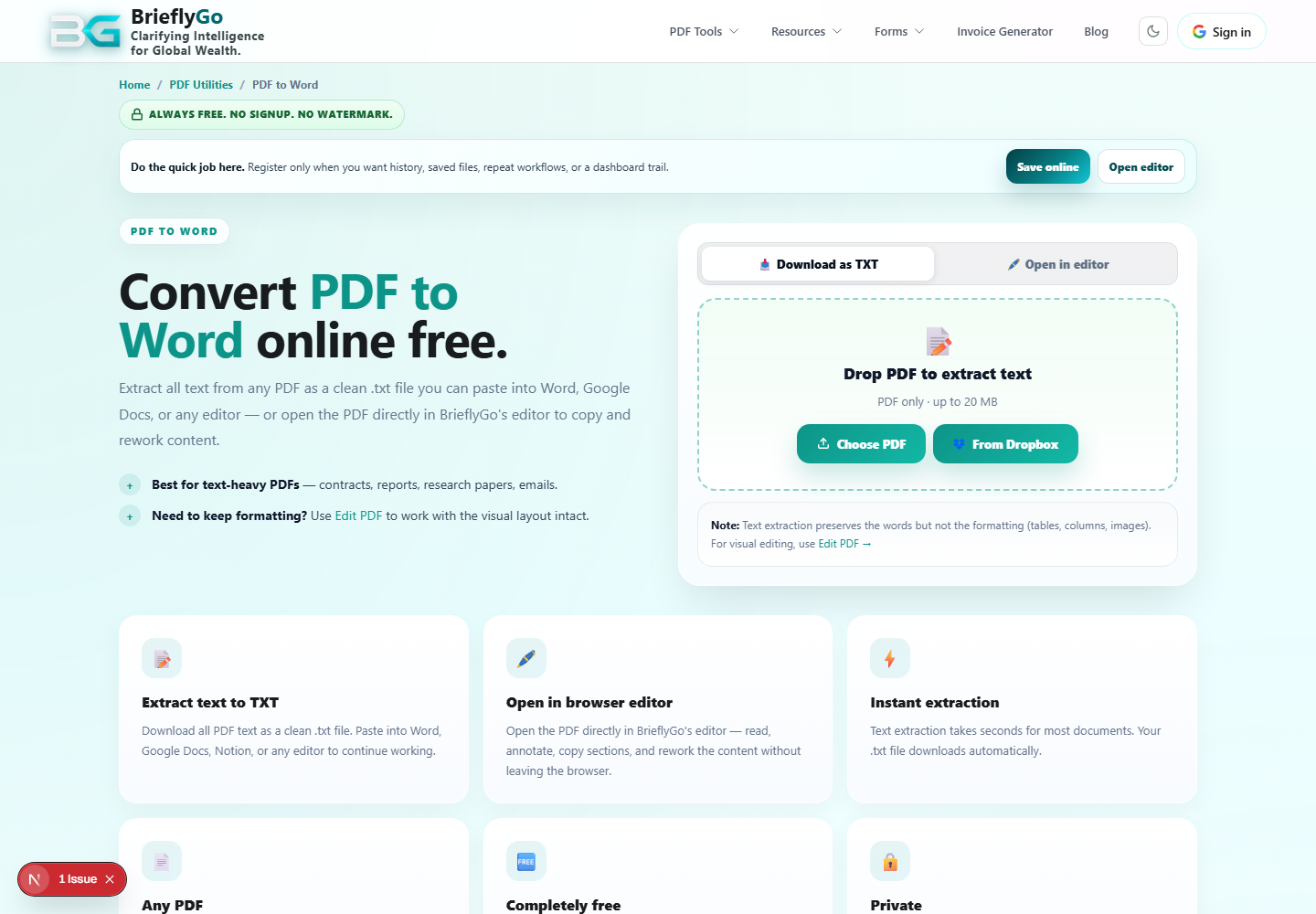
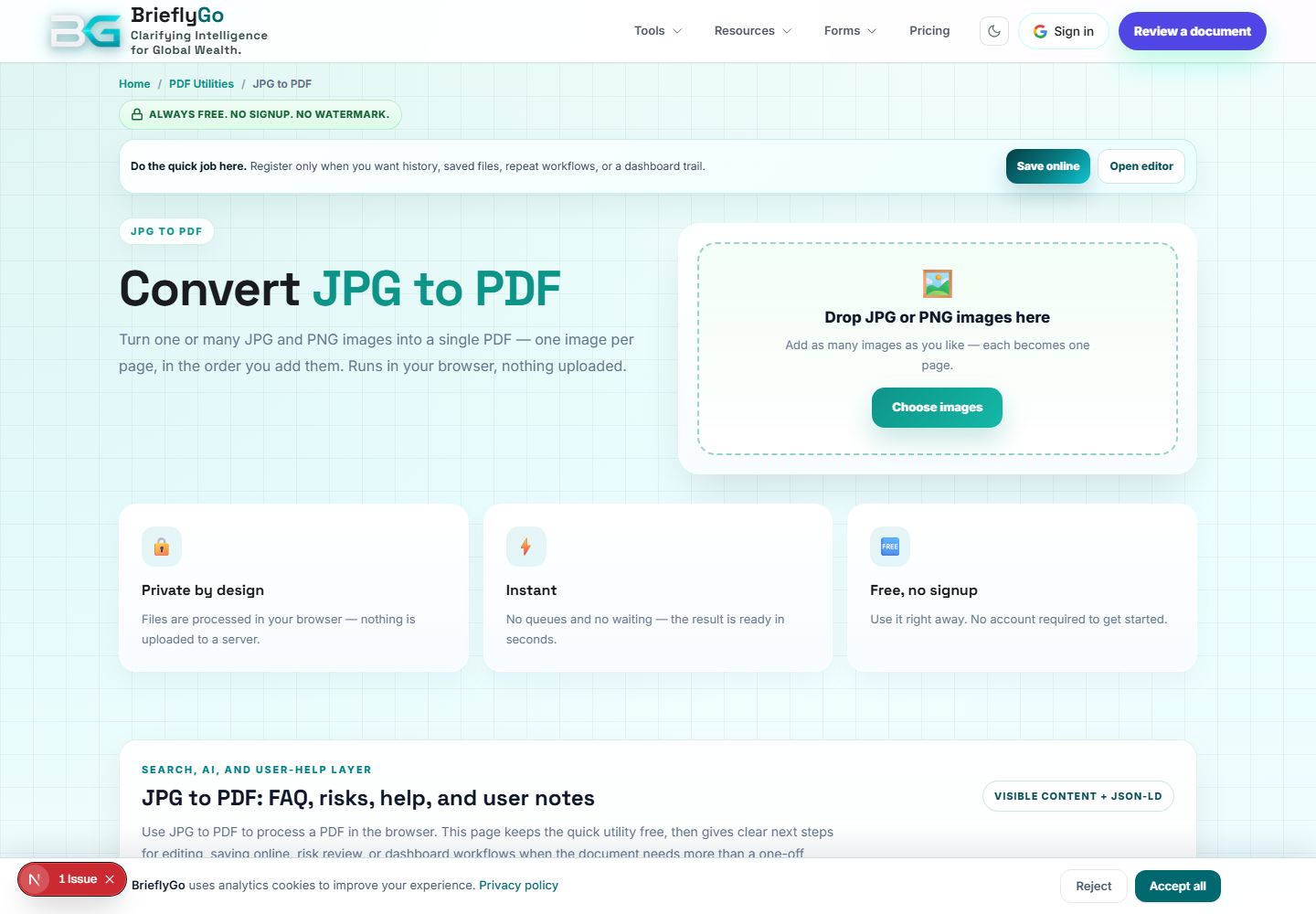
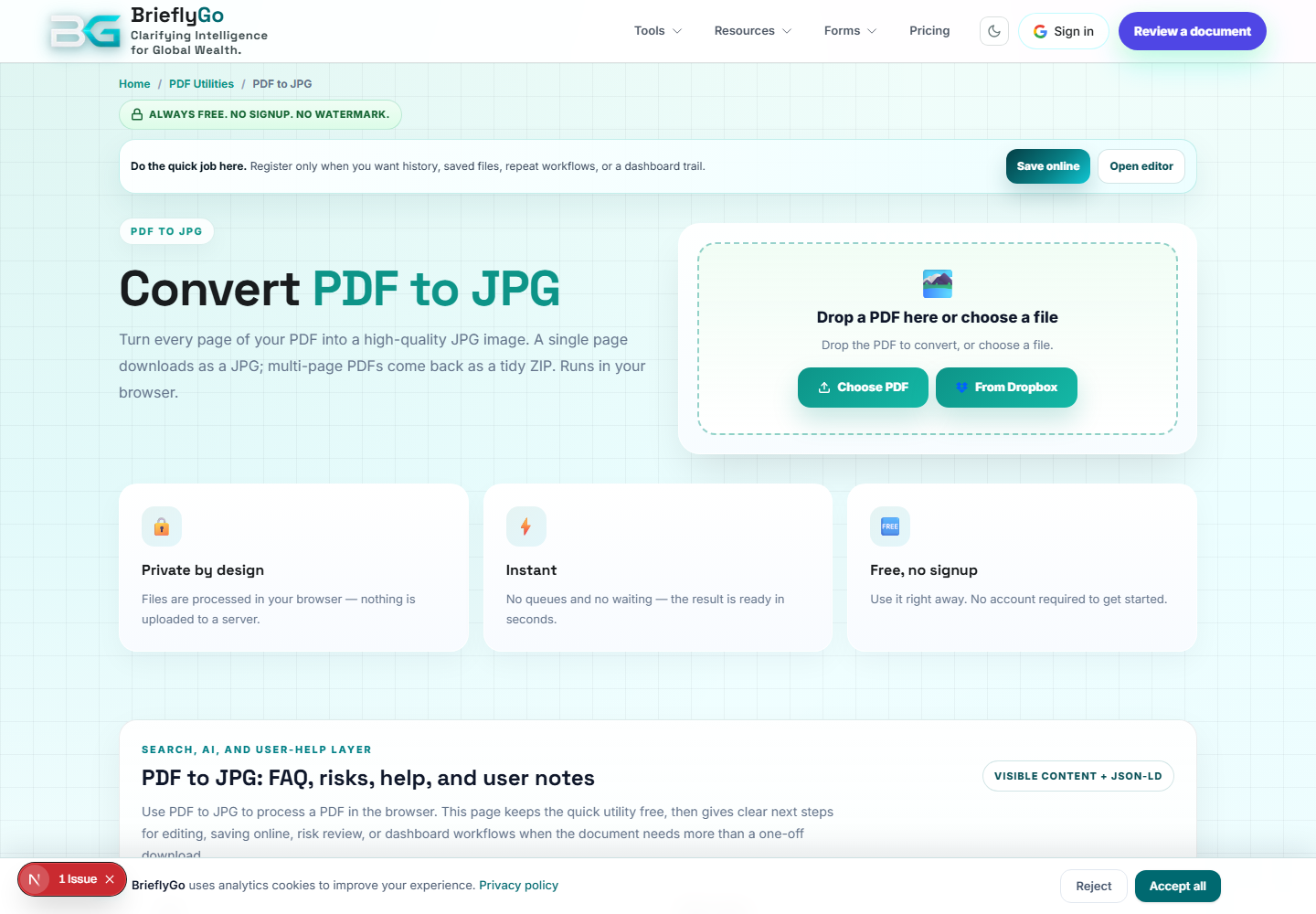
PDF Utilities
Gives users a browser toolkit for common PDF actions before they enter deeper risk, editor, or signing flows.

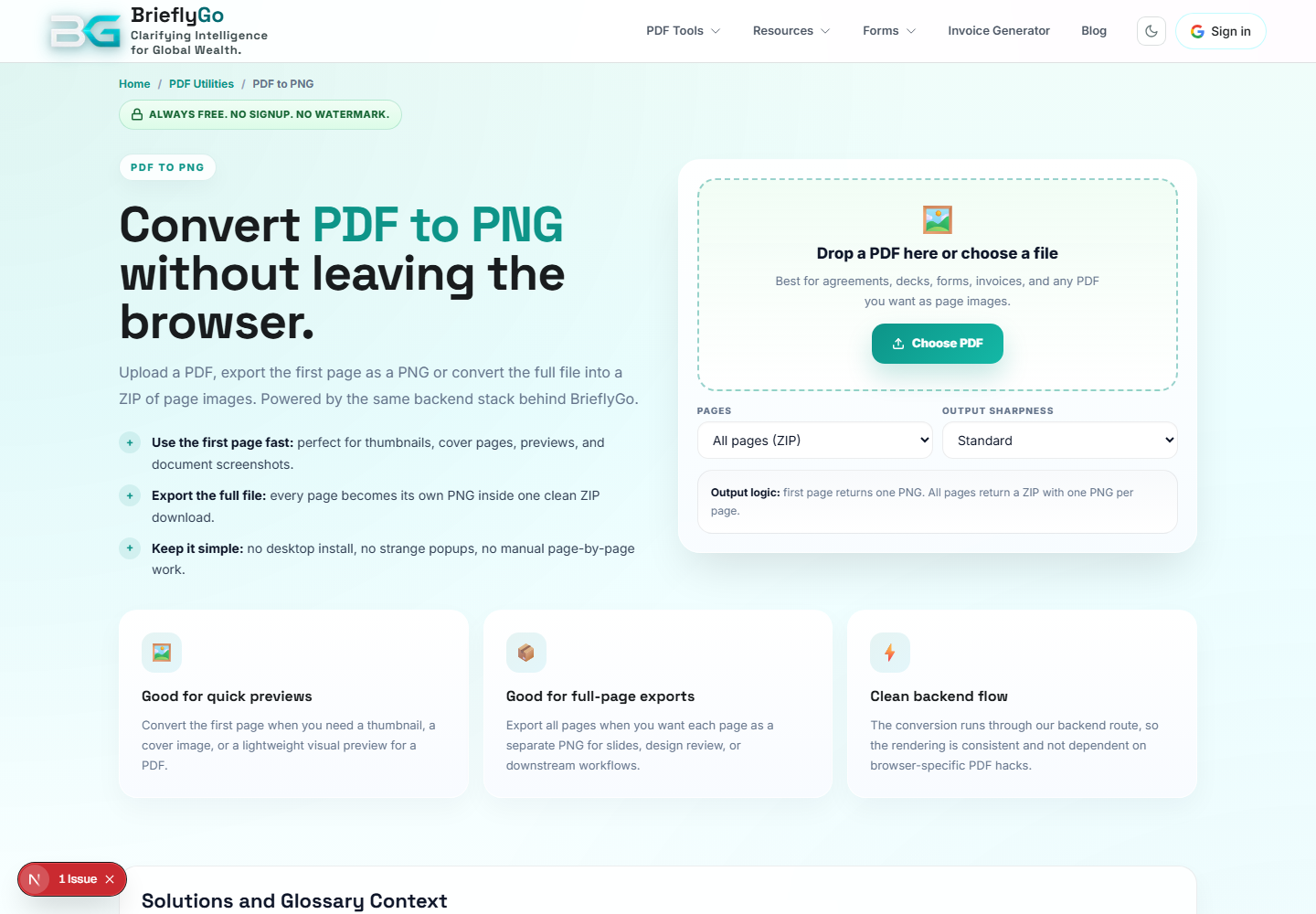
PDF to PNG
Converts PDF pages into PNG images for previews, sharing, thumbnails, and visual checks.
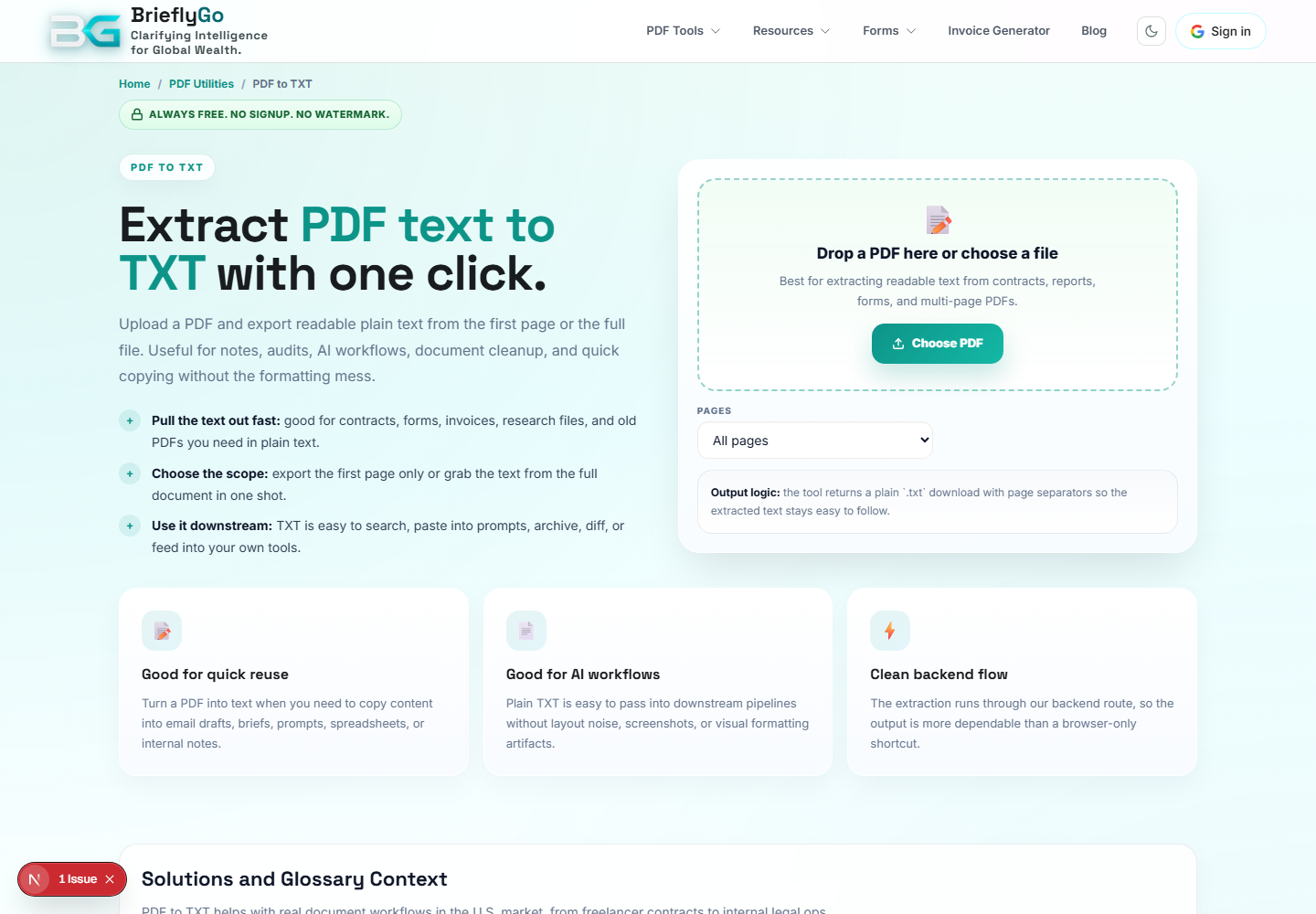
PDF to TXT
Extracts plain text from a PDF so users can copy, search, or feed content into AI/document workflows.

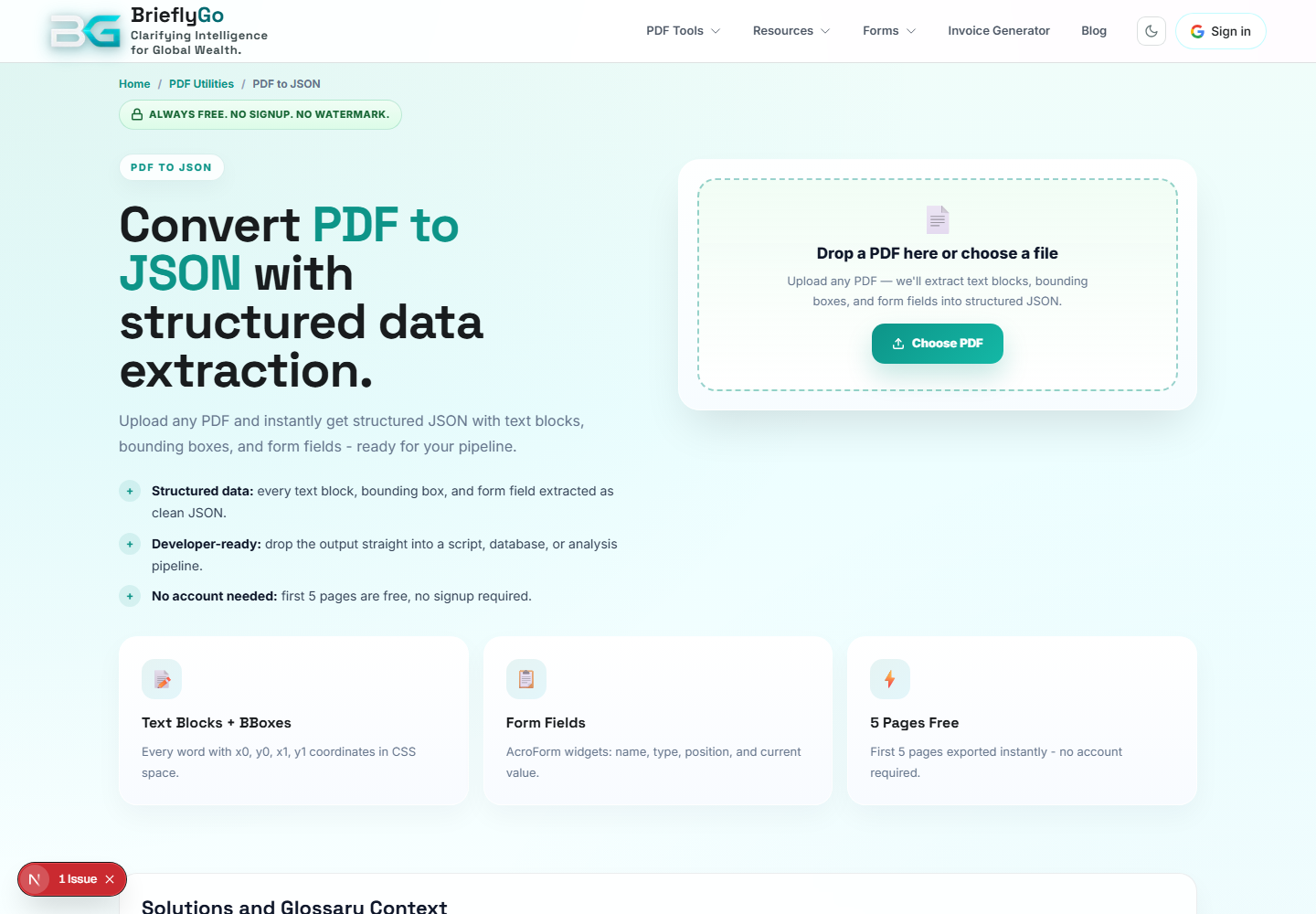
PDF to JSON
Extracts structured PDF information for developers, automation, debugging, and document intelligence workflows.

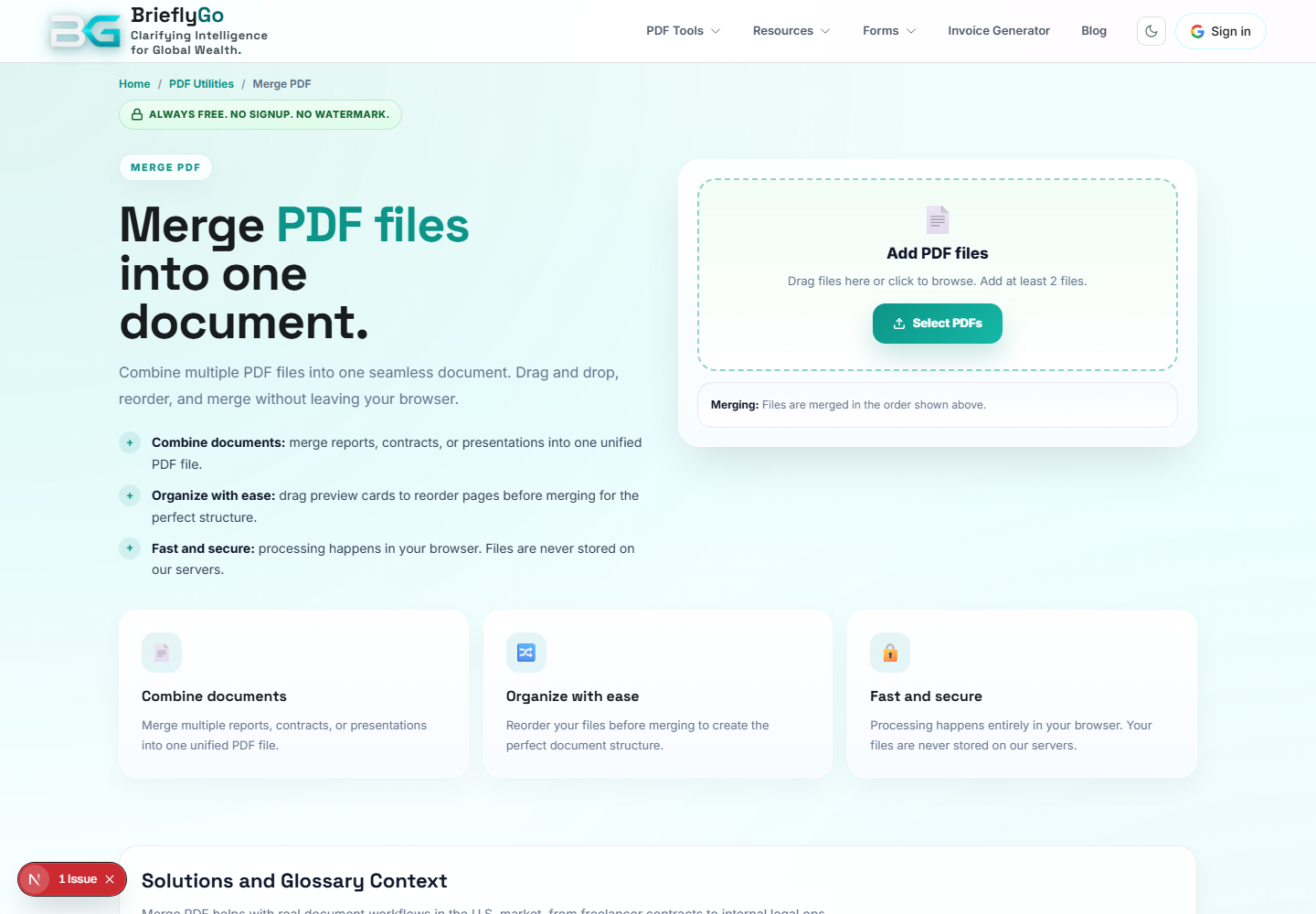
Merge PDF
Combines multiple PDFs into one document before review, edit, or send.

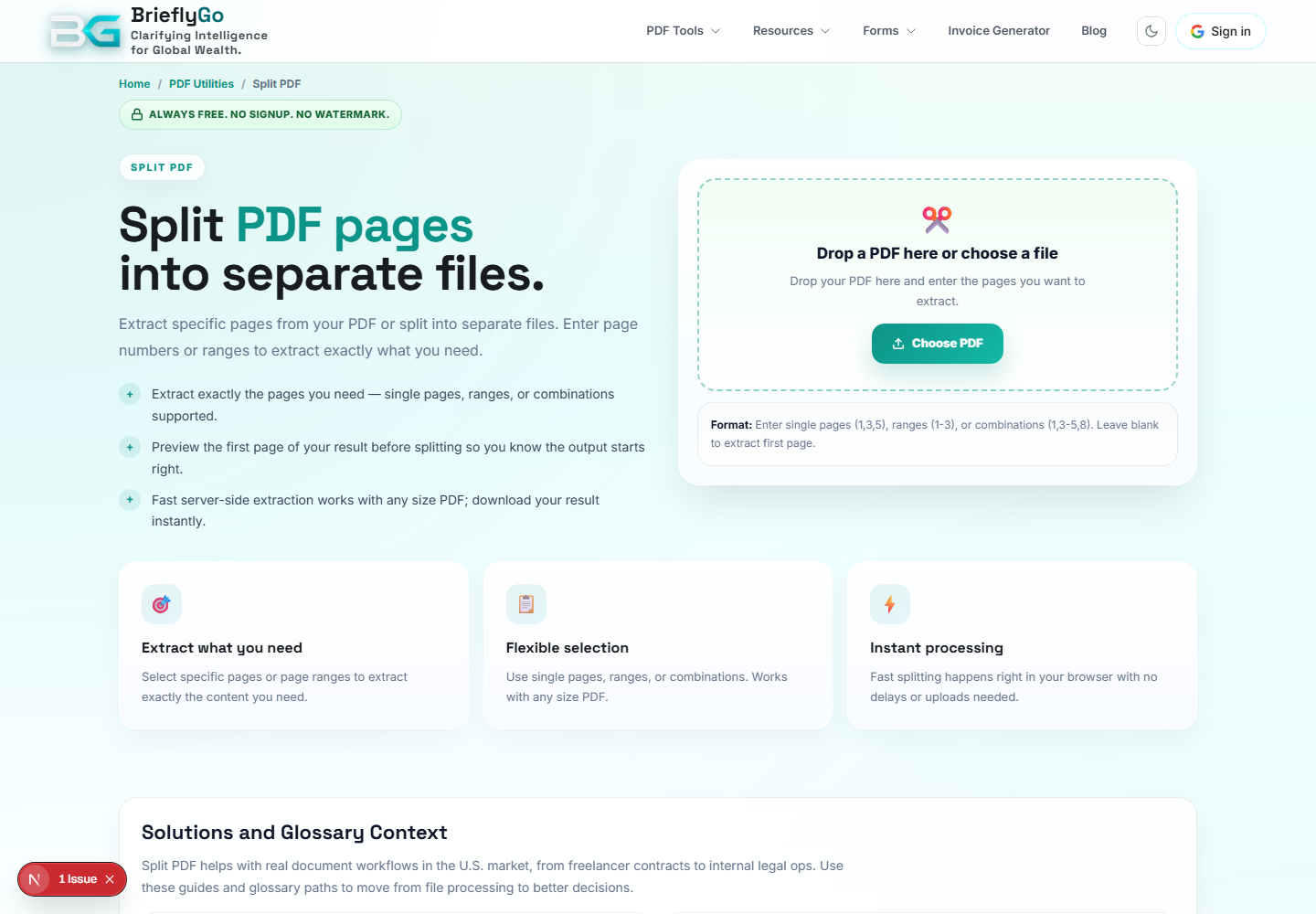
Split PDF
Extracts selected pages from a PDF so users can send or analyze only the needed portion.

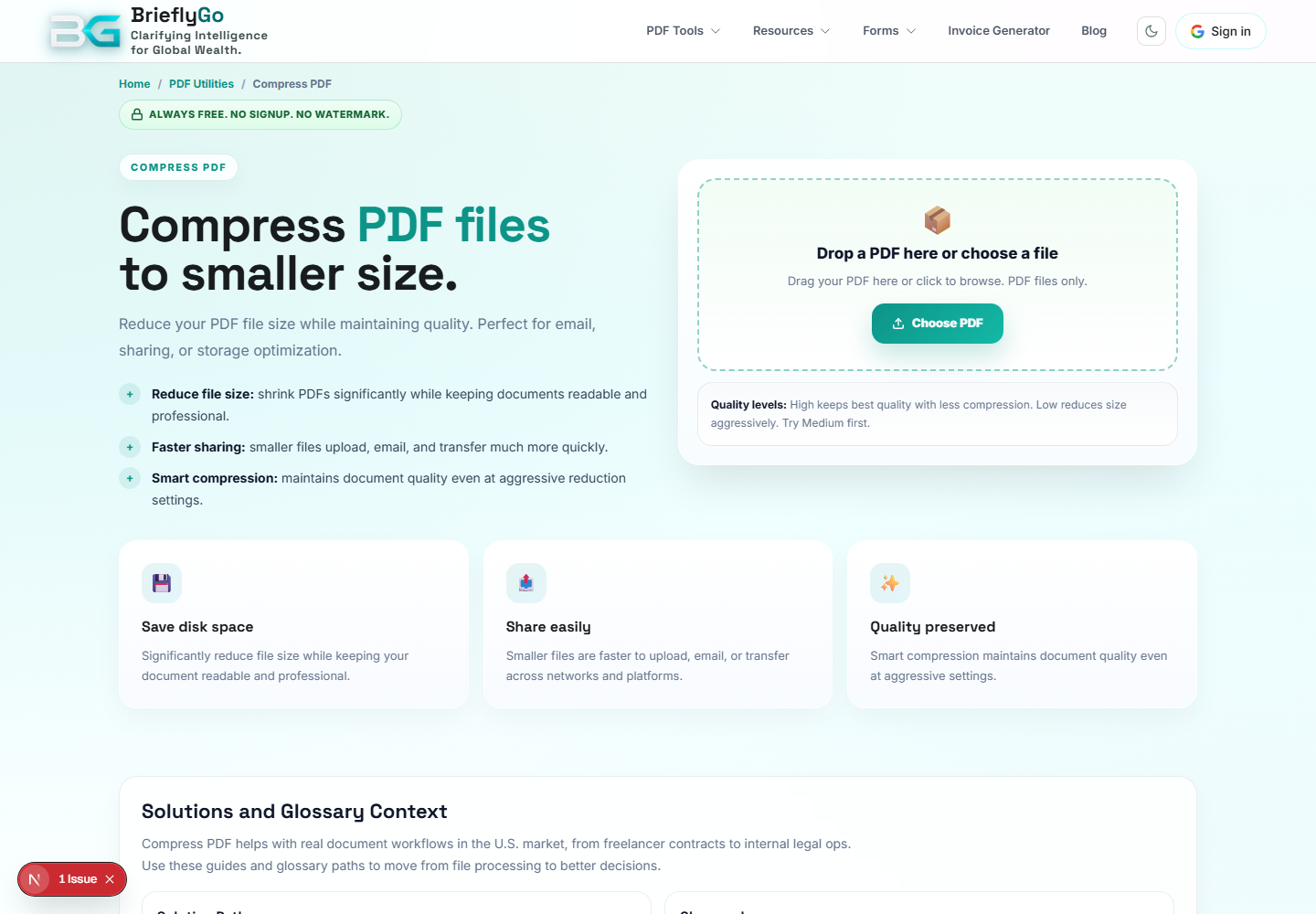
Compress PDF
Reduces PDF size before upload, email, risk scan, or signing.

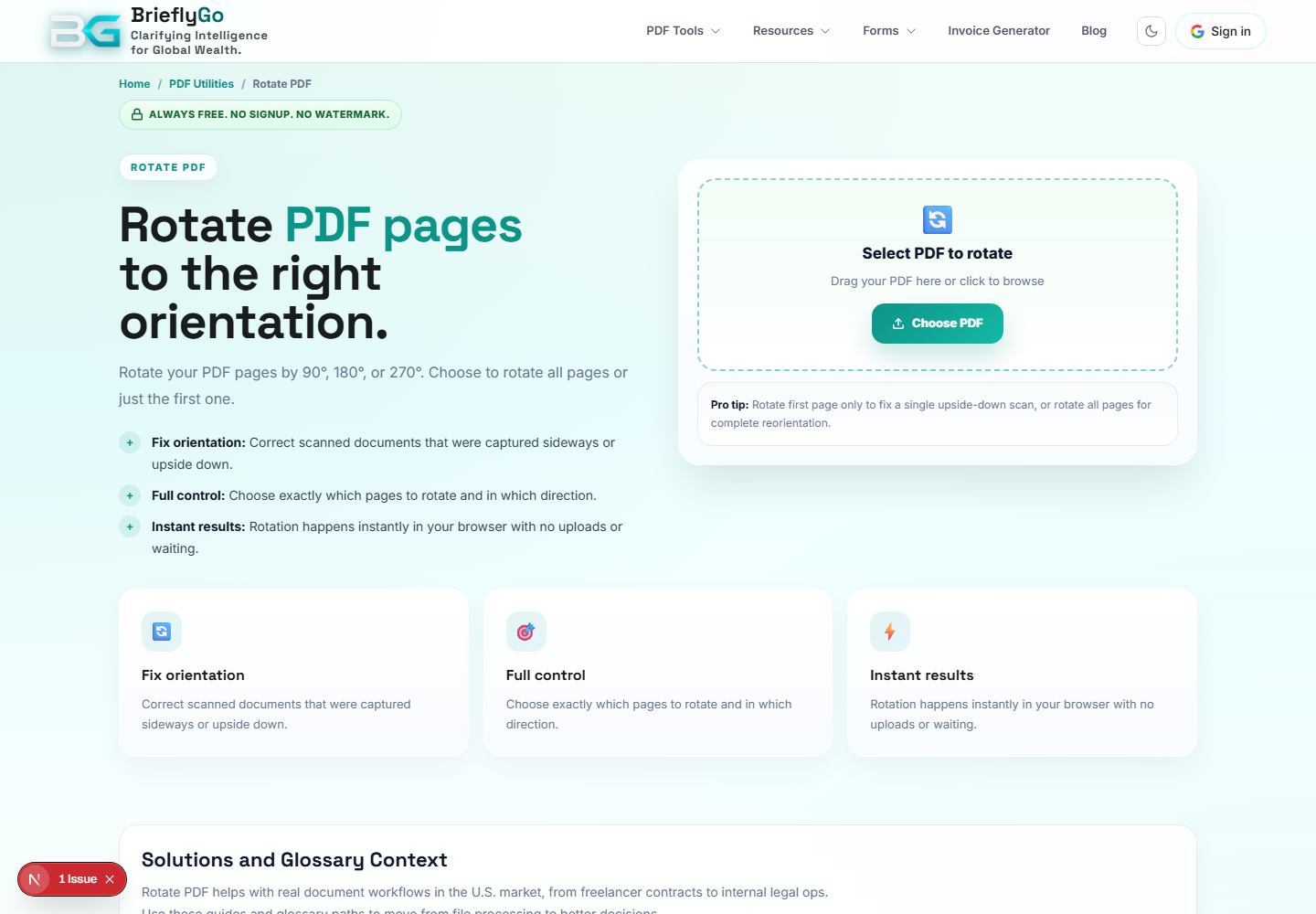
Rotate PDF
Fixes page orientation before editing, reviewing, or sending a document.

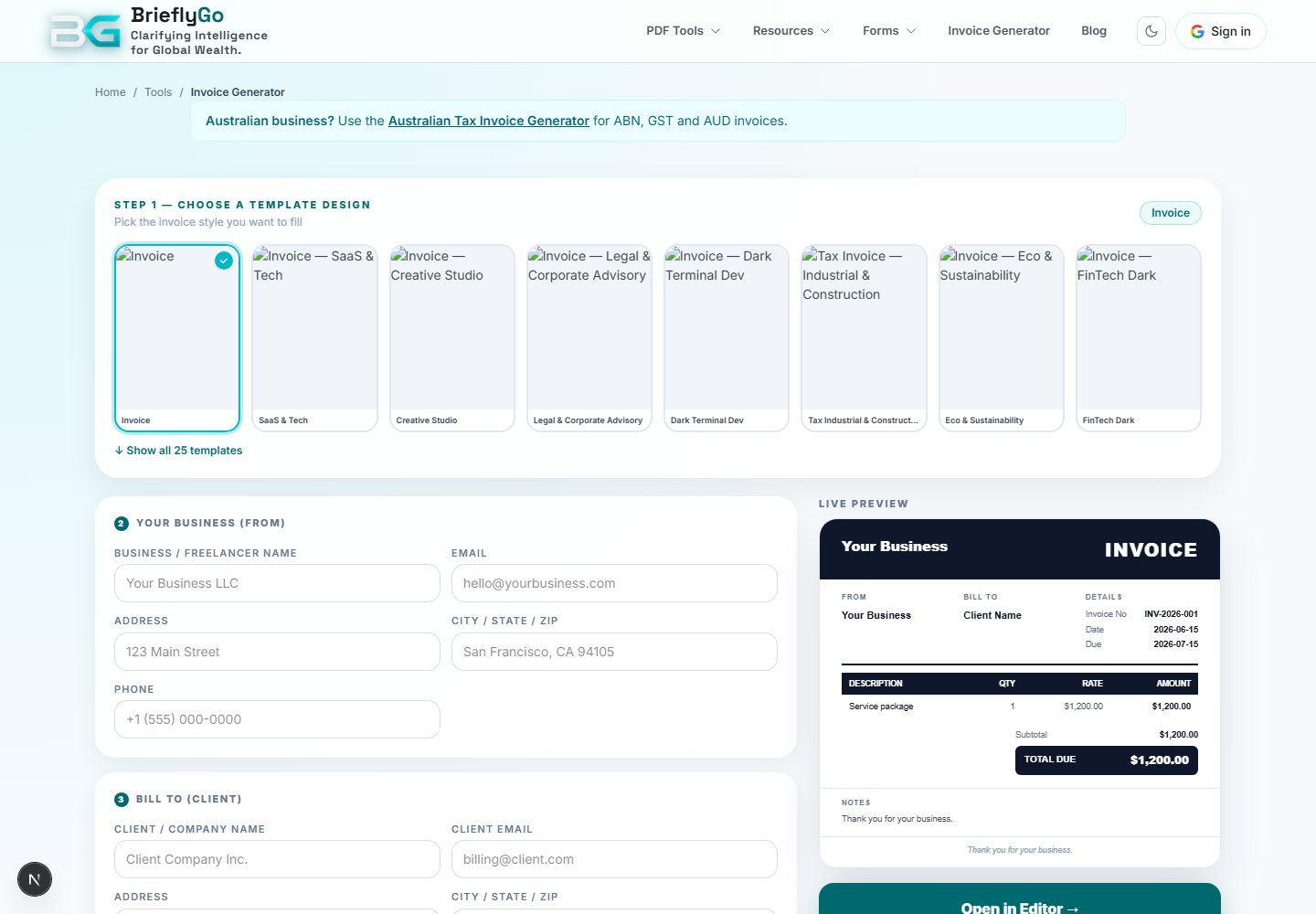
Invoice Generator
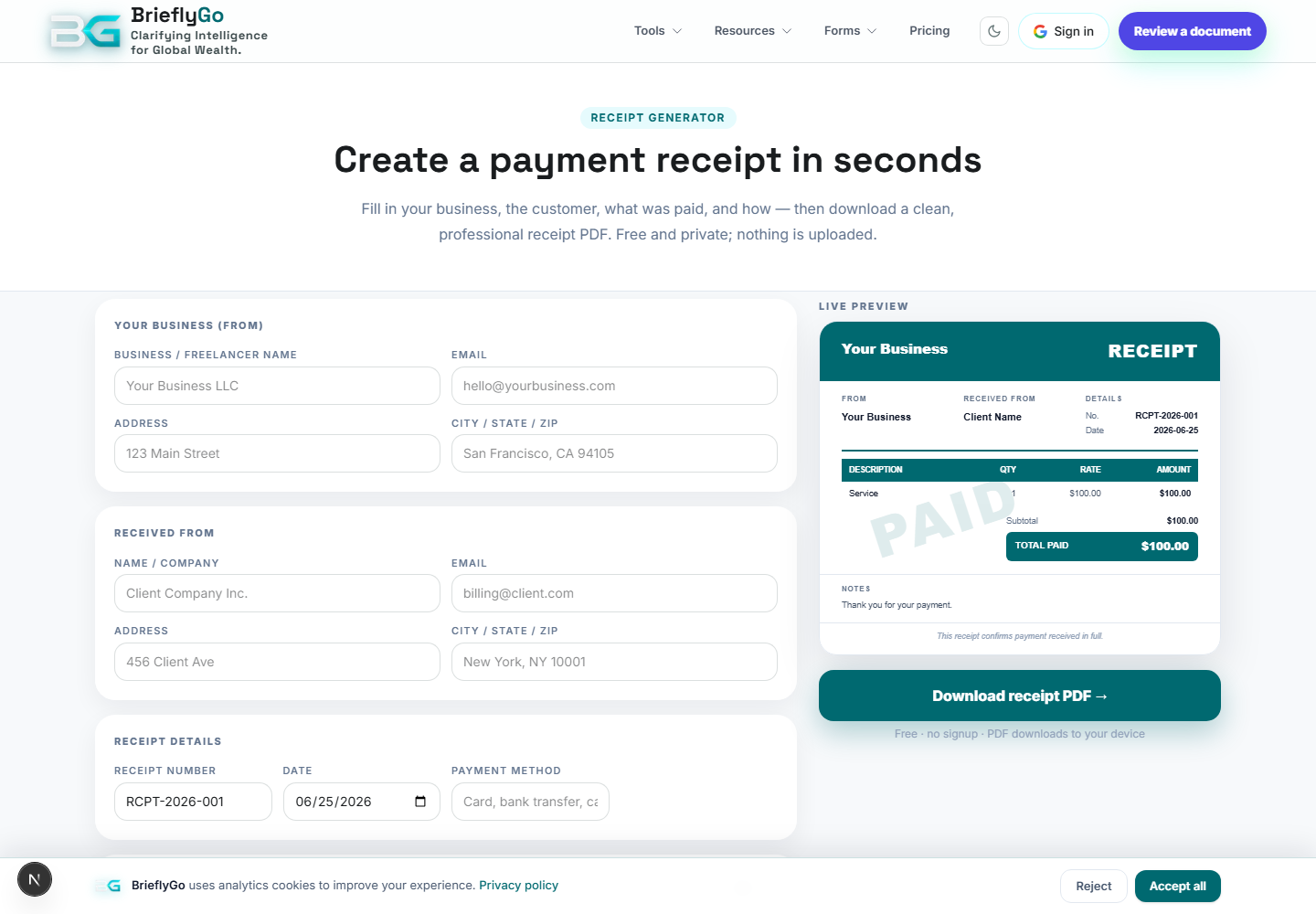
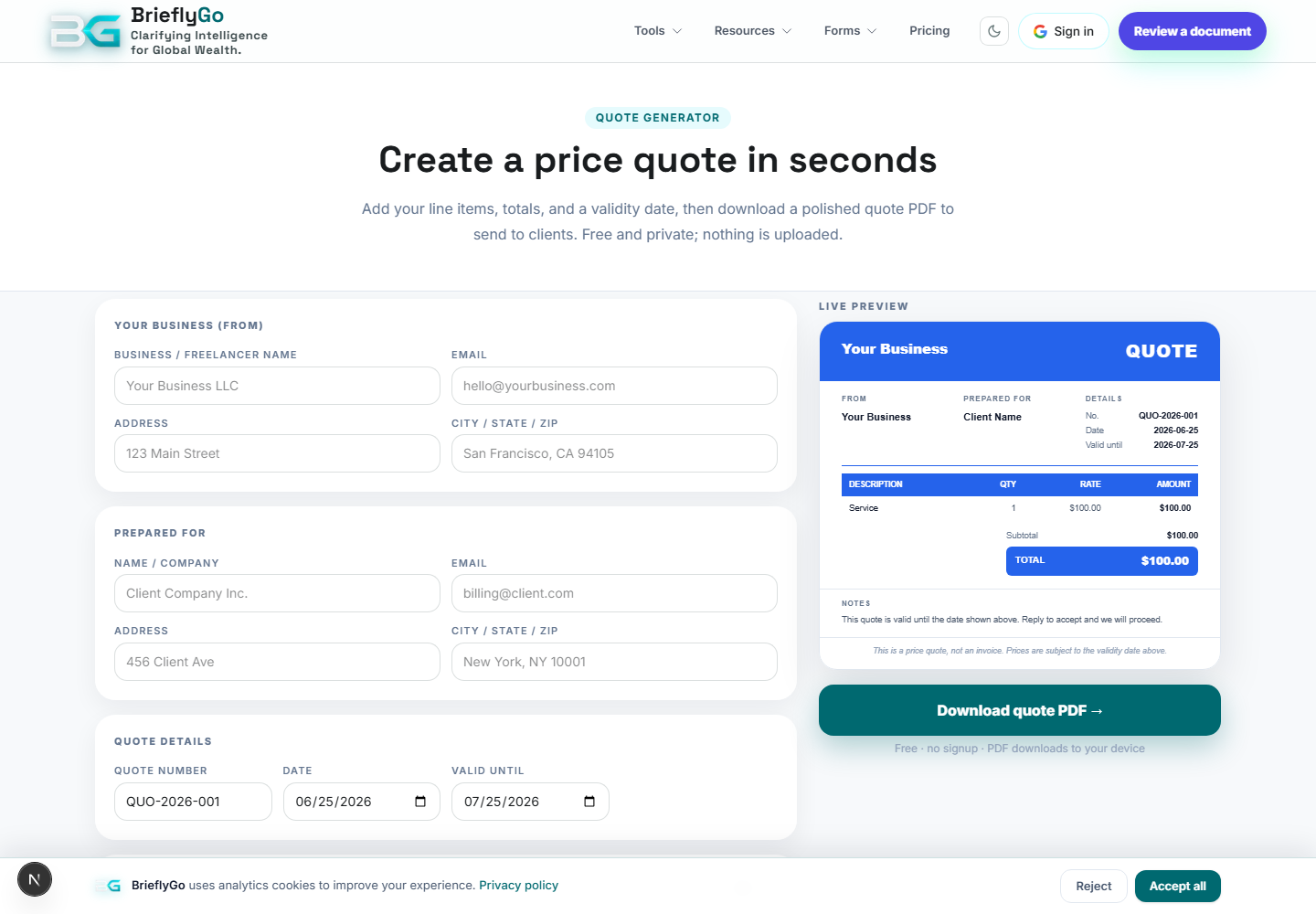
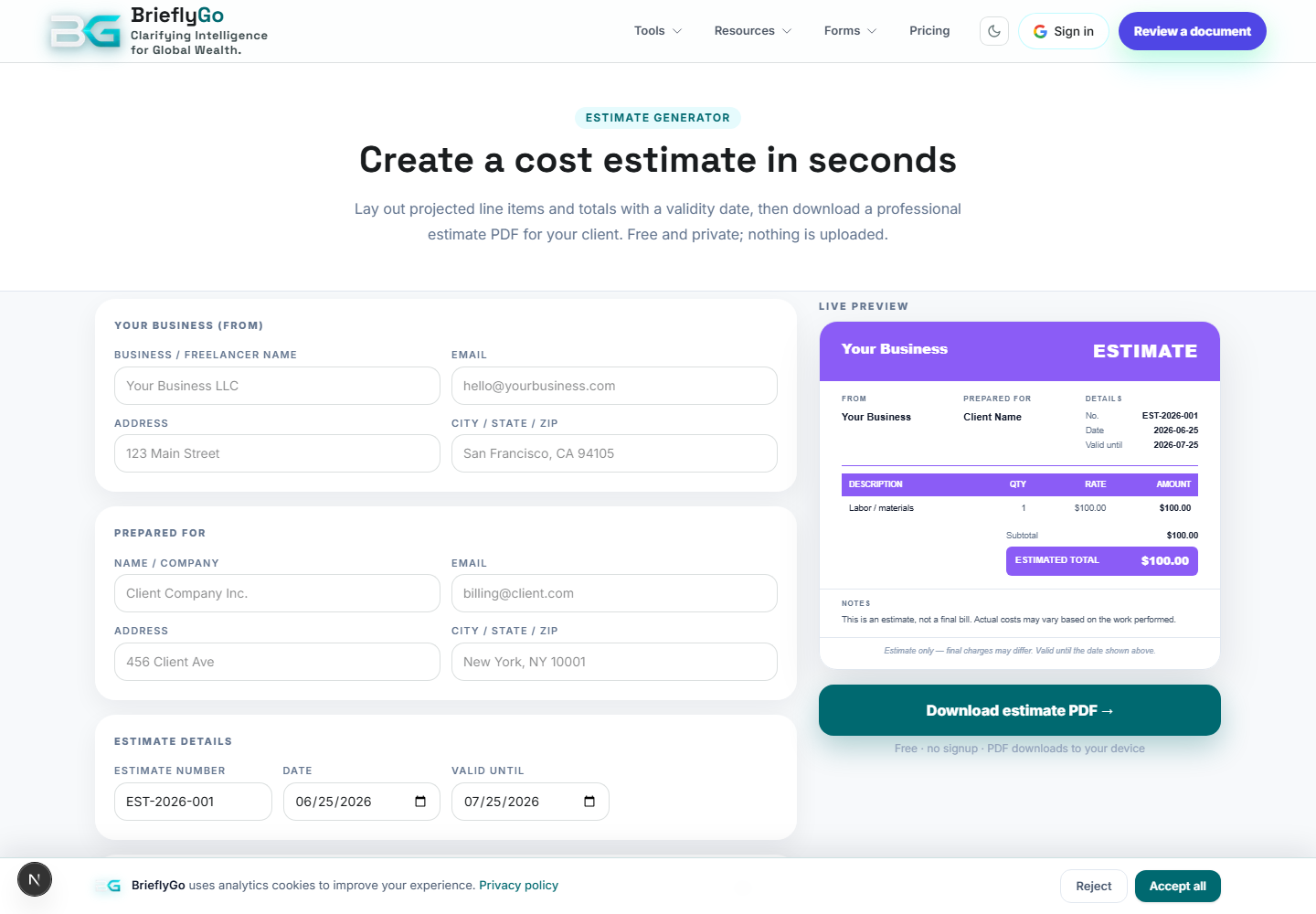
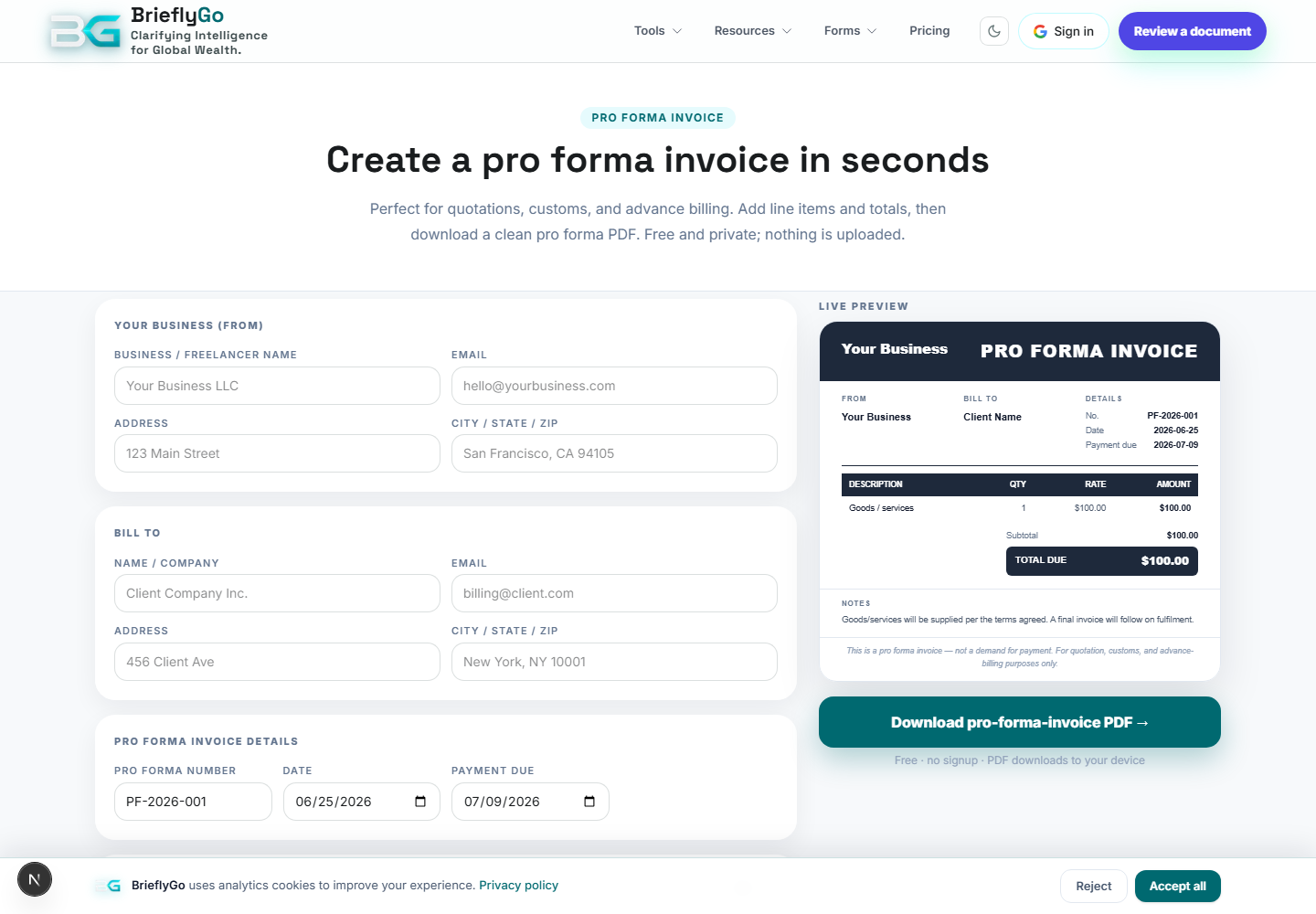
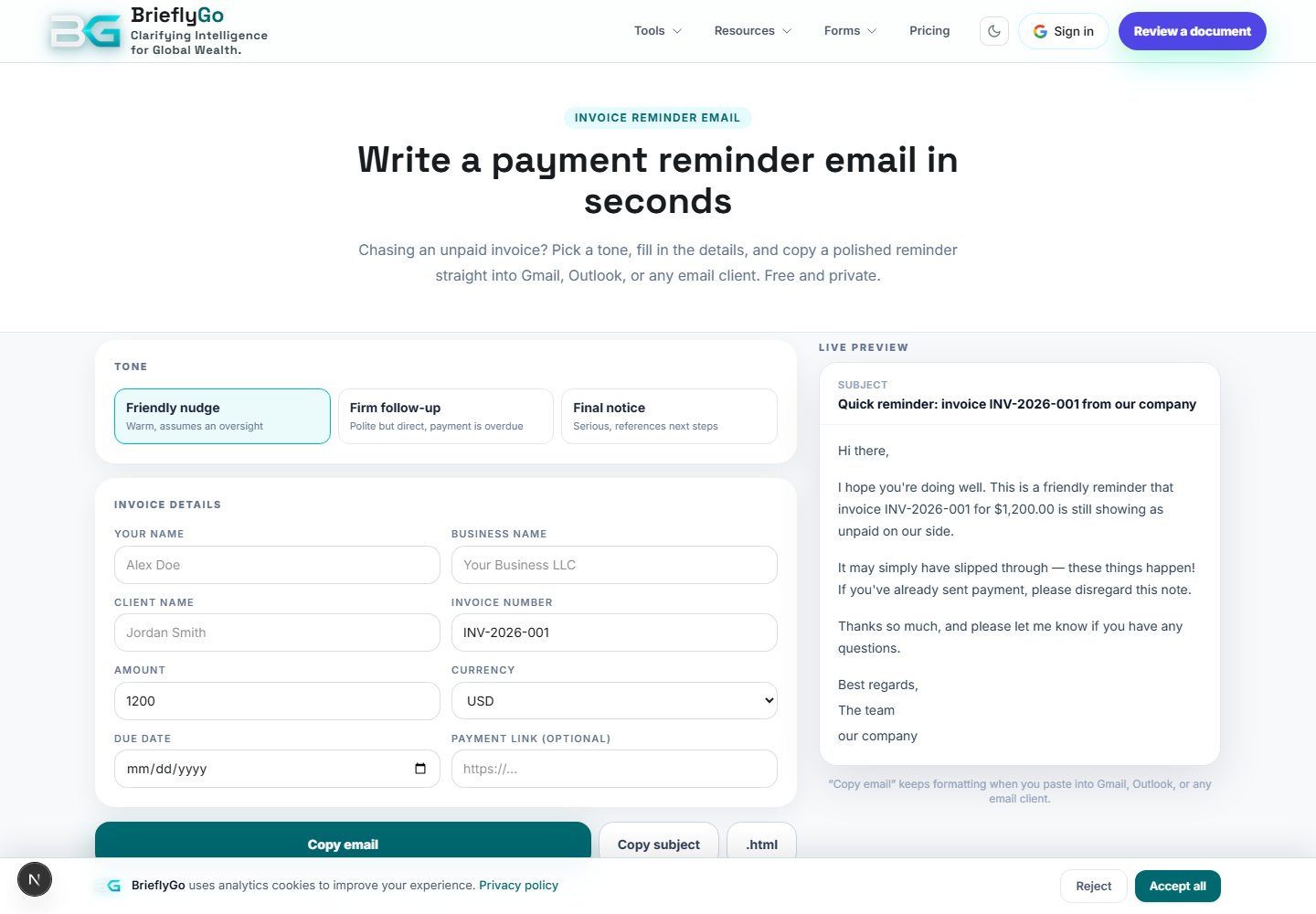
Creates a browser-generated invoice PDF that can be downloaded or reused in document workflows.

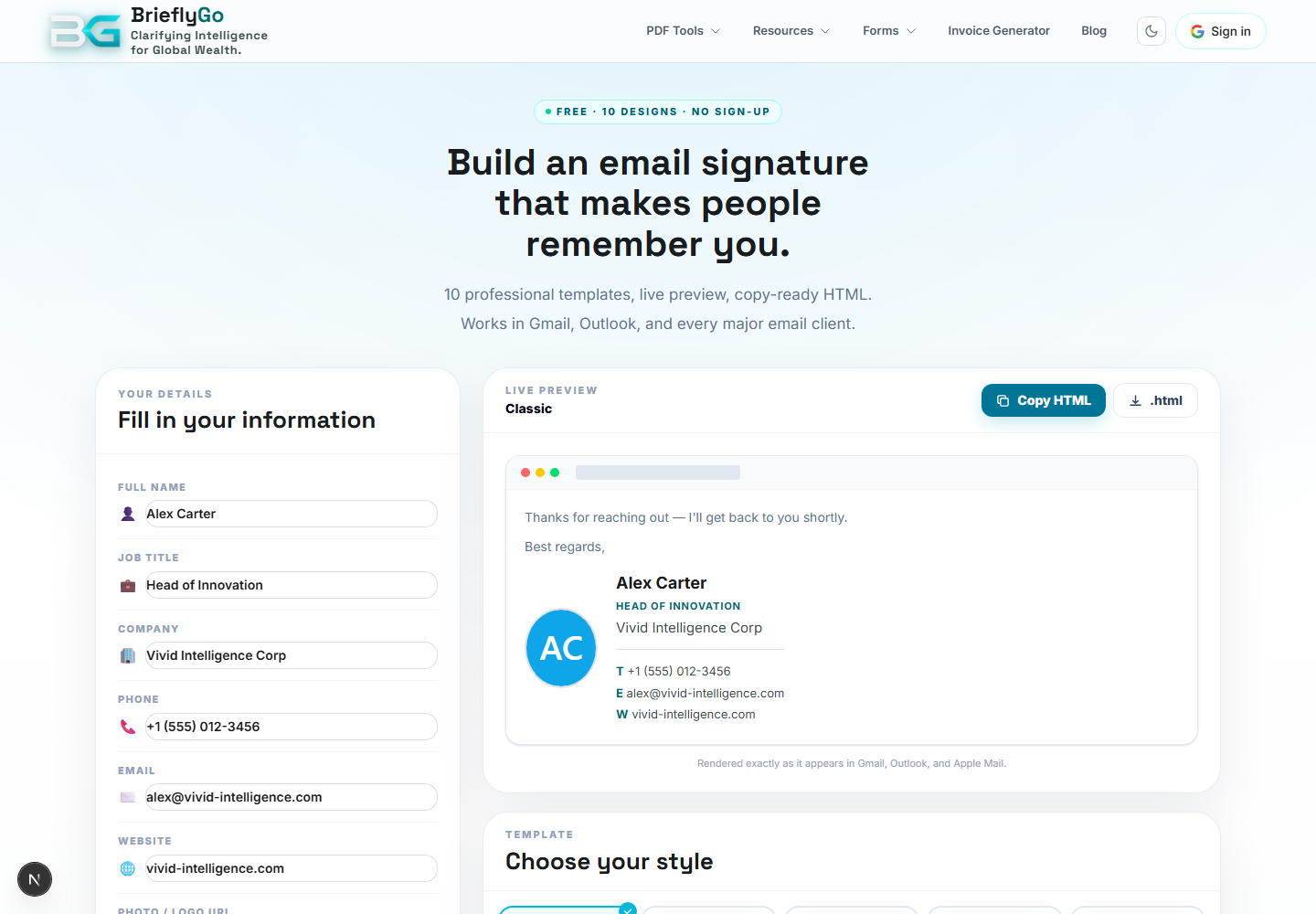
Email Signature
Builds a professional email signature as a lightweight lead-in to identity and document workflows.
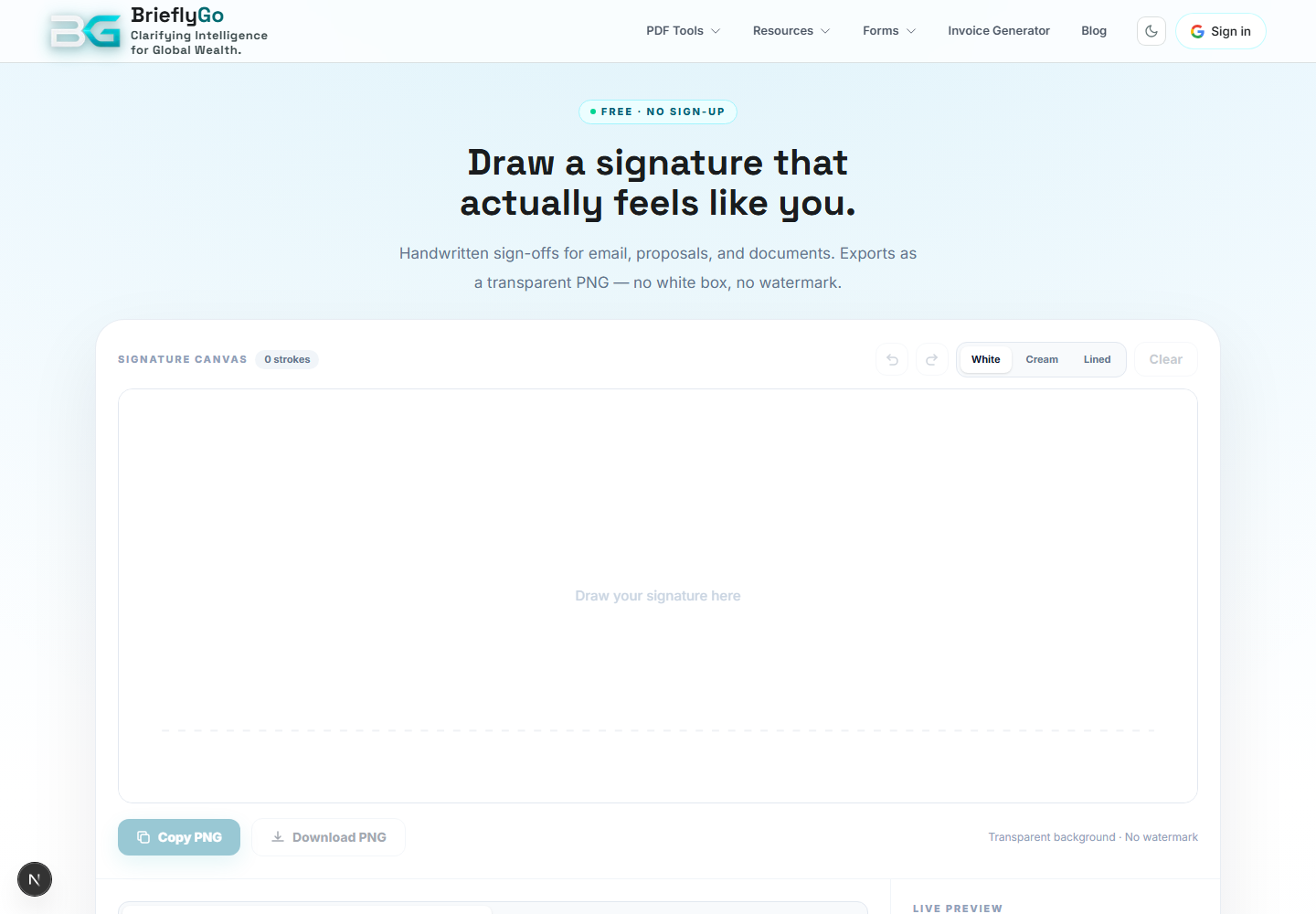
Handwritten Signature
Creates a signature image users can reuse in PDF/editor/signing flows.

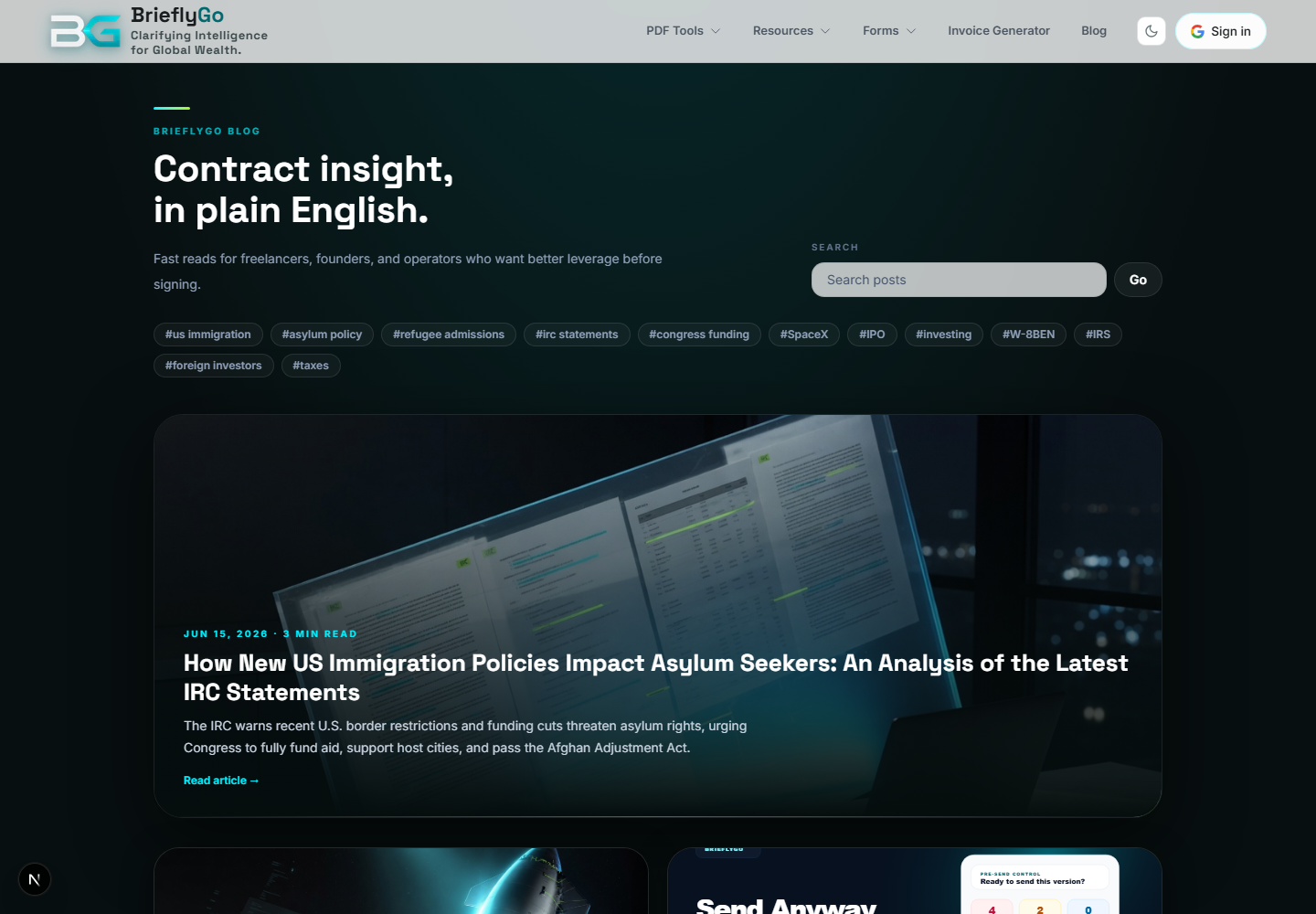
Blog
Publishes educational content and product stories that explain document workflows and bring organic traffic.

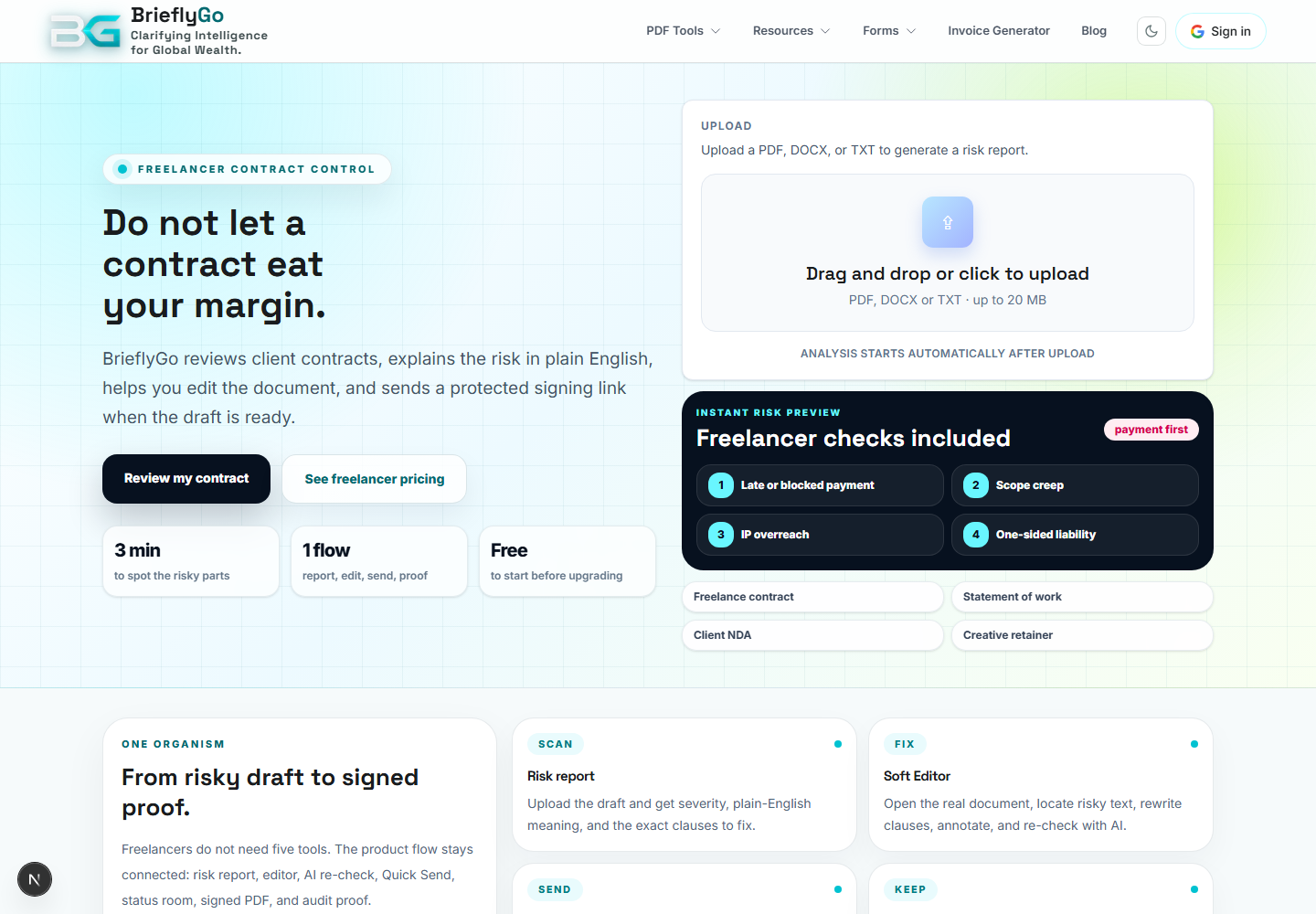
For Freelancers
Explains BrieflyGo for freelancers who need to review contracts, avoid risk, and send documents affordably.

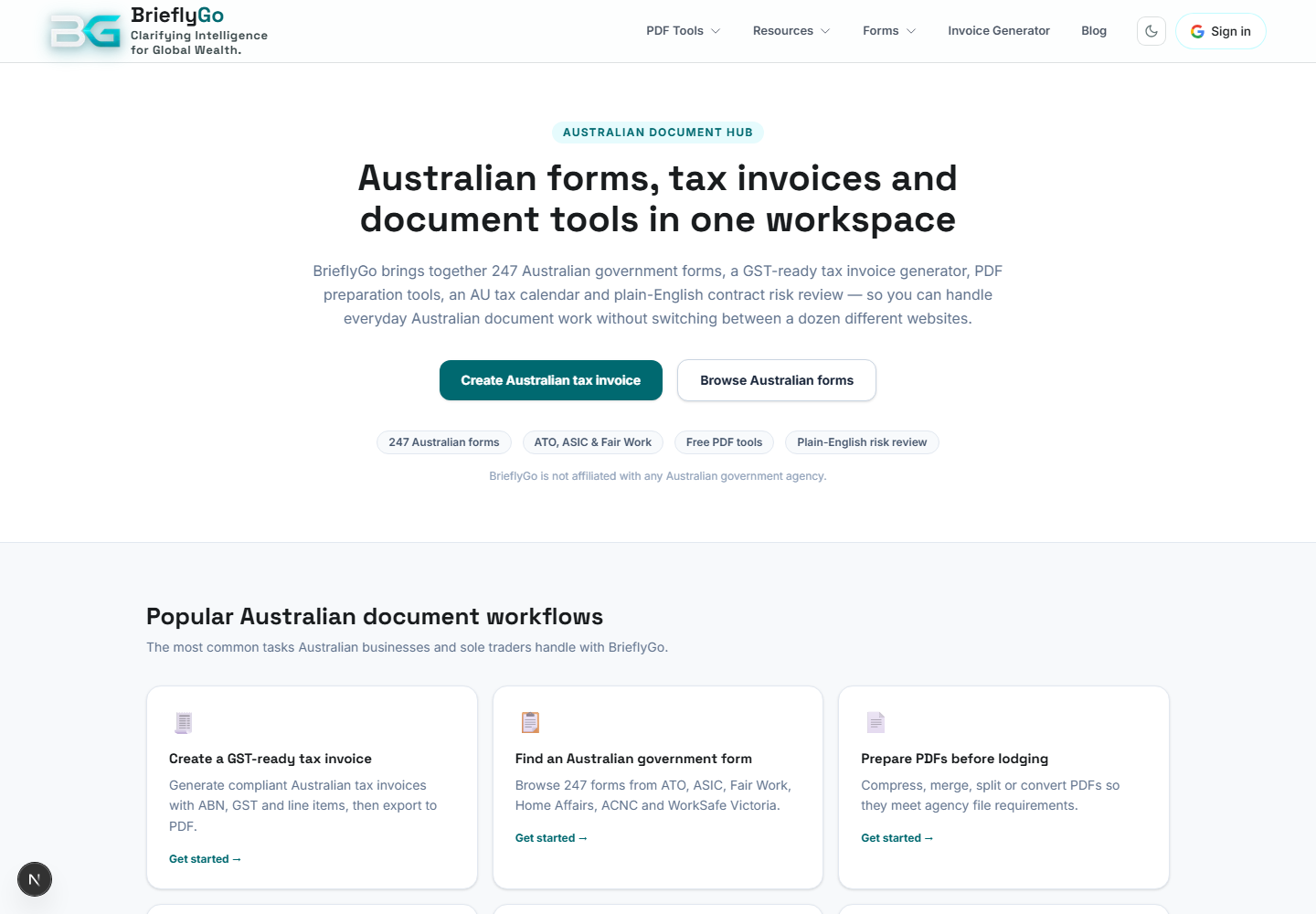
Australia Hub
Groups Australian document, form, tax, and invoice tools into one regional entry point.

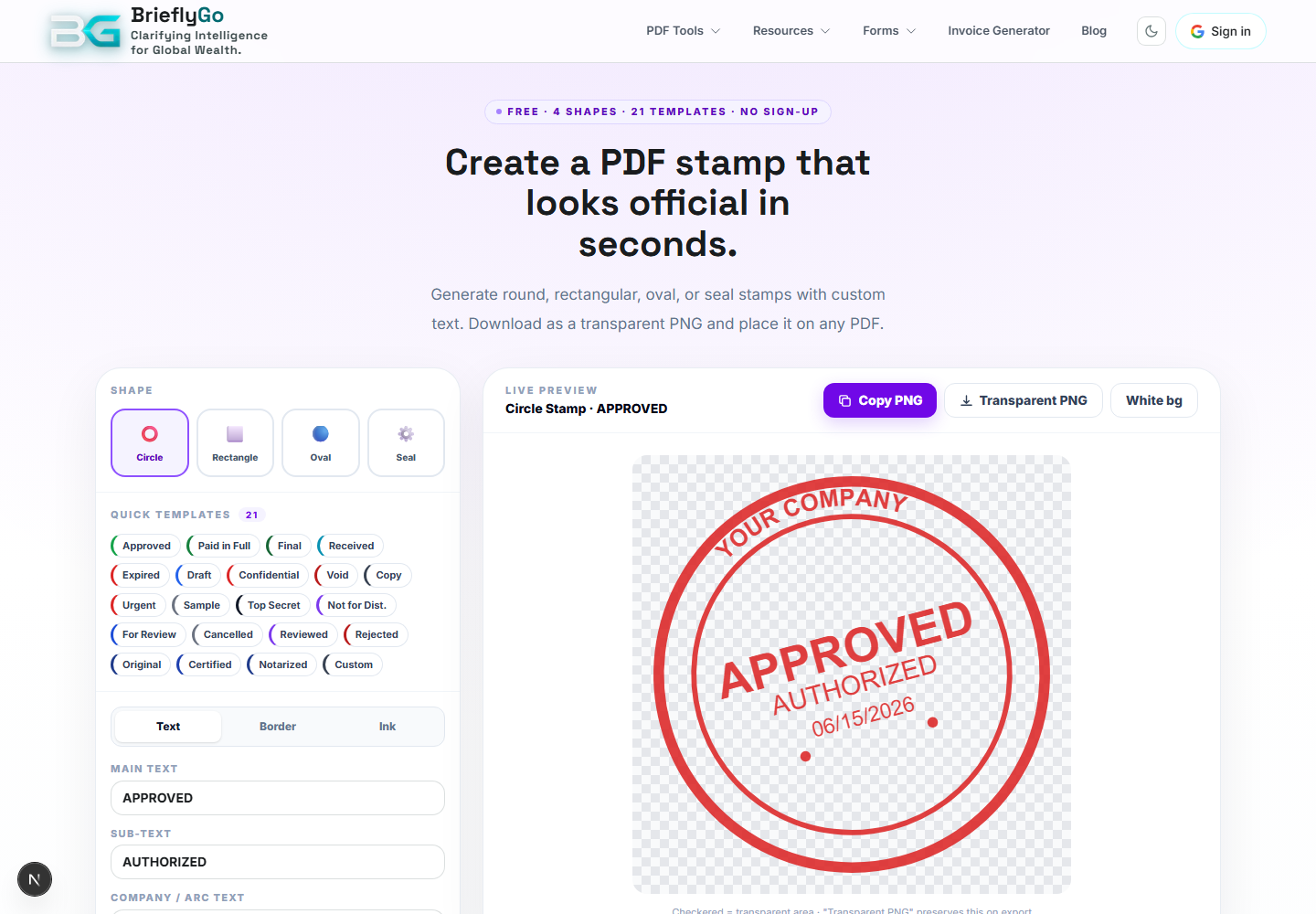
PDF Stamp Generator
Creates stamp/seal assets for PDF workflows.

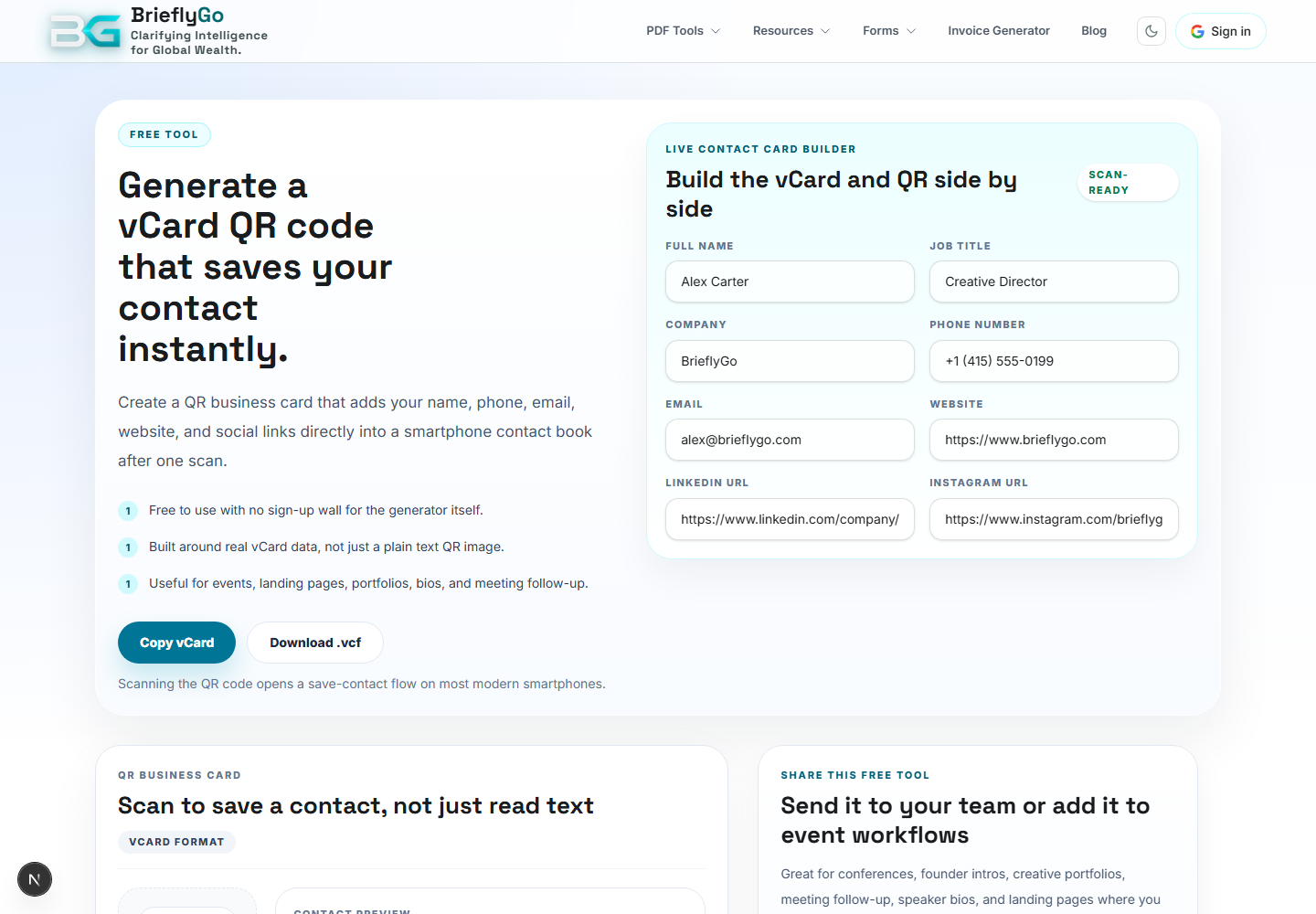
vCard QR Generator
Creates a QR code for contact details and business identity assets.

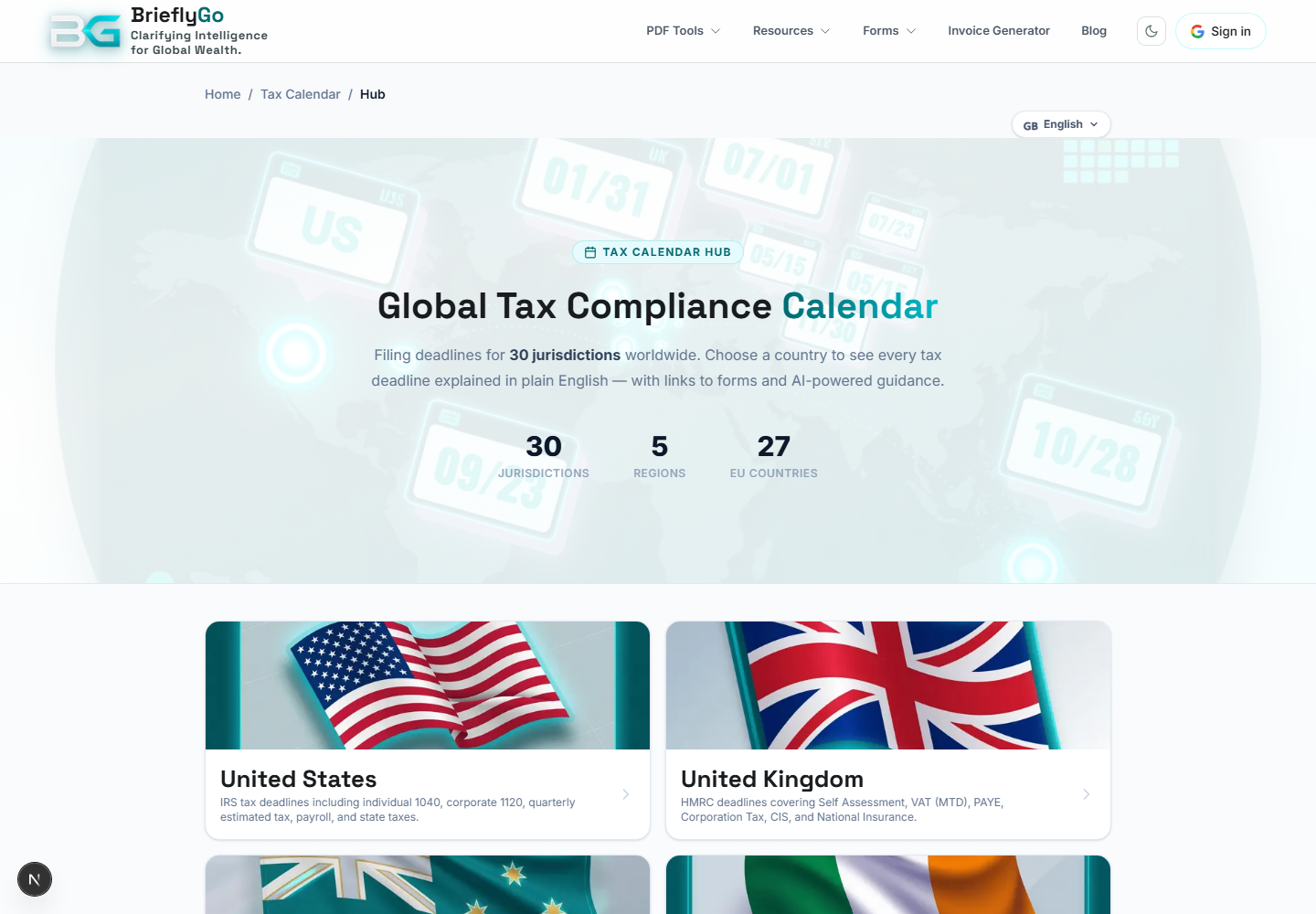
Tax Calendar Hub
Routes users to country-specific tax deadline calendars.

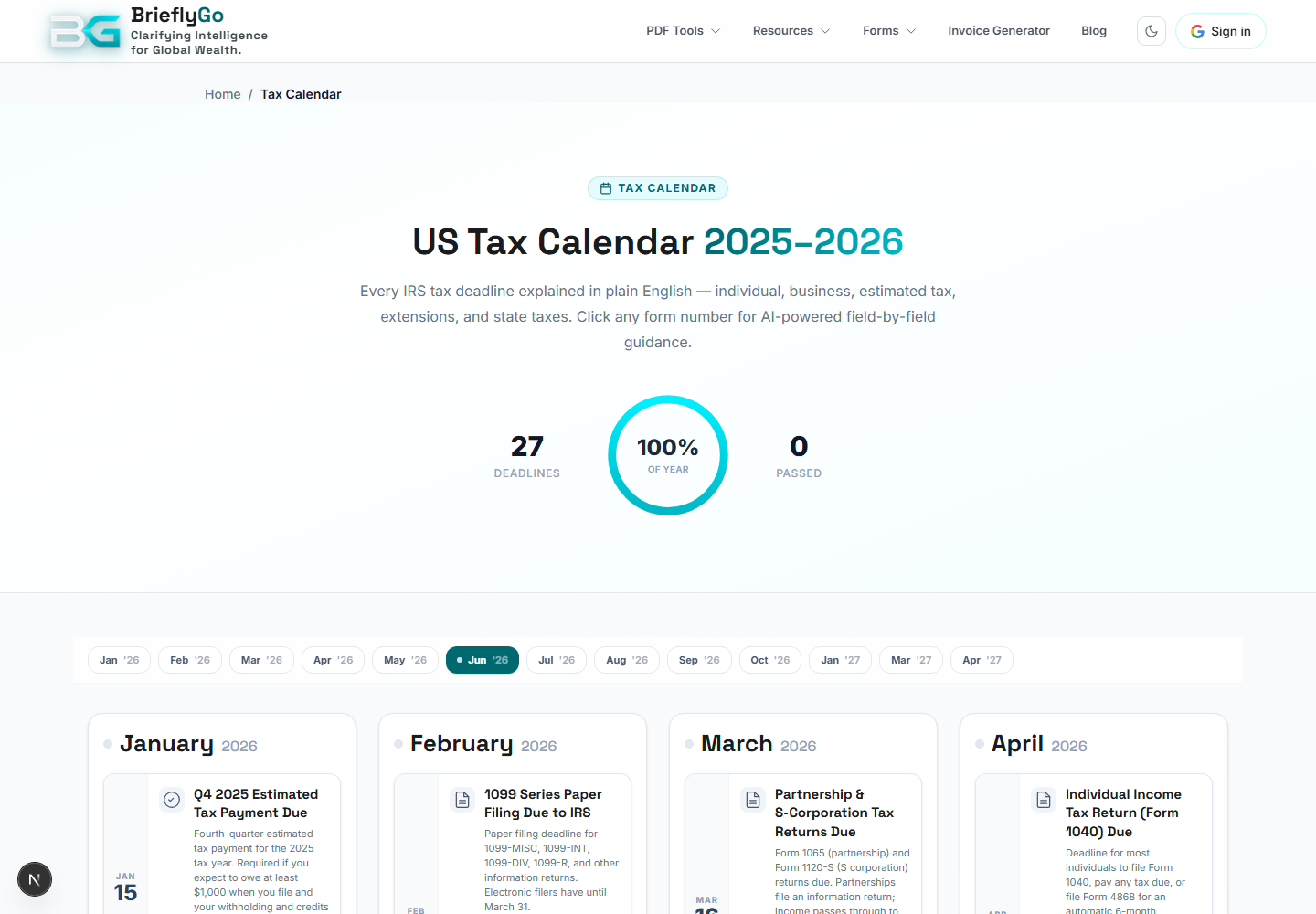
US Tax Calendar
Shows US tax deadlines and related forms in plain English.

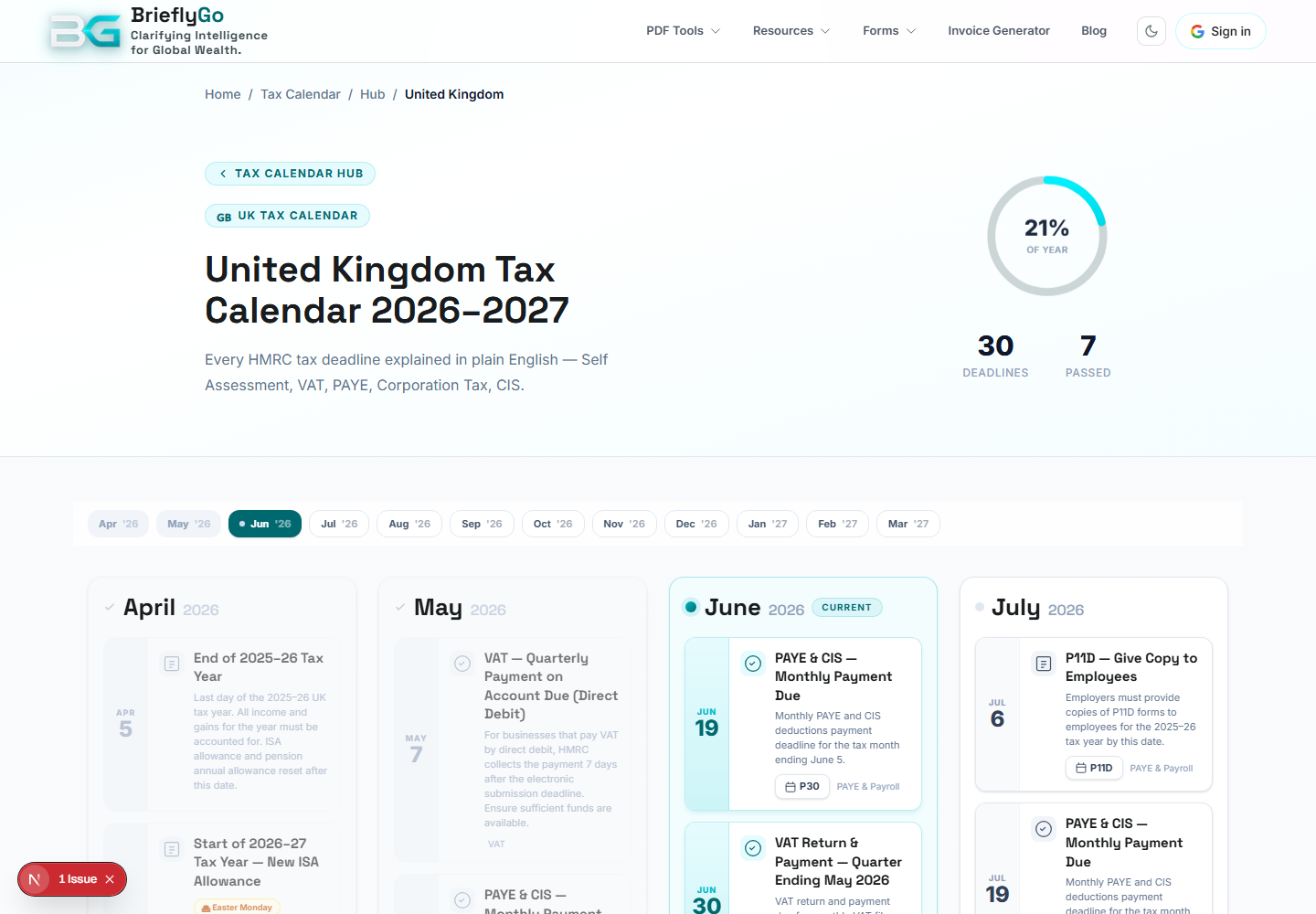
UK Tax Calendar
Shows UK tax deadlines and HMRC context.

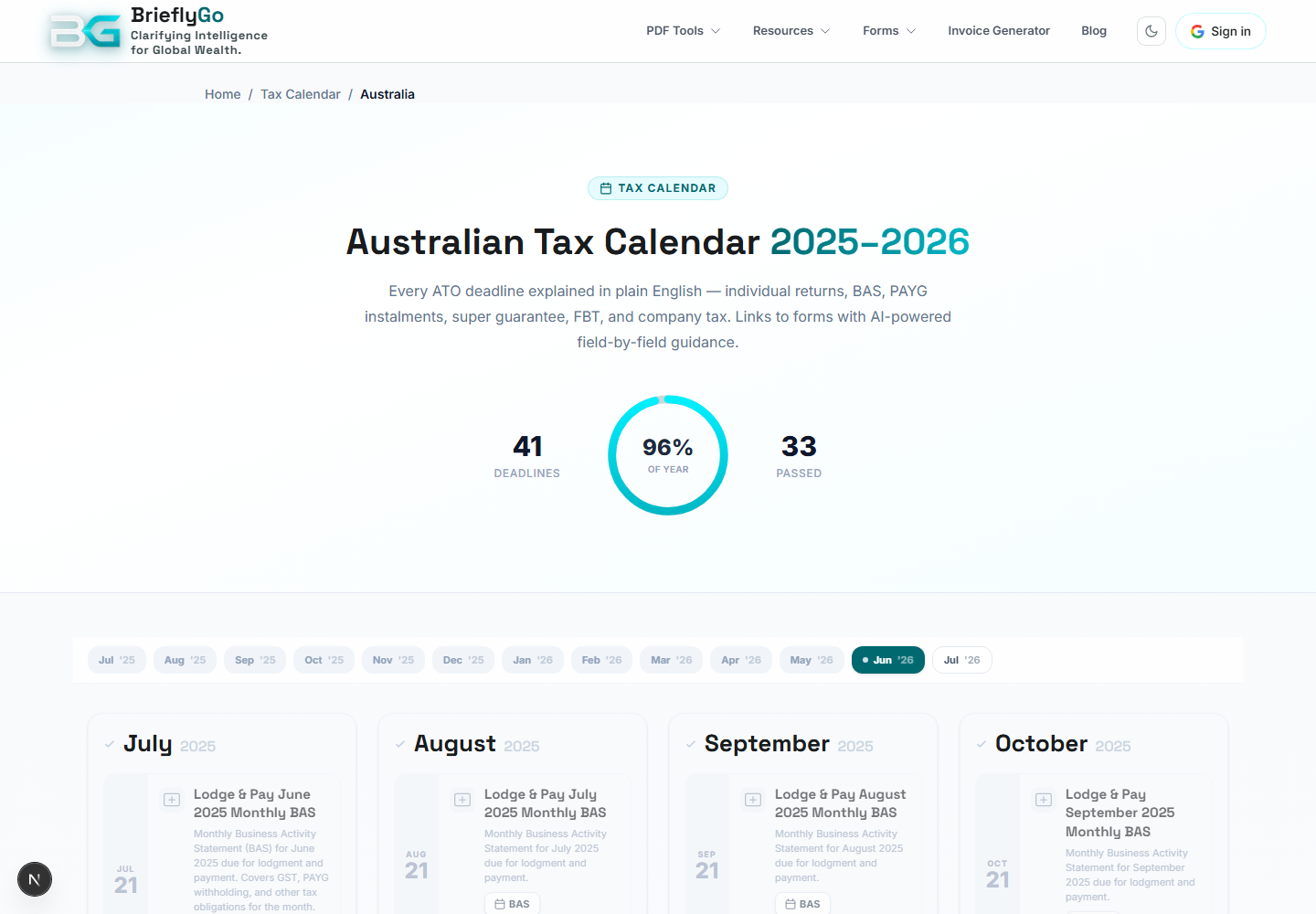
AU Tax Calendar
Shows Australian tax deadlines and ATO context.

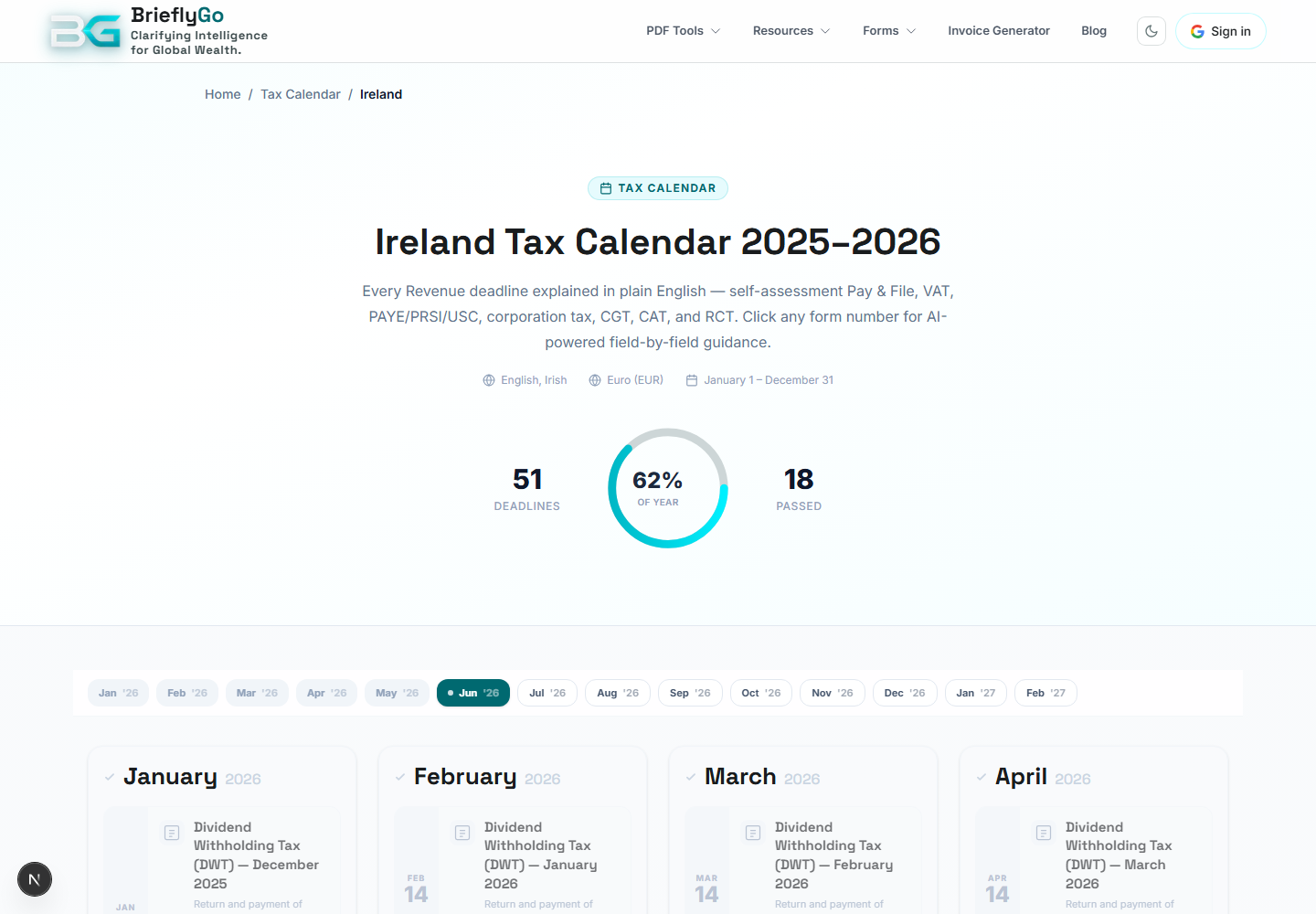
IE Tax Calendar
Shows Ireland tax deadlines and Revenue context.

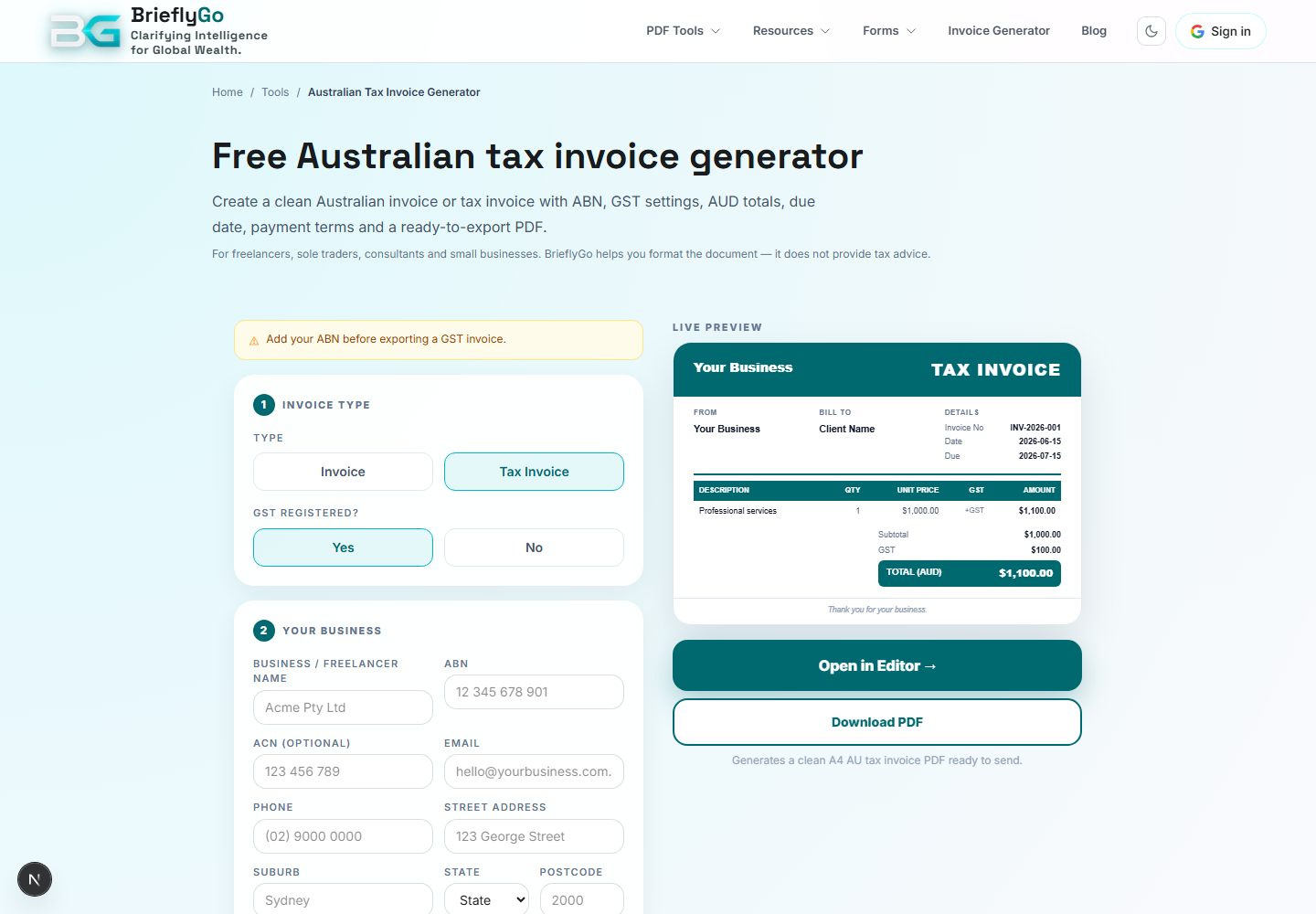
AU Tax Invoice
Creates Australian tax invoices with GST-friendly fields.

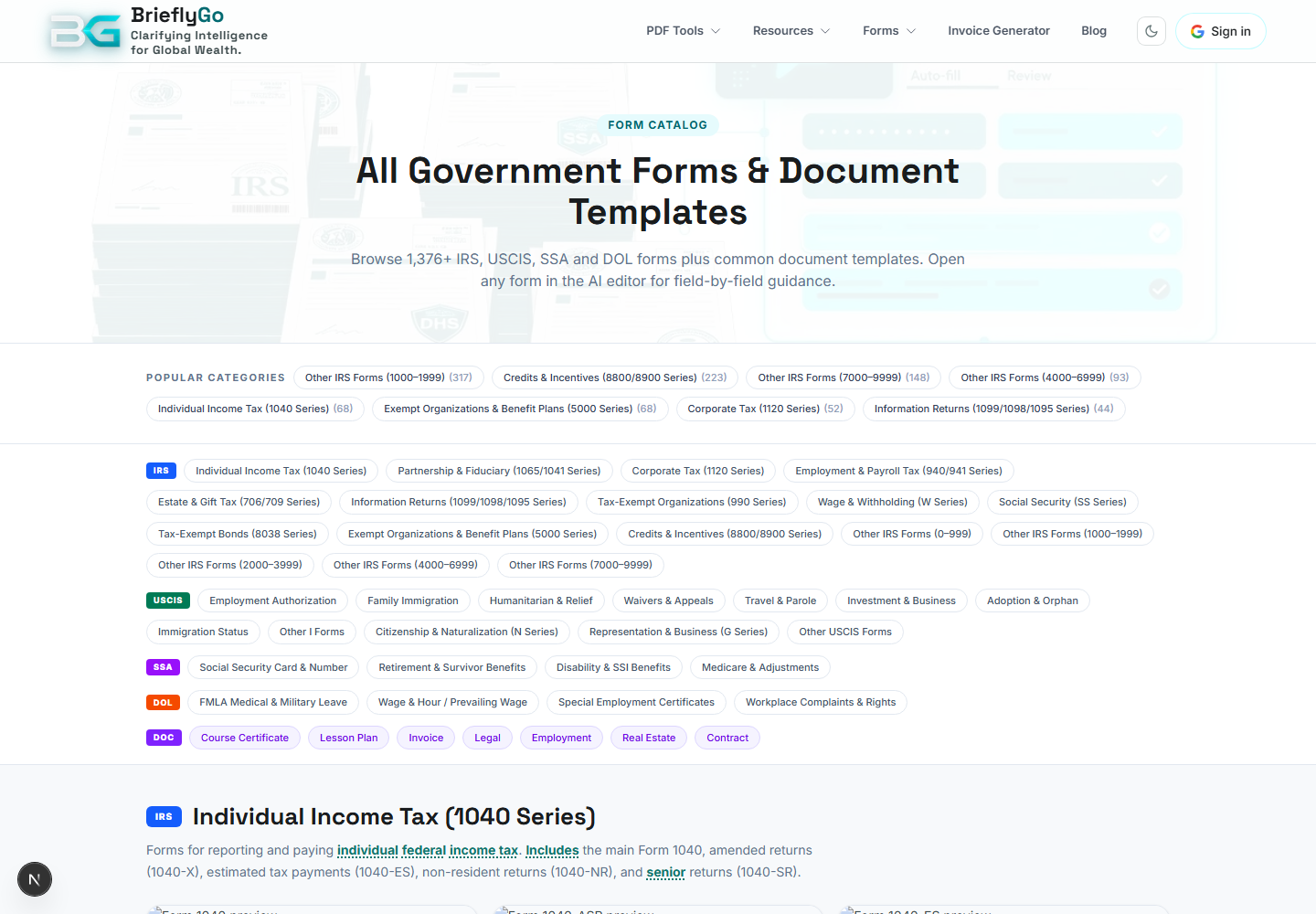
US Forms Catalog
SEO and product entry for government forms and document templates.

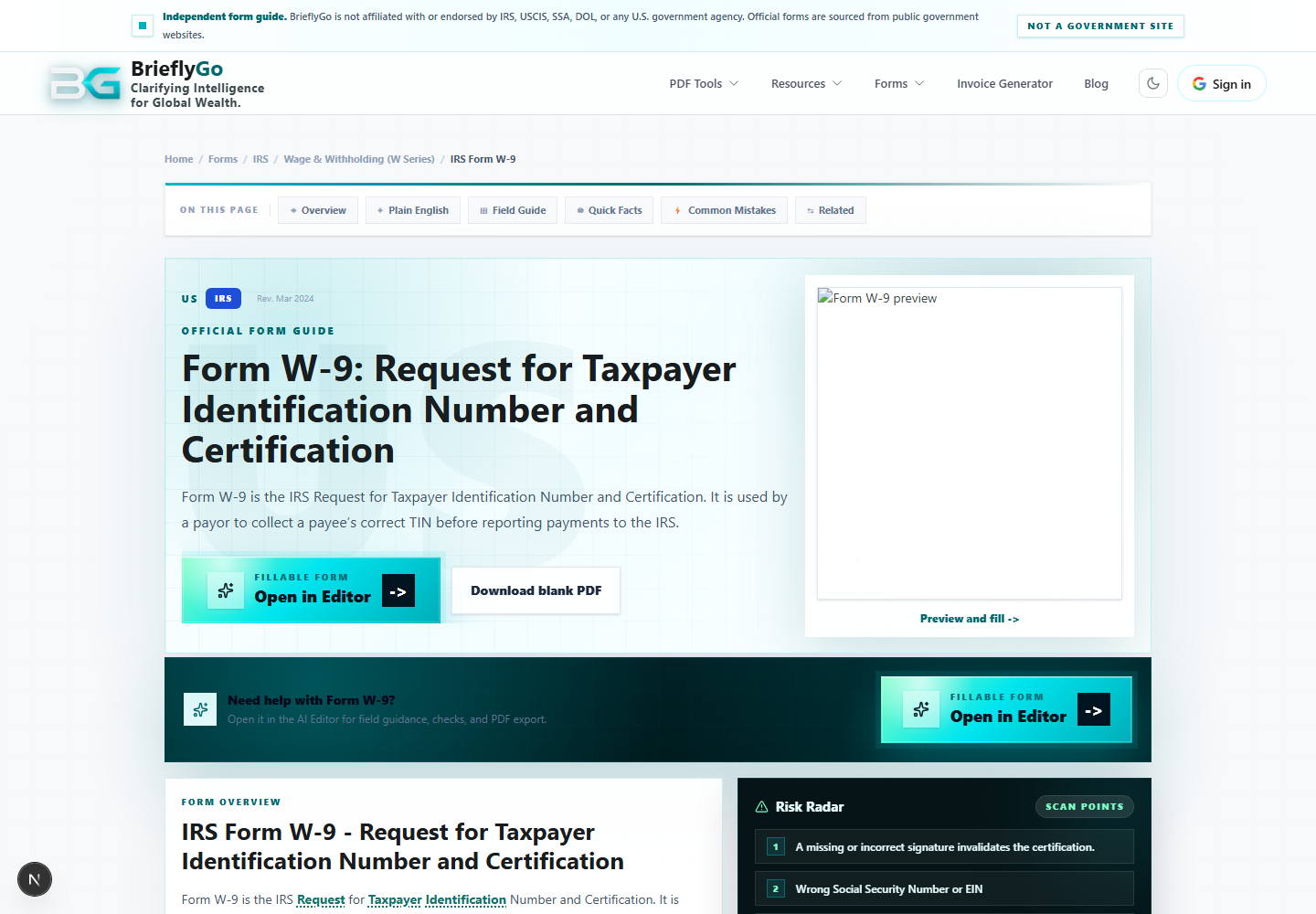
Form Page: W-9
Explains one official form with plain-English guidance, field notes, risks, sources, SEO content, and editor CTAs.

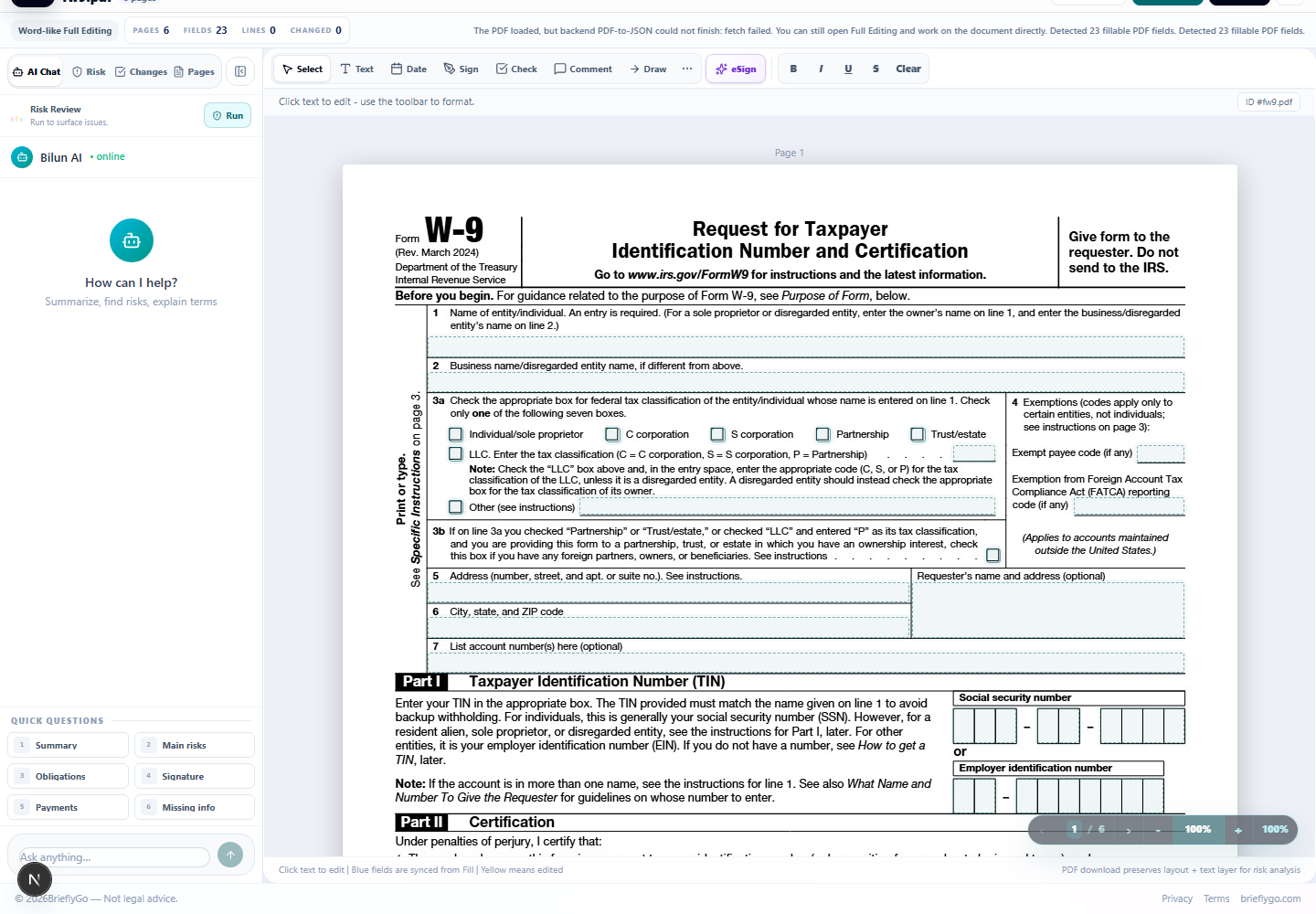
W-9 in Editor
Shows how a catalog form becomes an editable workspace with the PDF loaded from the form guide CTA.

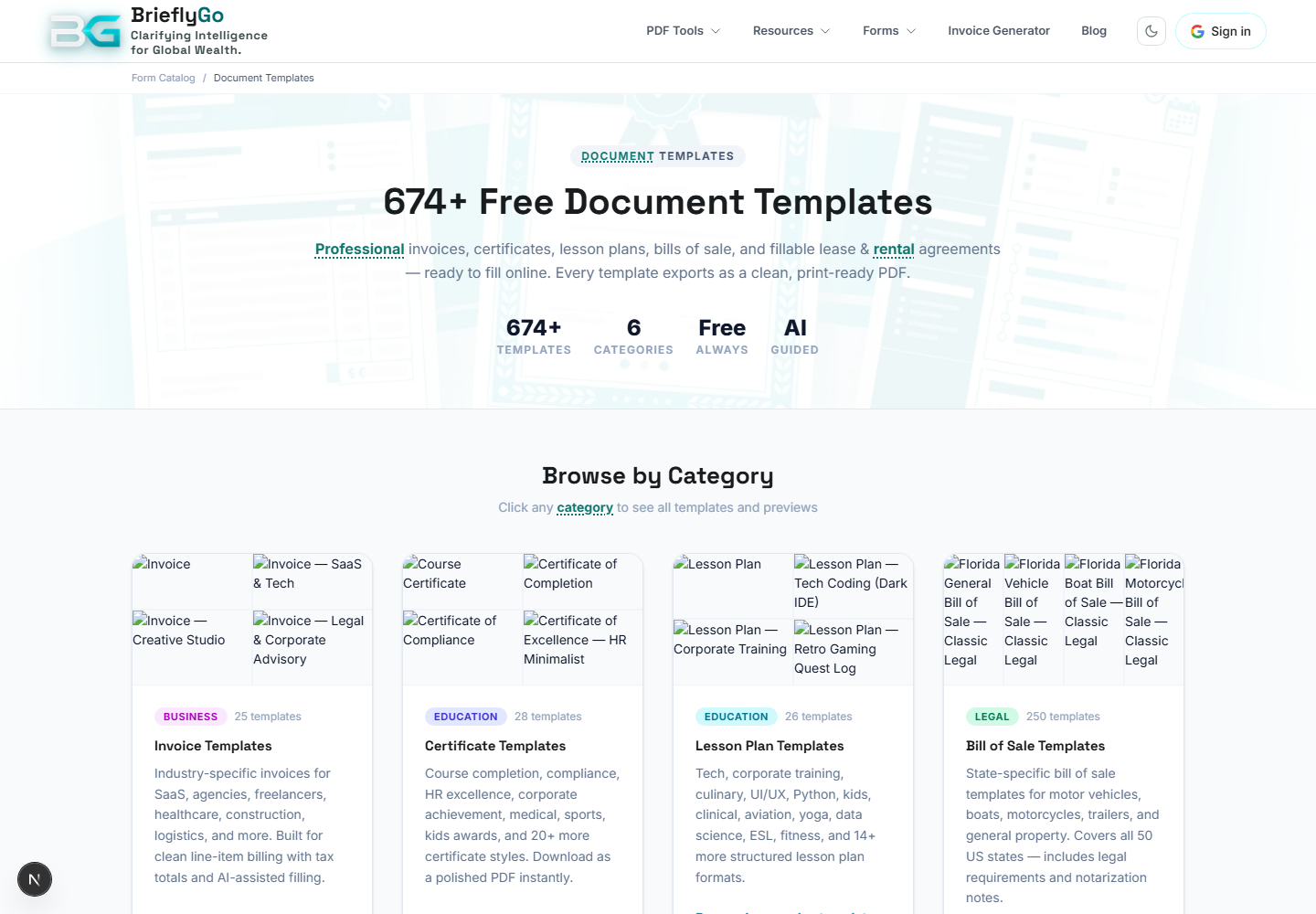
Document Templates
Template catalog for reusable documents such as leases, bills of sale, invoices, and certificates.

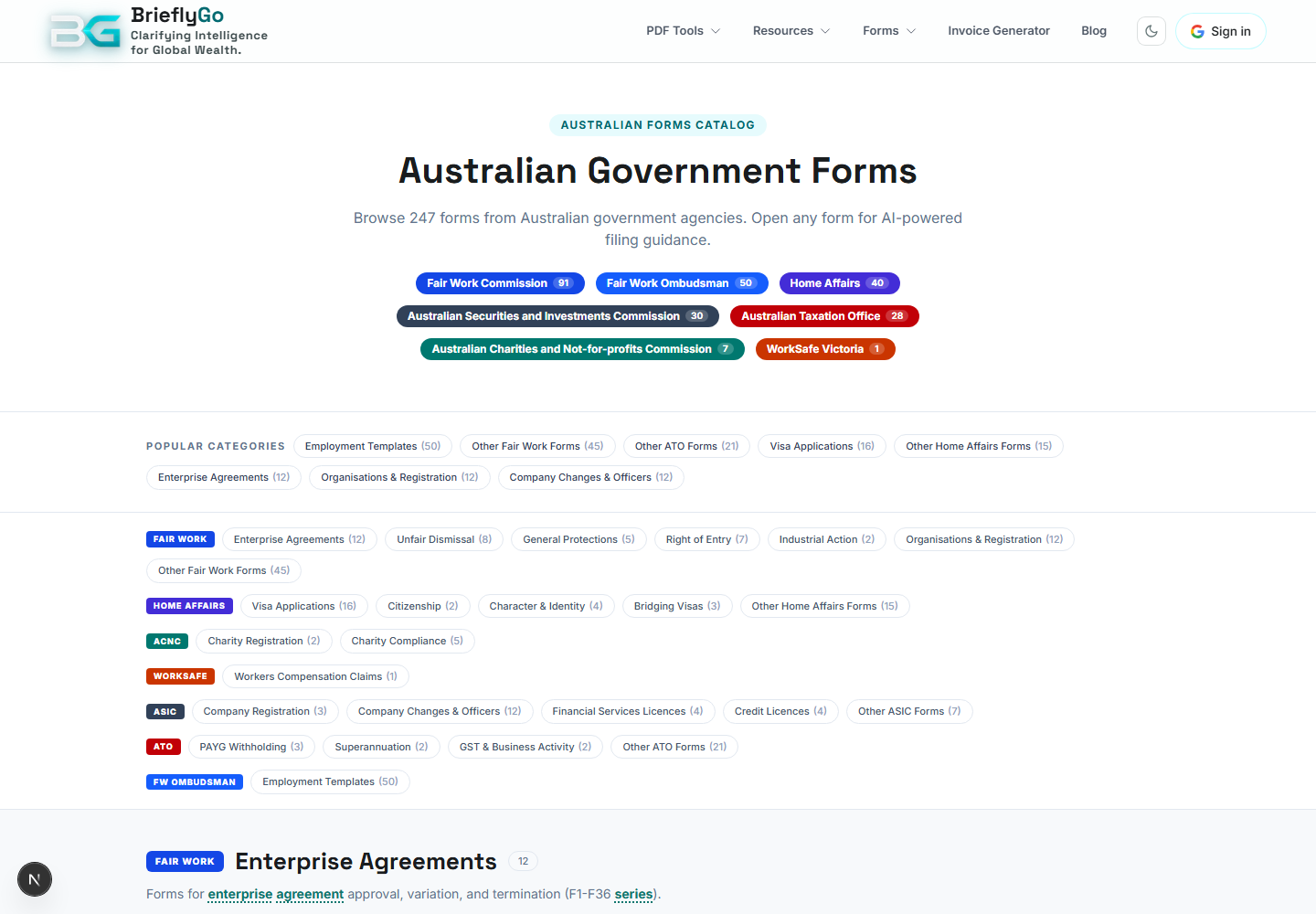
AU Forms Catalog
Australian forms catalog that routes users into form guides and editor flows.

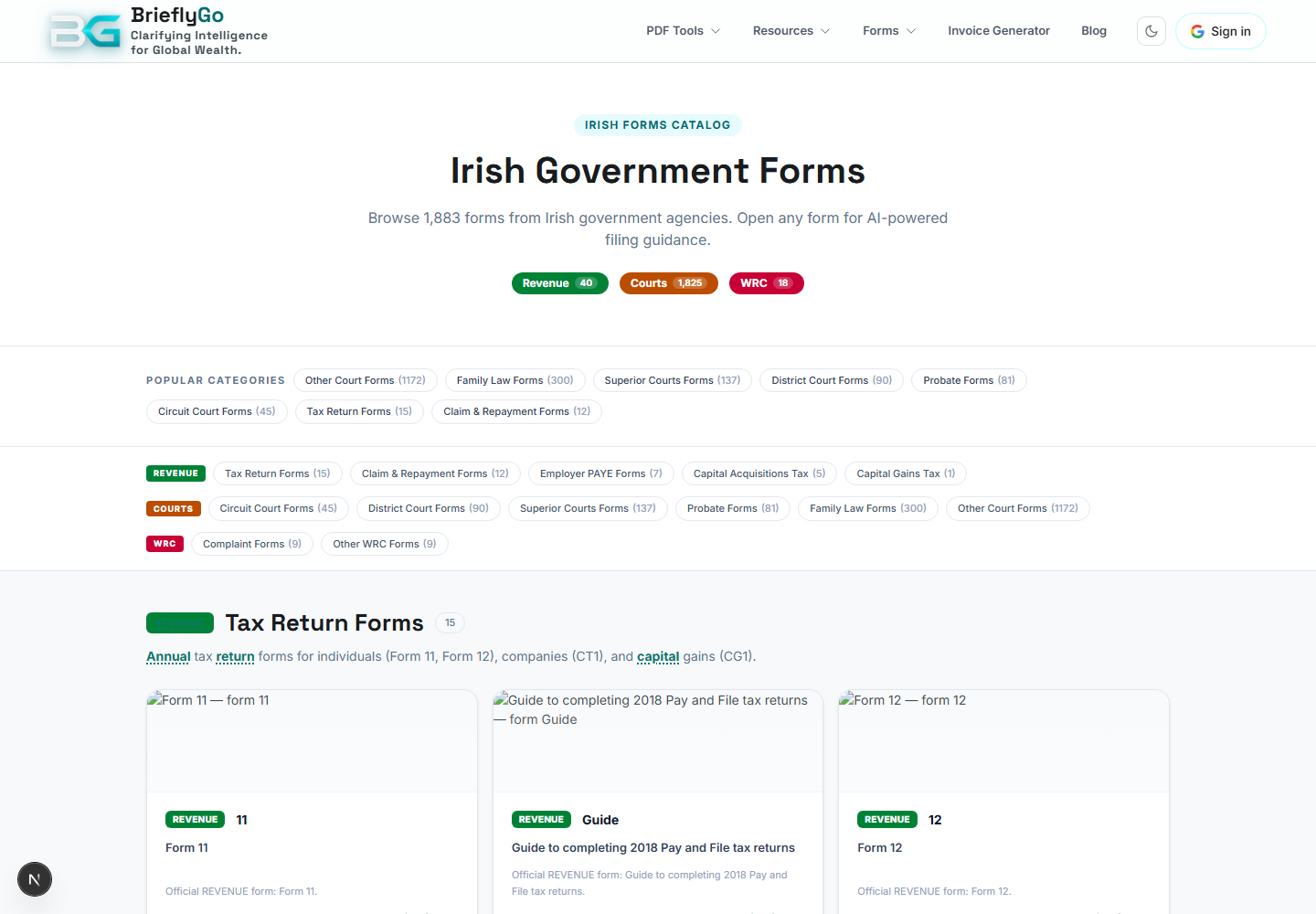
Irish Forms Catalog
Irish forms catalog that routes users into form guides and editor flows.

How It Works
Explains the risk report workflow and how users should read the product output.

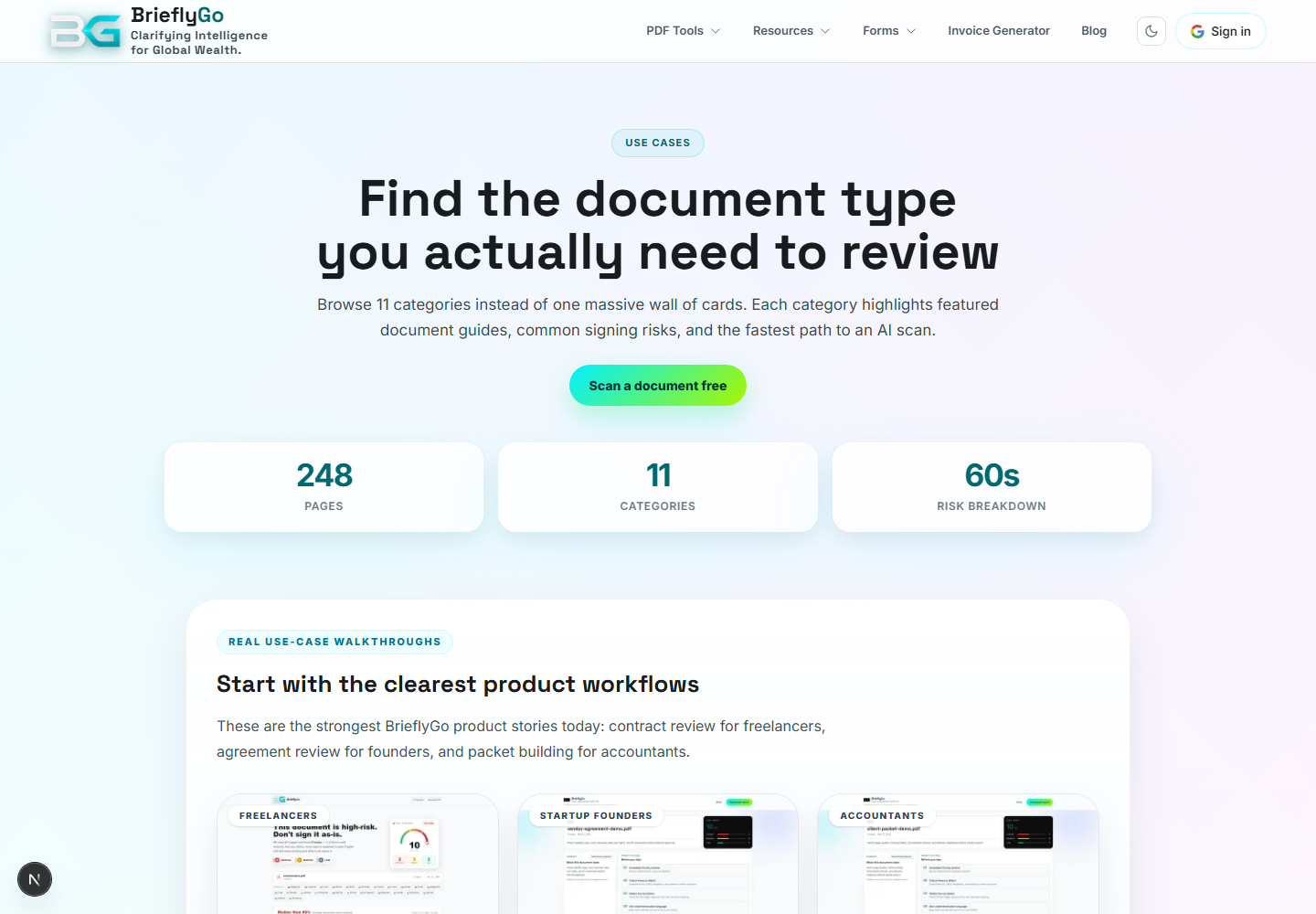
Use Cases
Collects role/problem-specific product entry points.

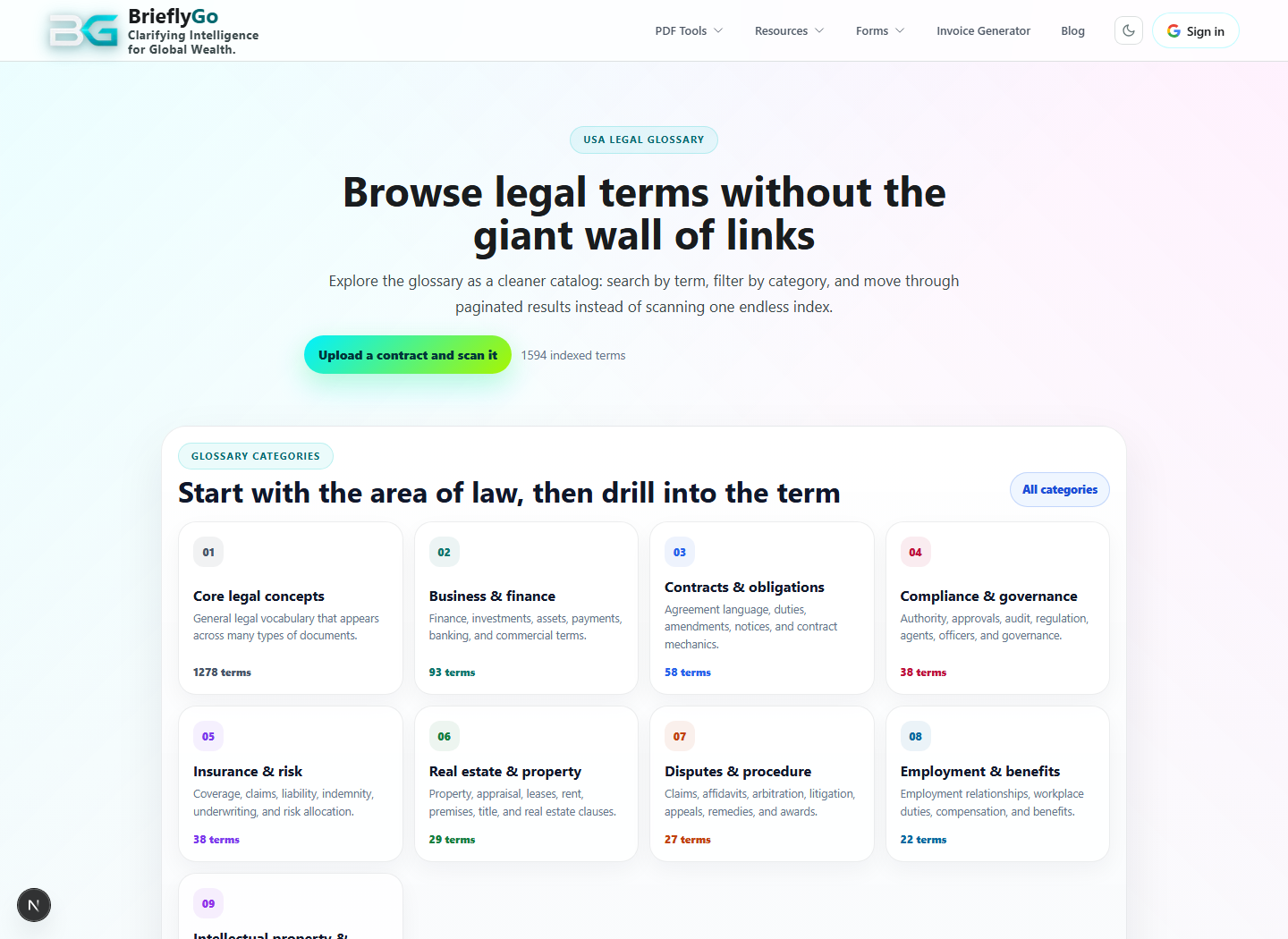
Legal glossary
Explains legal terms in plain English and connects report jargon to deeper explanations.

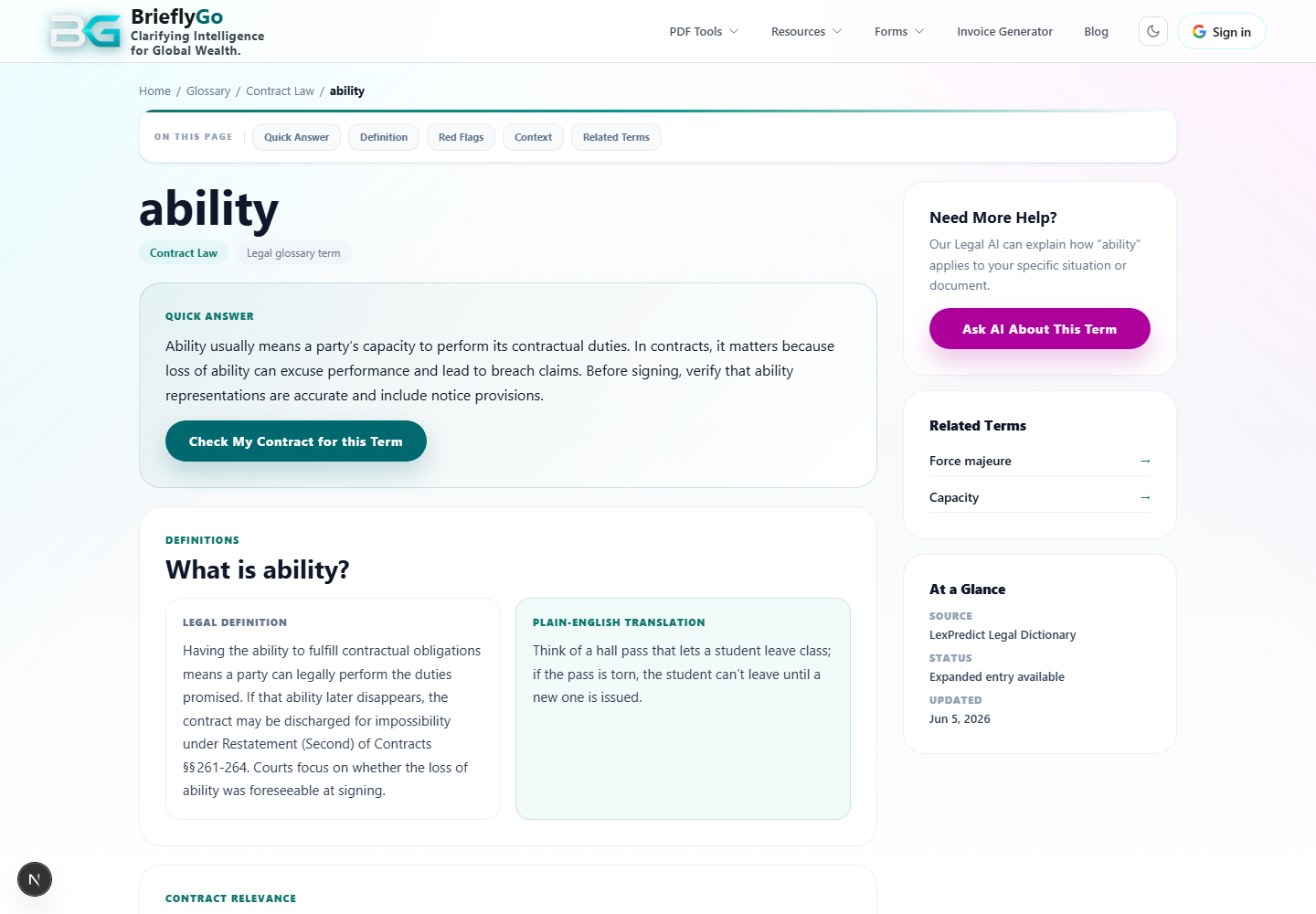
Glossary Term: Ability
Documents the individual glossary term page that report jargon and form guides can deep-link into.

Calendar / deadlines
Tracks due dates, reminders, renewal windows, signing deadlines, and follow-up actions when deadline extraction is available.