User goal
Complete a PDF form without installing Acrobat or creating an account.
Explains how users can fill detected text fields, checkboxes, dates, and signature areas directly in the browser.
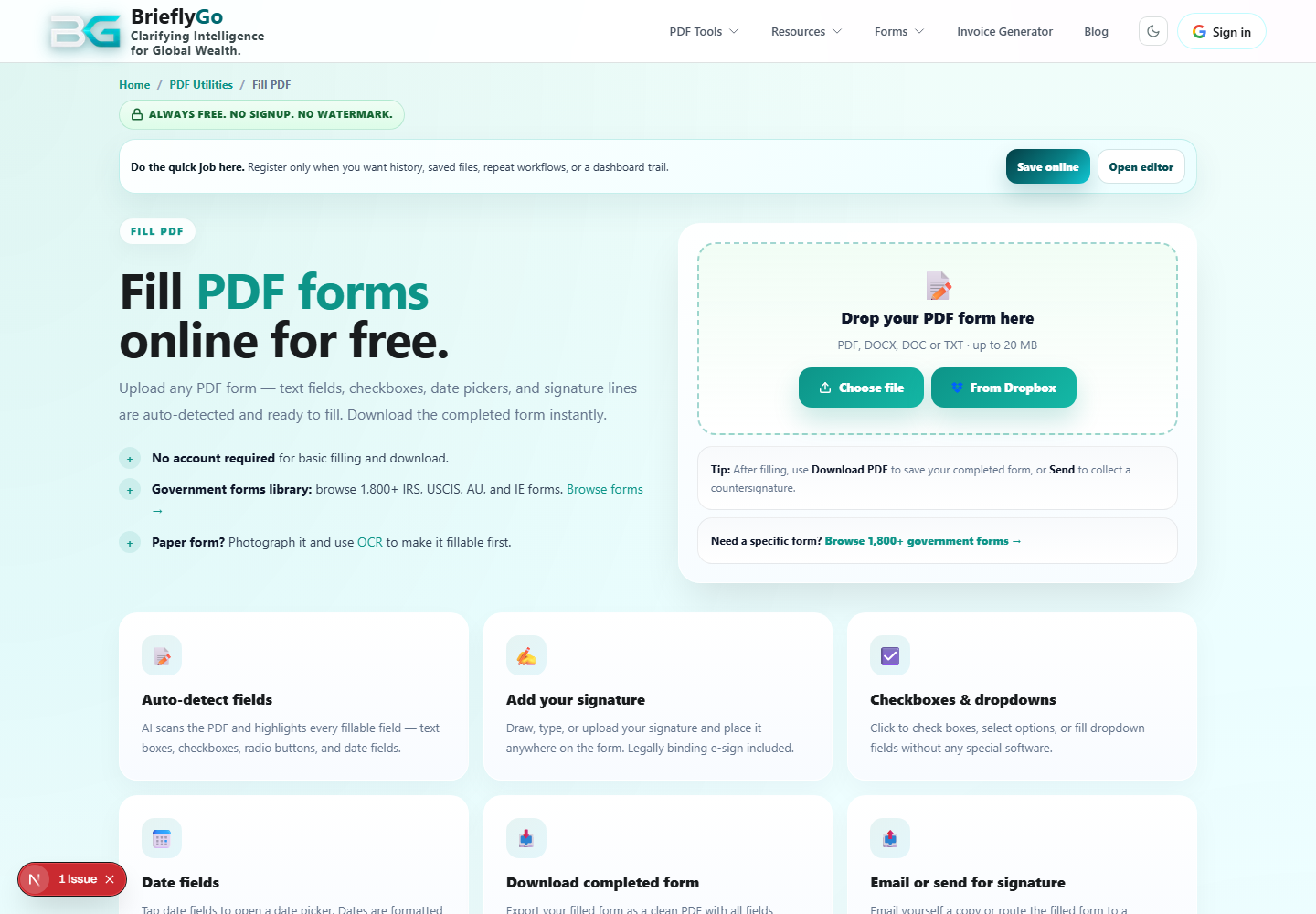
Complete a PDF form without installing Acrobat or creating an account.
Loads the source form into the browser tool.
Moves the filled form into Soft Editor when deeper edits are needed.
Exports the filled copy locally.
BrieflyGo reviews your contracts in plain English — instantly.