User goal
Sign a PDF quickly, then download it or continue into a send/signature workflow.
Shows the standalone signing entry for users who need to draw, type, or place a signature on a PDF.
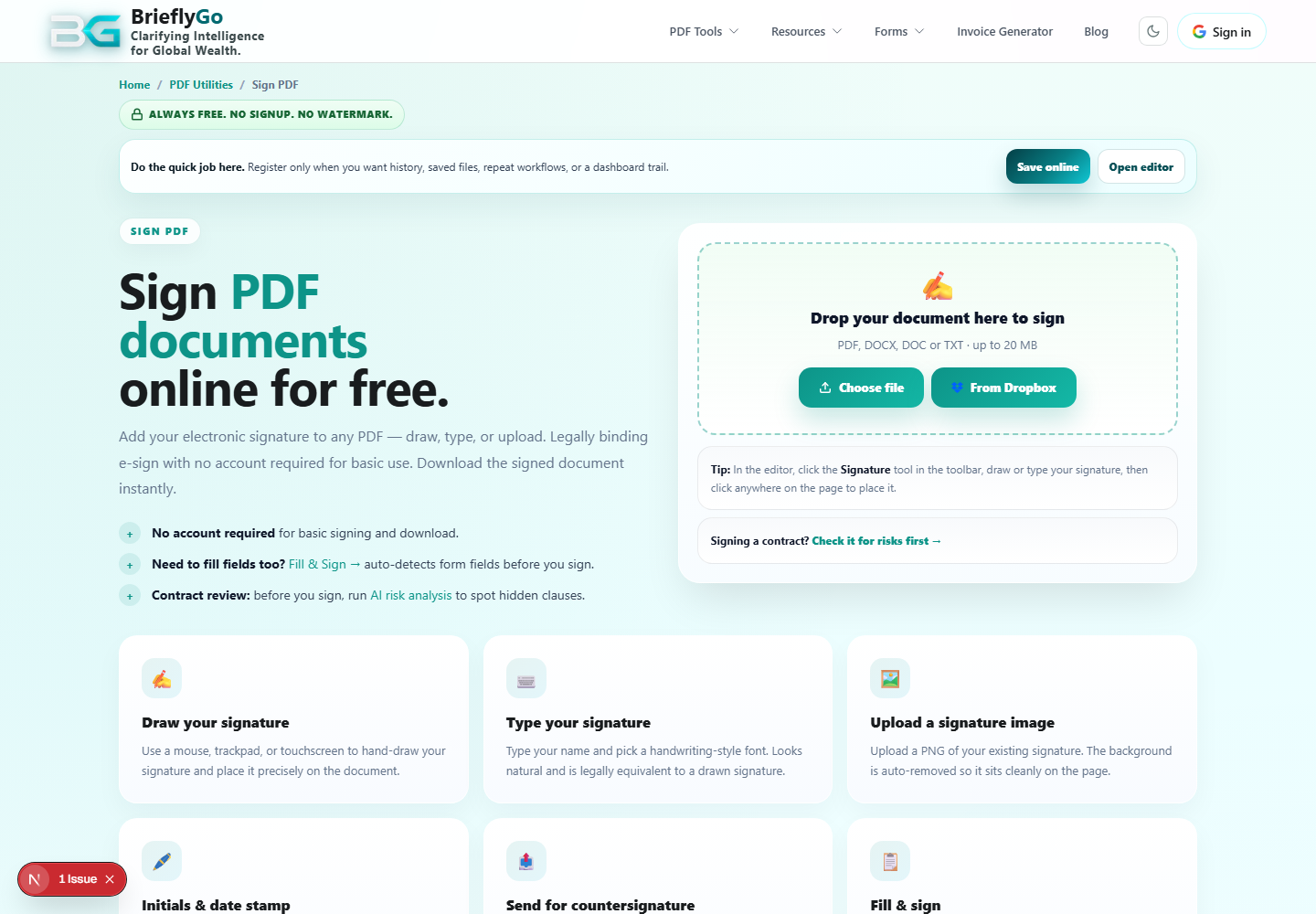
Sign a PDF quickly, then download it or continue into a send/signature workflow.
Loads the PDF to sign.
Places a signature layer onto the document.
Saves the signed document locally.
BrieflyGo reviews your contracts in plain English — instantly.