Understand how BrieflyGo works before you upload, edit, send, or sign.
This hub turns the product into readable guides: clear workflows, screen-by-screen manuals, dashboard behavior, button logic, and real screenshot evidence.
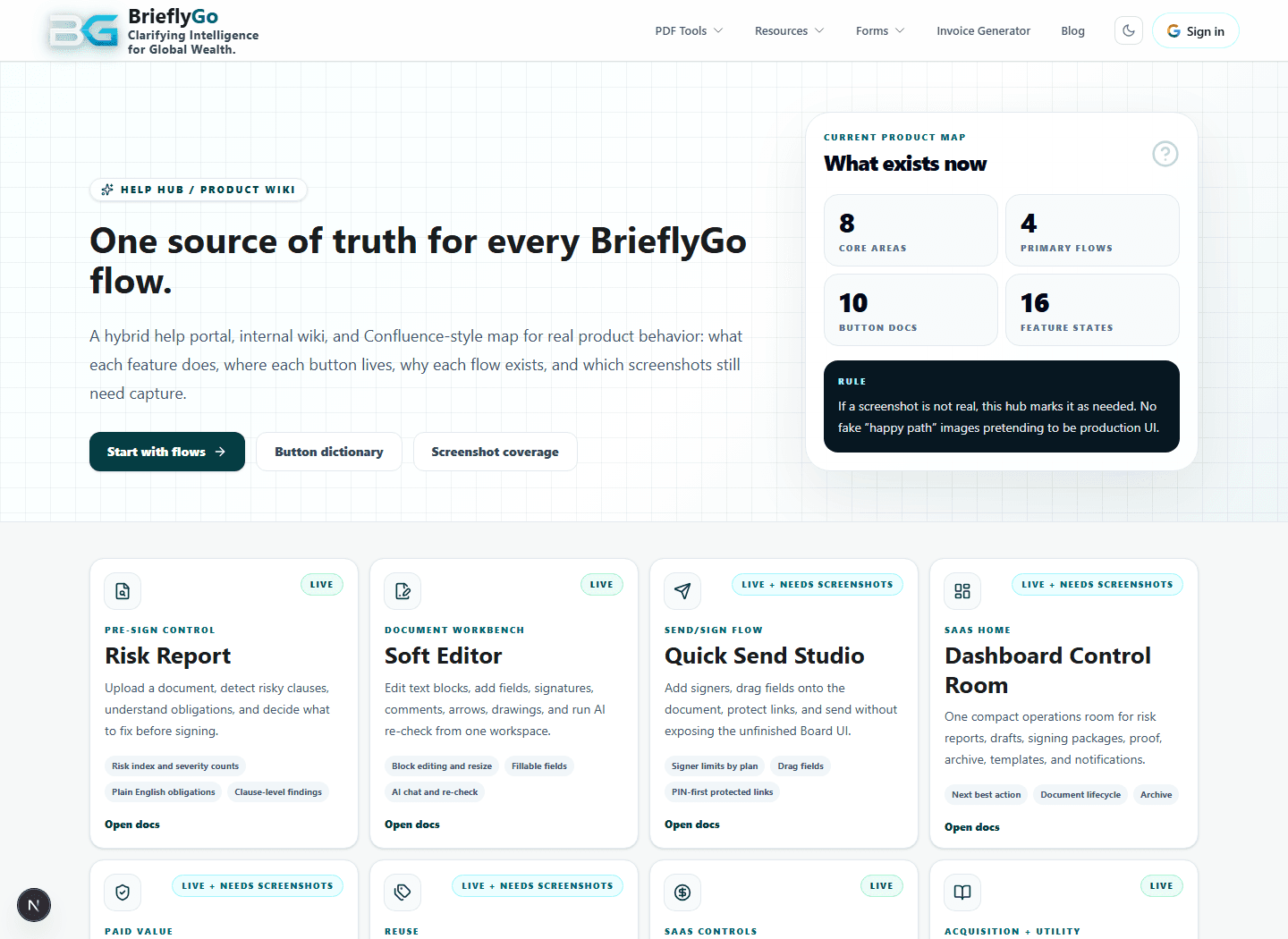
Screenshot evidence in this hub comes from real local product routes, authenticated Help Hub test accounts, and recipient-side signing captures.
Choose the fastest path into the product
New to BrieflyGo?
Start with the main product journeys so you can see how upload, review, editing, sending, and proof fit together.
Looking for a specific tool or page?
Jump straight to the screen manual for PDF tools, forms, generators, dashboards, and signing rooms.
Need proof that a screen is real?
Open the screenshot library to inspect real captures instead of polished mockups.
Browse the Help Hub
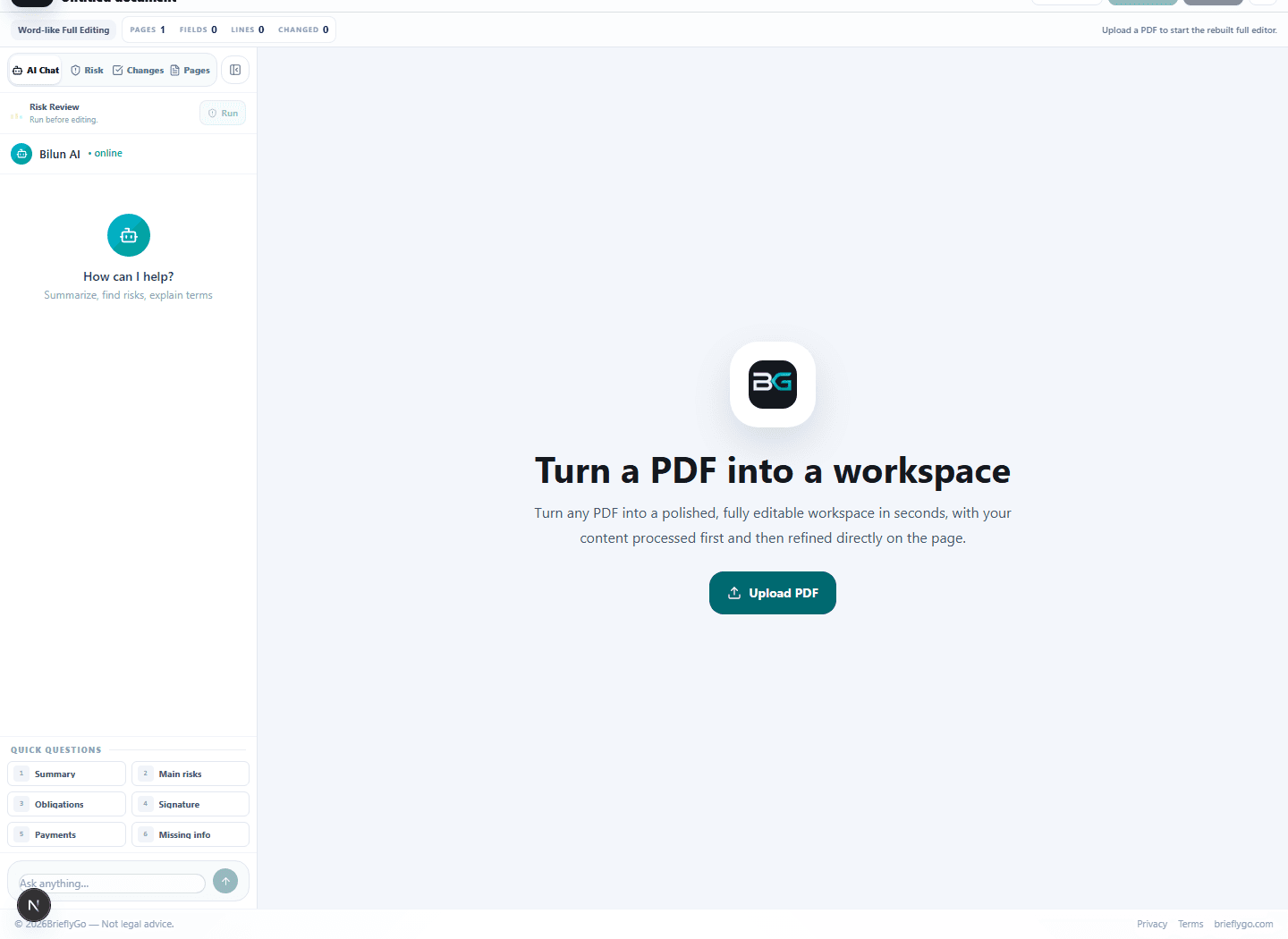
Flow Guides
Follow the main journeys: review a document, open the editor, send for signature, track status, and keep signed proof.
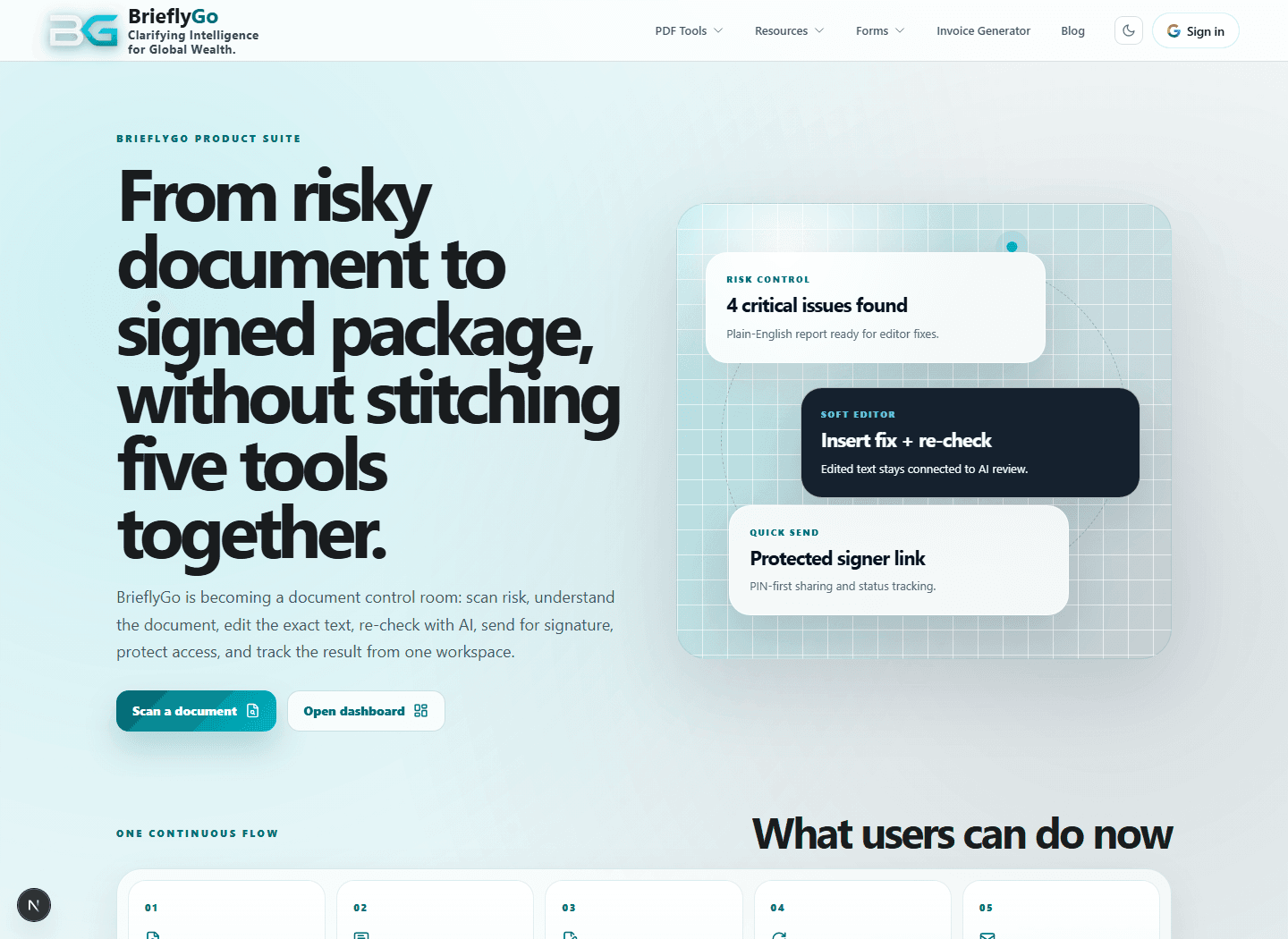
Screens & Actions
See what each page is for, what users can do there, and what should happen next.
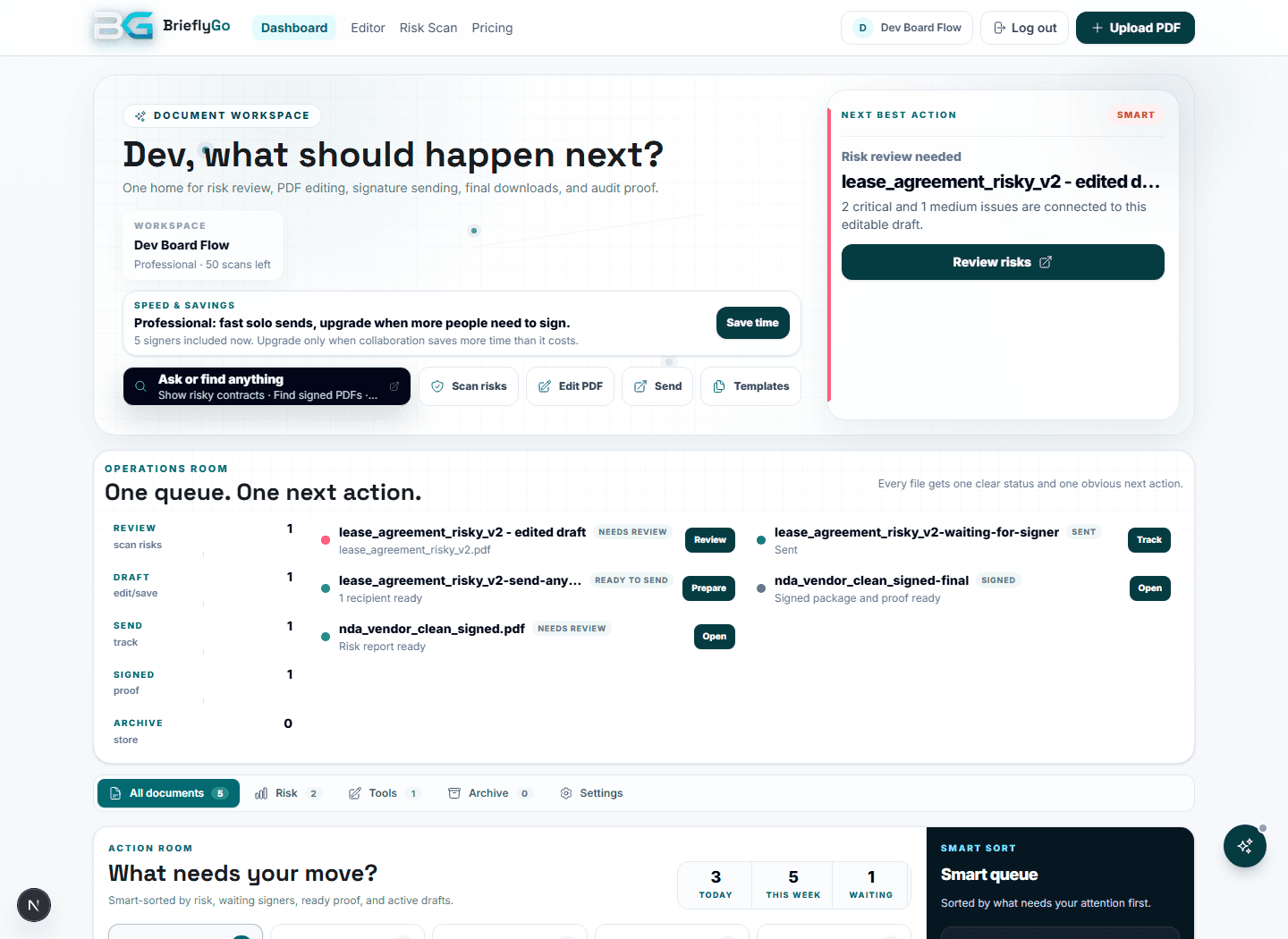
Dashboard Manual
Understand next actions, lifecycle, signed proof, templates, notifications, archive, and usage.
Button Dictionary
See what important buttons mean, what the system should do, and which failure modes must be protected.
Feature Inventory
A public-facing map of what users can rely on today, what is expanding next, and which advanced areas stay behind the scenes.
Screenshot Library
Review honest product evidence from local routes, authenticated test accounts, and recipient-side signing screens.
Read the product without getting lost
The markdown inventory lives in docs/product-feature-flow-inventory.md and powers this public Help Hub.
June 2026 — refreshed to improve public guidance, contextual CTAs, schema, and navigation.