User goal
Move PDF content into an editable text/document workflow.
Explains how users can extract PDF text for Word or Google Docs, then continue editing when needed.
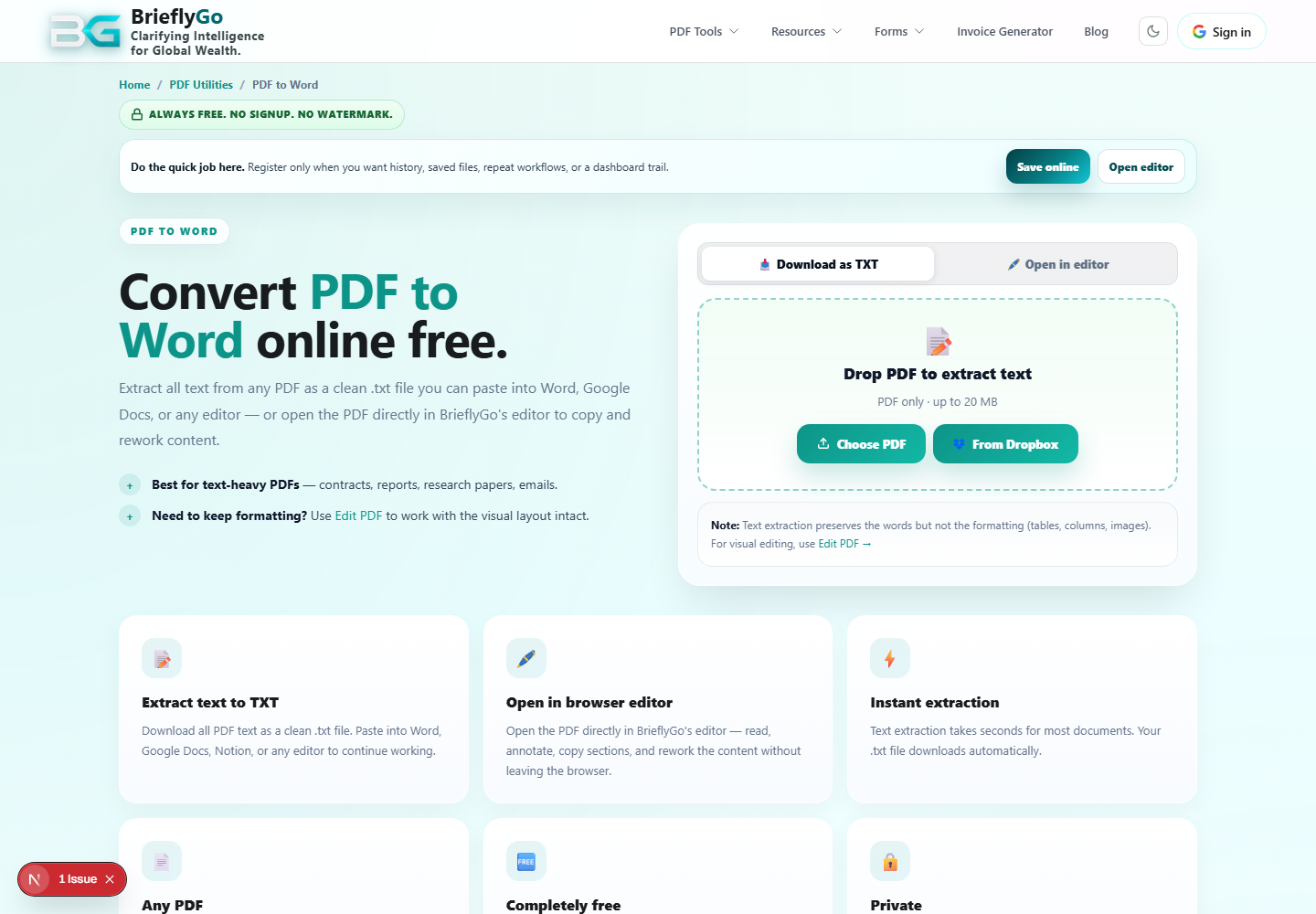
Move PDF content into an editable text/document workflow.
Loads the PDF for text extraction.
Saves extracted text for Word or Docs.
Continues into Soft Editor for layout-aware changes.
BrieflyGo reviews your contracts in plain English — instantly.