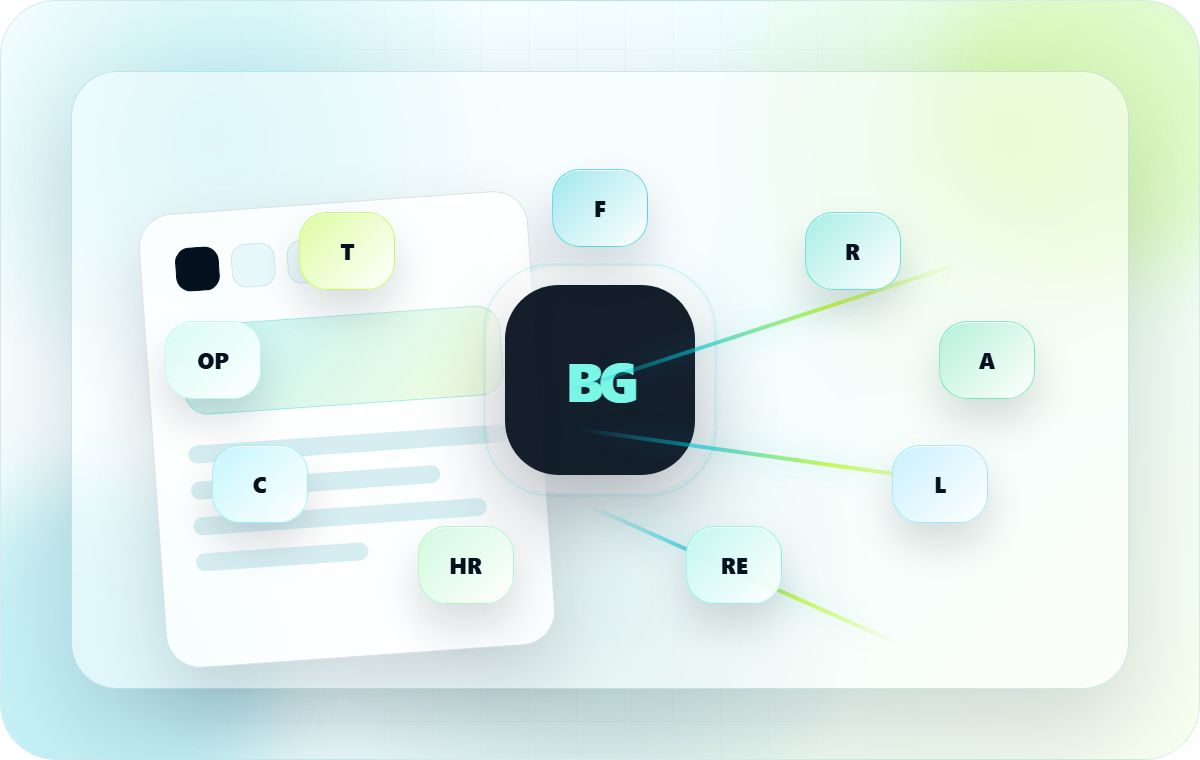
Document workflows for every role.
Nine role-specific experiences - from freelancer contract review to legal clause analysis to HR onboarding. Same product, focused on the documents and risks that matter to your work.
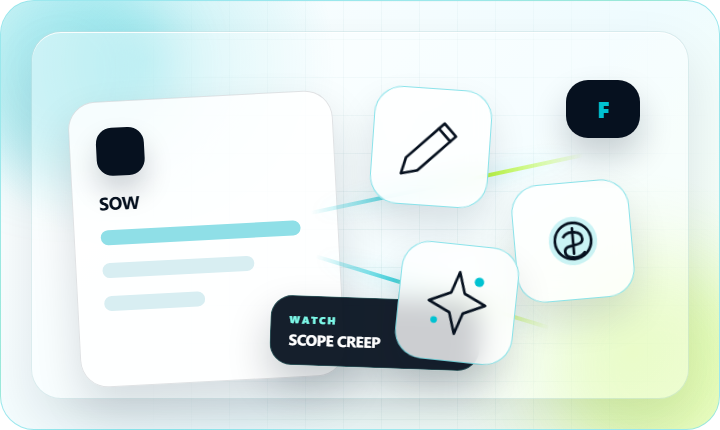
Freelancers
Review client contracts before you sign
Catch payment blocks, scope creep, IP overreach, and one-sided liability in freelance contracts, SOWs, and retainers.
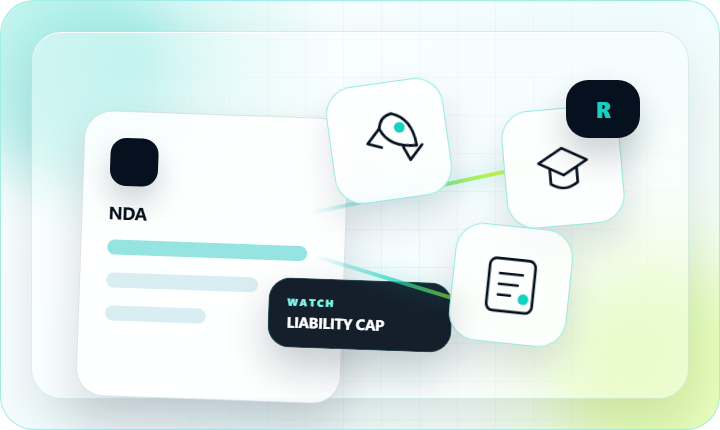
Founders
Vendor, investor, and NDA review
Flag risky vendor terms, investor side-letters, equity triggers, and liability caps before they become board problems.
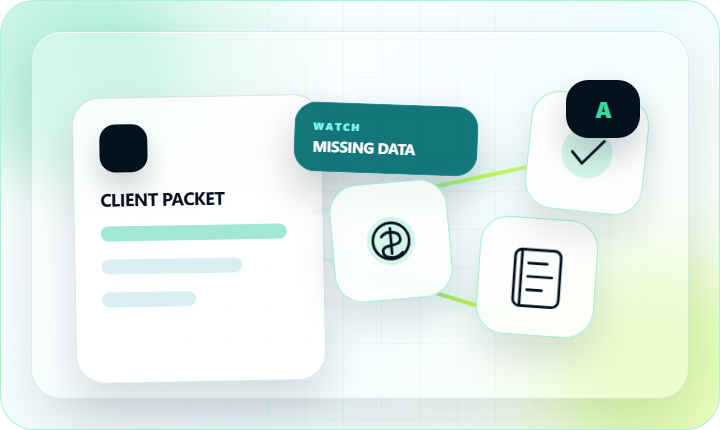
Accountants
Build and send client packets
Compile client documents, extract key data, fill engagement letters, and send organized packets with signature collection.
Legal Teams
Clause-level risk review for counsel
Identify liability traps, uncapped indemnity, IP assignment overreach, and auto-renewal clauses across vendor and client contracts.
Real Estate
Lease and property contract review
Spot hidden penalty clauses, ambiguous yield-up conditions, and auto-renewal traps in leases before landlord or tenant signs.
HR Teams
Employment contracts and onboarding docs
Review offer letters for clause risks, fill onboarding forms, and collect candidate e-signatures - no account needed for signers.
Consultants
Client agreements and SOW review
Scan consulting agreements for scope, payment, and liability risks. Fill forms and send protected signing links to clients.
Operations
Structured data extraction from PDFs
Extract structured data from vendor invoices, contracts, and forms into JSON or CSV - without writing a line of code.
Teams
Shared document identity and workflows
Build a consistent team identity kit, shared email signatures, and vCard contacts. Route documents for multi-party signature.
Same product, focused view
Not sure which fits you? Just upload the document.
All nine role pages use the same BrieflyGo product. Upload any PDF or DOCX - the AI report tells you exactly what risks apply regardless of your role.
Understand the agreement before you sign it.
Review risky clauses in plain English, fix the document, and keep it moving toward signature.