Solution Paths
Apply this tool in practical workflows, then continue with risk review and document strategy.
Convert, merge, split, compress, rotate, and edit PDFs directly in your browser. Start with a single file, then move into editor, forms, or send flow when the document needs more than a utility action.
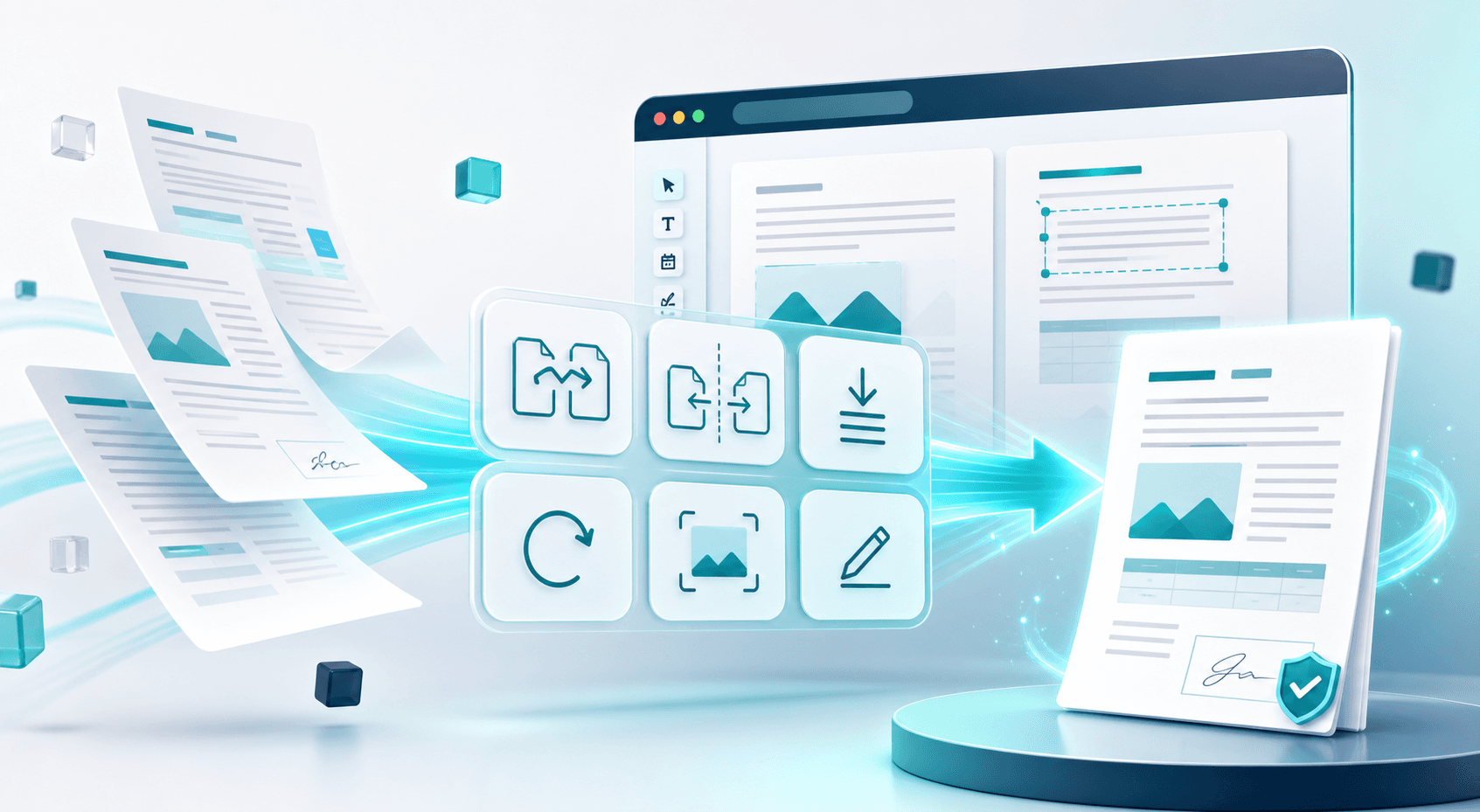
Open any PDF in the browser editor — add text, fill fields, annotate, sign, and export. Import & export via Dropbox.
Open any PDF in the browser editor — add text, annotate, and export. Import & export via Dropbox.
Auto-detect text fields, checkboxes, dates, and signature lines. Fill any form in the browser.
Draw, type, or upload your e-signature. Legally binding. No account required for basic use.
Open a free NDA template, fill in the blanks, sign, and optionally run an AI risk scan before sending.
Stamp CONFIDENTIAL, DRAFT, or any custom text diagonally across every page. Adjustable opacity.
Lock your PDF so only authorised recipients can open it. AES-256 encryption coming soon.
Stamp centered "N / Total" page numbers in the footer of every page. Instant download.
Extract all PDF text as a .txt file to paste into Word or Google Docs. Or open in editor to rework content.
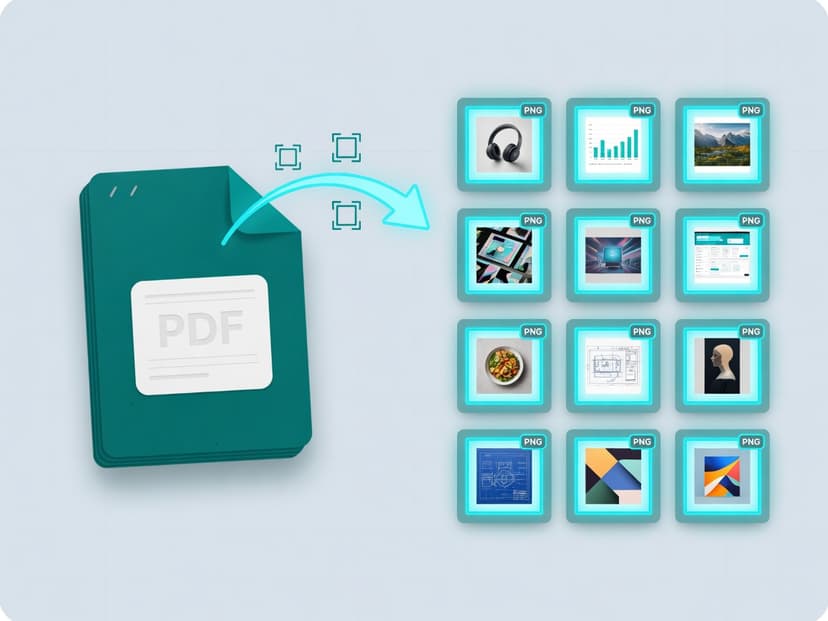
Convert PDF pages to high-quality PNG images. Choose single page or all pages.
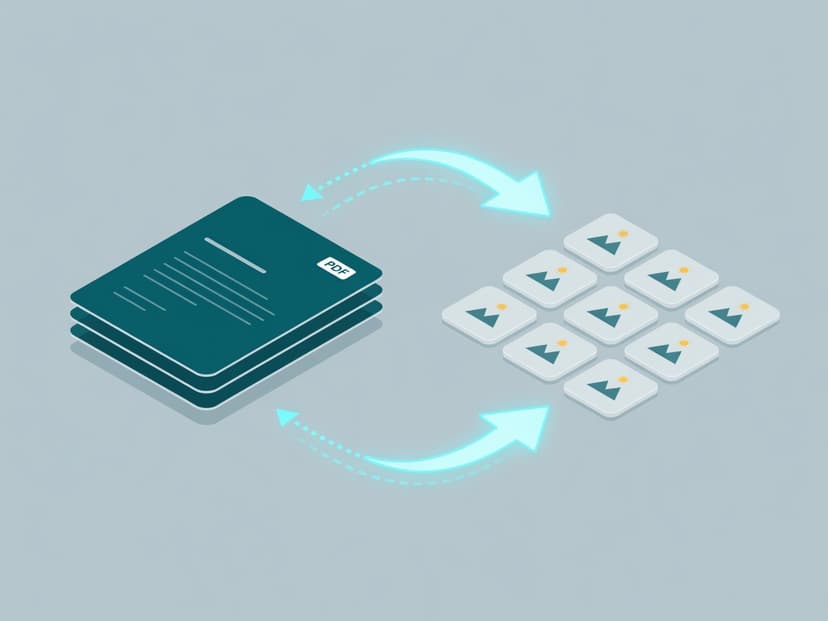
Turn every PDF page into a high-quality JPG. Multi-page files download as a tidy ZIP.
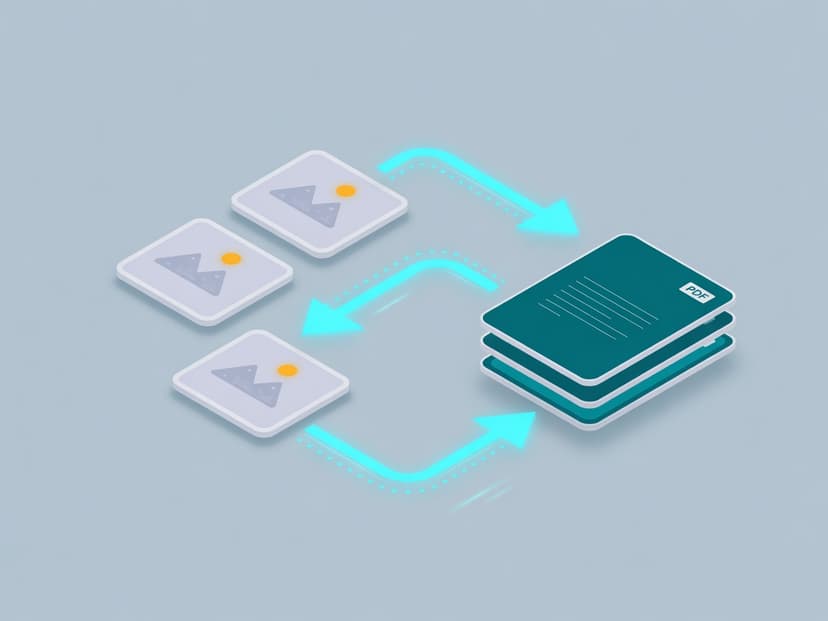
Combine JPG and PNG images into one PDF, one image per page. Add as many as you like.
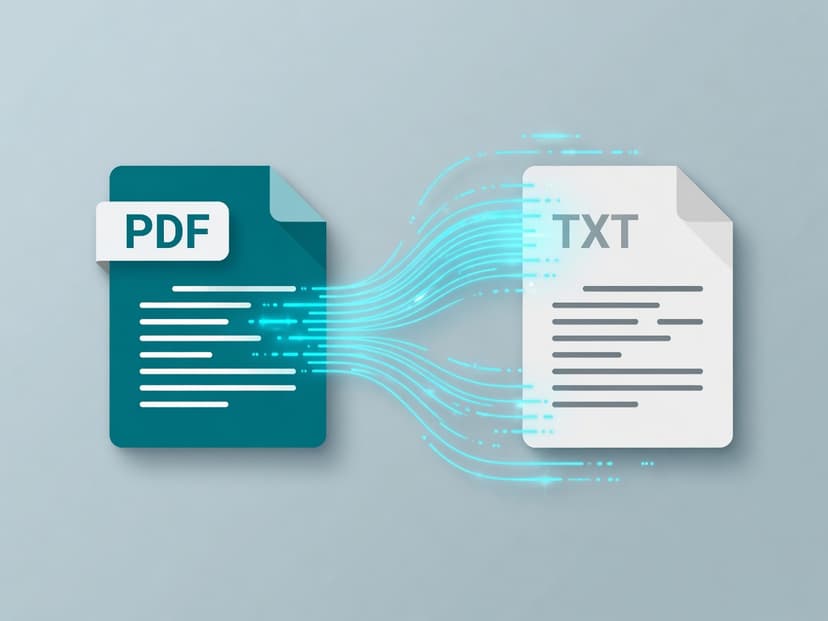
Extract all text content from your PDF files with formatting preserved.
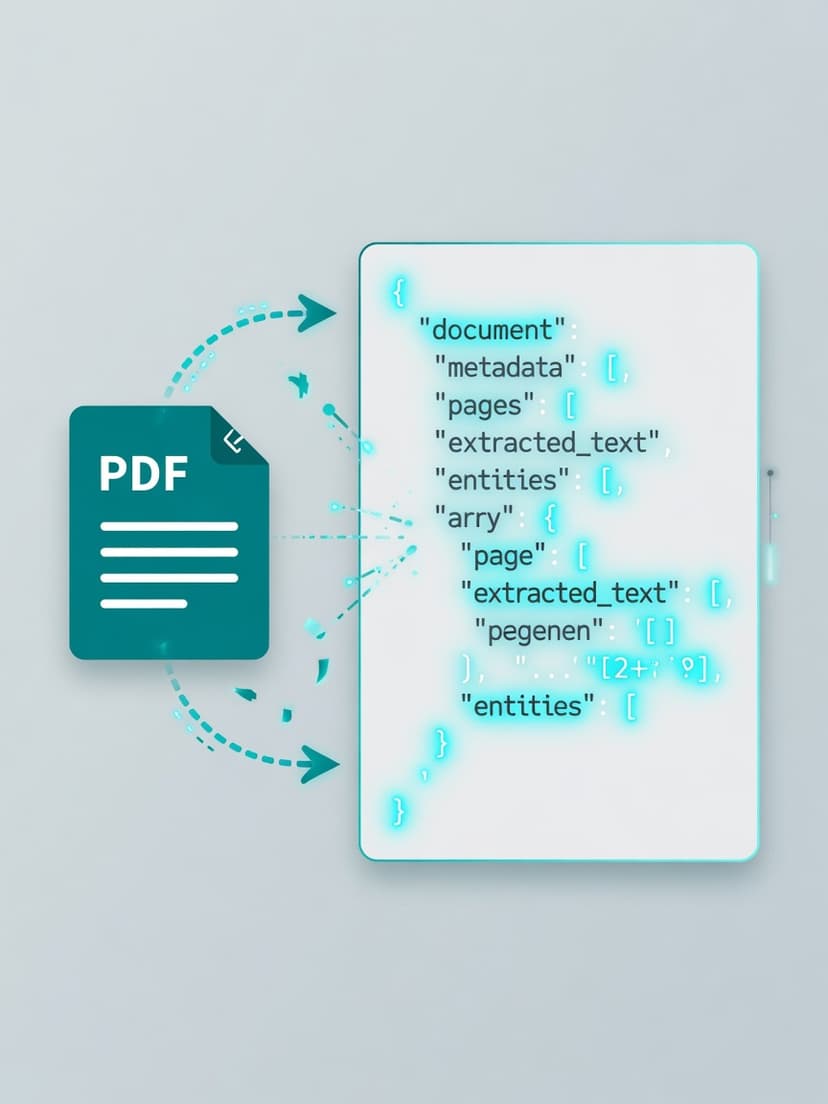
Convert PDF data to structured JSON format for programmatic access and automation.
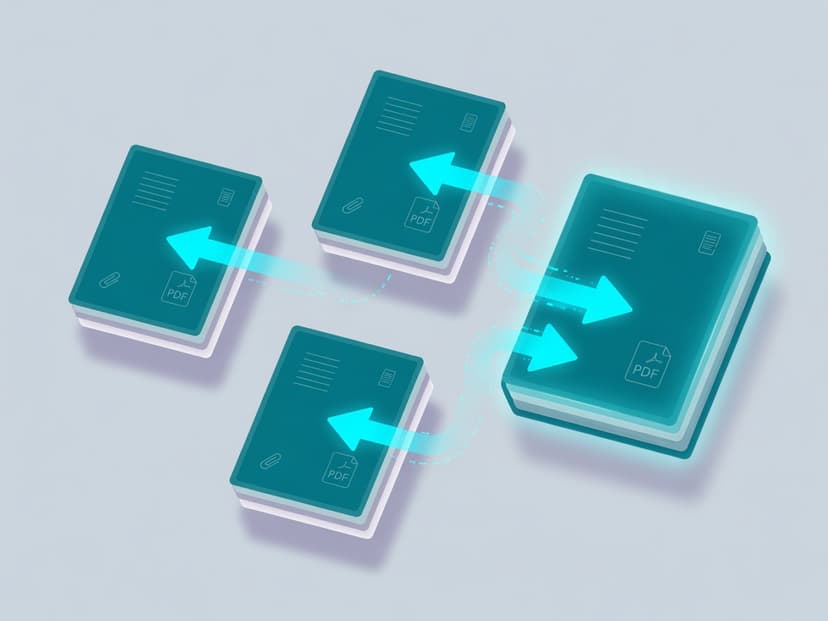
Combine multiple PDF files into one seamless document.
Extract specific pages or split your PDF into separate files.
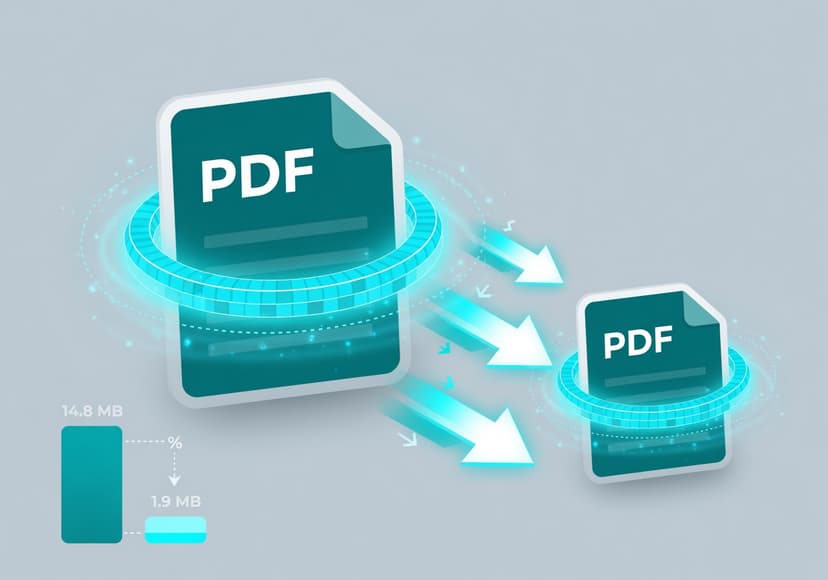
Reduce file size while maintaining quality. Perfect for email and cloud sharing.
Rotate pages in your PDF by 90°, 180°, or 270°.
Remove blank, duplicate, or sensitive pages from a PDF — in your browser.
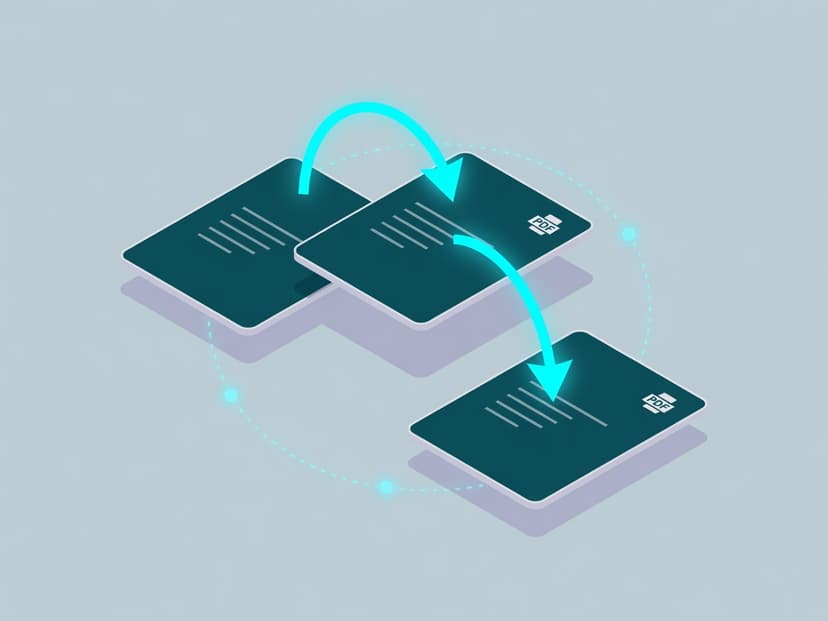
Rearrange pages into any order, then download the rebuilt document.
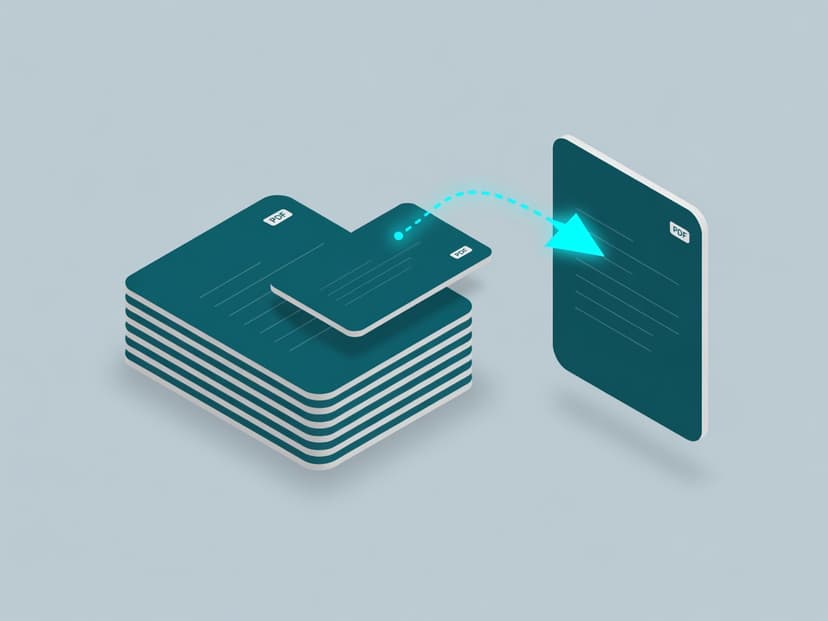
Pull selected pages into a clean new PDF — exhibits, signatures, single invoices.
Pick by what you want out of the file, not by what is wrong with it. None of these add a watermark or need an account to start, and each tool page says whether it uploads your PDF or works on it in your own browser.
| What you need | Tool | What you get back |
|---|---|---|
| I need a picture of a page | PDF to PNG | One PNG, or a ZIP with one PNG per page |
| I need the words out of a PDF | PDF to TXT | Plain text file |
| I need the content as structured data | PDF to JSON | JSON with the extracted text and page structure |
| I have several PDFs and want one | Merge PDF | One PDF in the order you arrange the files |
| I only need some pages | Split PDF | One PDF containing the pages you name |
| The file is too big to email | Compress PDF | A smaller PDF with the same pages |
| Pages are sideways or upside down | Rotate PDF | The same PDF with corrected page orientation |
| I need to type into a form | Fill PDF | The form with your entries written into it |
| I need to change or annotate the document | Edit PDF | An edited PDF with your text, notes or highlights |
| I need to sign it | Sign PDF | The document with a drawn, typed or uploaded signature |
| I need it marked CONFIDENTIAL or DRAFT | Watermark PDF | Your text stamped diagonally across every page |
| The pages need numbering | Add Page Numbers | A footer number on every page, in 1 / 12 format |
| I need the text in Word | PDF to Word | A .txt file to paste into Word or Google Docs |
| I need an NDA | NDA Template | A fillable two-page mutual NDA you can sign |
Pick by what you want out of it, not by what is wrong with the file. A picture of a page is PDF to PNG; the words are PDF to TXT, or PDF to Word if they are going into a document; structured content is PDF to JSON; fewer pages is Split PDF; several files into one is Merge PDF; a smaller file is Compress PDF; sideways pages is Rotate PDF; typing into a form is Fill PDF; a signature is Sign PDF; a CONFIDENTIAL or DRAFT label is Watermark PDF.
No. Most tools are free with no daily cap at all — the editor-based ones such as Fill, Edit and Sign, plus Watermark and Add Page Numbers. The converters (PNG, TXT, JSON, Merge, Split, Compress, Rotate) run two documents a day anonymously, after which the download asks you to register. Nothing adds a watermark, and no card is needed to start.
It depends on the tool. The converters and the watermark and page-number tools upload the PDF, process it on a BrieflyGo server over an encrypted connection, and return the result. Fill, Edit, Sign and the NDA template hand the file straight to the editor in your own browser instead, so it never leaves the device — but nothing is saved for you either unless you are signed in. Each tool page states which of the two it is. The security page and privacy policy cover storage and retention.
PNG for anything with text, lines, tables or screenshots: it is lossless, so small print stays crisp. JPG for photographic pages where a smaller file matters more than sharp edges — JPG compression blurs text and leaves halos around it.
TXT gives you the words as a flat file, which is what you want for reading, searching or pasting elsewhere. JSON keeps structure alongside the text, which is what you want when something else has to process the document — a script, a spreadsheet import or a model pipeline.
Because there was little left to remove. A PDF exported from modern software already uses compressed image streams, and a text-only document is mostly small to begin with. Large savings come from PDFs full of high-resolution scans or photographs.
No. An encrypted PDF has to be unlocked with its password before any tool can convert, split or compress it. If you own the document and know the password, remove the protection first.
It depends on the direction. Splitting, merging and rotating copy pages without re-rendering them, so nothing is lost. Converting to an image turns text into pixels, which cannot be reversed into selectable text. Compressing trades some image detail for size on purpose.
Yes. Everything runs in the browser interface on iOS and Android as well as on desktop, with no app to install. Uploading a large scan over mobile data is the slow part, not the processing.
PDF Utilities helps with real document workflows in the U.S. market, from freelancer contracts to internal legal ops. Use these guides and glossary paths to move from file processing to better decisions.
Apply this tool in practical workflows, then continue with risk review and document strategy.
Understand legal wording around the documents you process so output is clearer and safer to share.
Review risky clauses in plain English, fix the document, and keep it moving toward signature.